01. Edit your prenup financial disclosure template online
Type text, add images, blackout confidential details, add comments, highlights and more.
02. Sign it in a few clicks
Draw your signature, type it, upload its image, or use your mobile device as a signature pad.
03. Share your form with others
Send it via email, link, or fax. You can also download it, export it or print it out.
How to use or fill out Financial Statements only in Connection with Prenuptial Premarital Agreement - North Carolina
Ease of Setup
DocHub User Ratings on G2
Ease of Use
DocHub User Ratings on G2
Click ‘Get Form’ to open it in the editor.
Begin by filling out your personal information, including your name, address, occupation, and phone number. Ensure accuracy as this information is crucial for both parties.
In the 'Current Assets' section, list all assets such as cash on hand, real estate, motor vehicles, and any securities. Be thorough to provide a complete financial picture.
Next, move to the 'Current Liabilities' section. Document all debts including mortgages, loans, and credit card balances. This will help calculate your net worth accurately.
Complete the 'Individual Income Information' section by detailing your annual income sources like salary and bonuses. This provides insight into your financial stability.
Review each schedule (A through I) for specific asset types and ensure all fields are filled out correctly. If you need more space, attach additional pages as necessary.
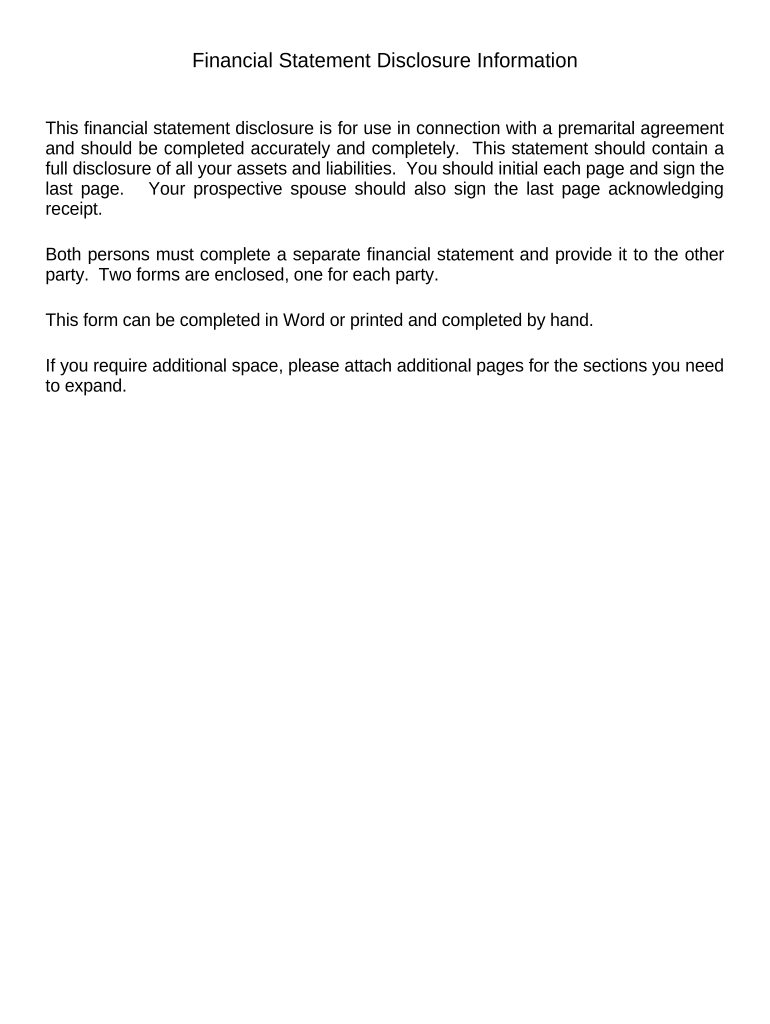
Finally, initial each page and sign the last page of the form. Your prospective spouse should also sign to acknowledge receipt of this financial statement.
Start using our platform today to easily complete your Financial Statements for free!
Fill out Financial Statements only in Connection with Prenuptial Premarital Agreement - North Carolina online It's free
by S Reynolds 1991 Cited by 10 North Carolina case law has also recognized a principle impor- tant in determining whether a premarital agreement is voidable because of fraud, duress, orRead more
Cookie consent notice
This site uses cookies to enhance site navigation and personalize your experience.
By using this site you agree to our use of cookies as described in our Privacy Notice.
You can modify your selections by visiting our Cookie and Advertising Notice.