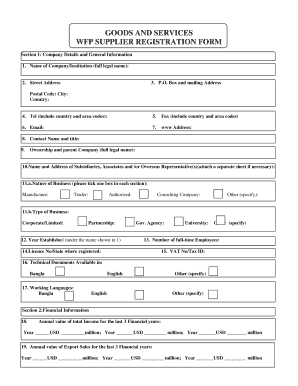
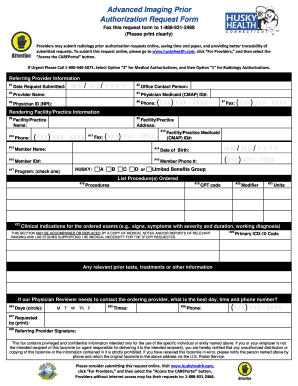
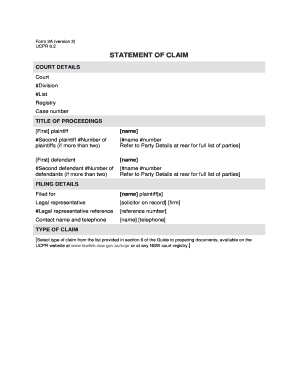
Type text, add images, blackout confidential details, add comments, highlights and more.
02. Sign it in a few clicks
Draw your signature, type it, upload its image, or use your mobile device as a signature pad.
03. Share your form with others
Send it via email, link, or fax. You can also download it, export it or print it out.
How to use or fill out Employment Hiring Process Package - Montana with our platform
Ease of Setup
DocHub User Ratings on G2
Ease of Use
DocHub User Ratings on G2
Click ‘Get Form’ to open the Employment Hiring Process Package in the editor.
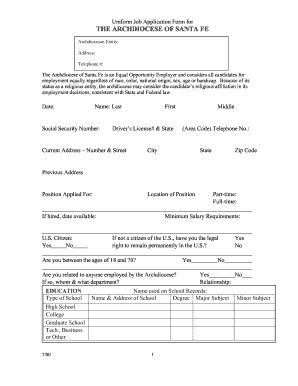
Begin with the Employment Application. Fill in personal details, ensuring you provide accurate information regarding your background and qualifications.
Next, complete the Consent to Drug Testing form. Read through the policies carefully and sign where indicated to confirm your understanding and agreement.
Proceed to the HIPAA Notice of Privacy Practices. Review this document thoroughly as it outlines your rights regarding medical information.
Continue with the Employee Time Sheet, entering hours worked and any relevant project details for accurate record-keeping.
Fill out the Direct Deposit Authorization form by providing your bank details for seamless payroll processing.
Complete any remaining forms such as the Employment Agreement and Confidentiality Agreement, ensuring all fields are filled accurately before submission.
Start using our platform today to streamline your hiring process for free!
Fill out Employment Hiring Process Package - Montana online It's free
UM Talent Acquisitions Team manages and oversees the recruitment and hiring processes for faculty, contract professional, staff and temporary employees.
Cookie consent notice
This site uses cookies to enhance site navigation and personalize your experience.
By using this site you agree to our use of cookies as described in our Privacy Notice.
You can modify your selections by visiting our Cookie and Advertising Notice.