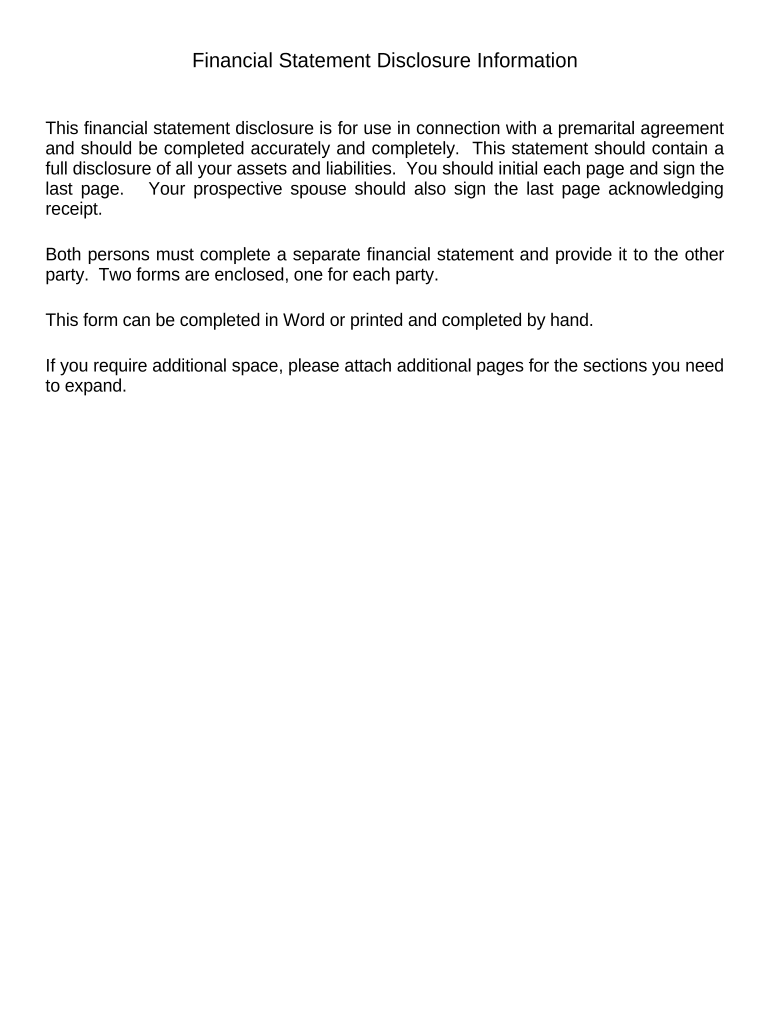
Start using our platform today to complete your Financial Statements efficiently and for free!
With DocHub, it’s quite simple. The editor offers users an add-on called DocHub for Gmail, which you can find in the Google Workspace Marketplace without being charged. Install it and grant it access to your Google account. Open your email with your Financial Statements only in Connection with Prenuptial Premarital Agreement - Montana attached and click on the add-on button in the right-side panel. Log in to your DocHub account, and import the form to our editor, where you can complete it and sign.
You may complete and sign your Financial Statements only in Connection with Prenuptial Premarital Agreement - Montana online, even on a tight deadline. All you need to access top-notch editing instruments on any device is a DocHub account, which you can sign up in just a couple of moments. Once you register, upload your document or find what you are looking for in our catalog, complete it utilizing the editing instruments you want, and place your electronic signature on it at the end.
At DocHub, your data security is our priority. We follow HIPAA, SOC2, GDPR, and other standards, so you can work on your documents with confidence.
Learn more