Type text, add images, blackout confidential details, add comments, highlights and more.
02. Sign it in a few clicks
Draw your signature, type it, upload its image, or use your mobile device as a signature pad.
03. Share your form with others
Send it via email, link, or fax. You can also download it, export it or print it out.
How to use or fill out summary judgment draft with our platform
Ease of Setup
DocHub User Ratings on G2
Ease of Use
DocHub User Ratings on G2
Click ‘Get Form’ to open the summary judgment draft in the editor.
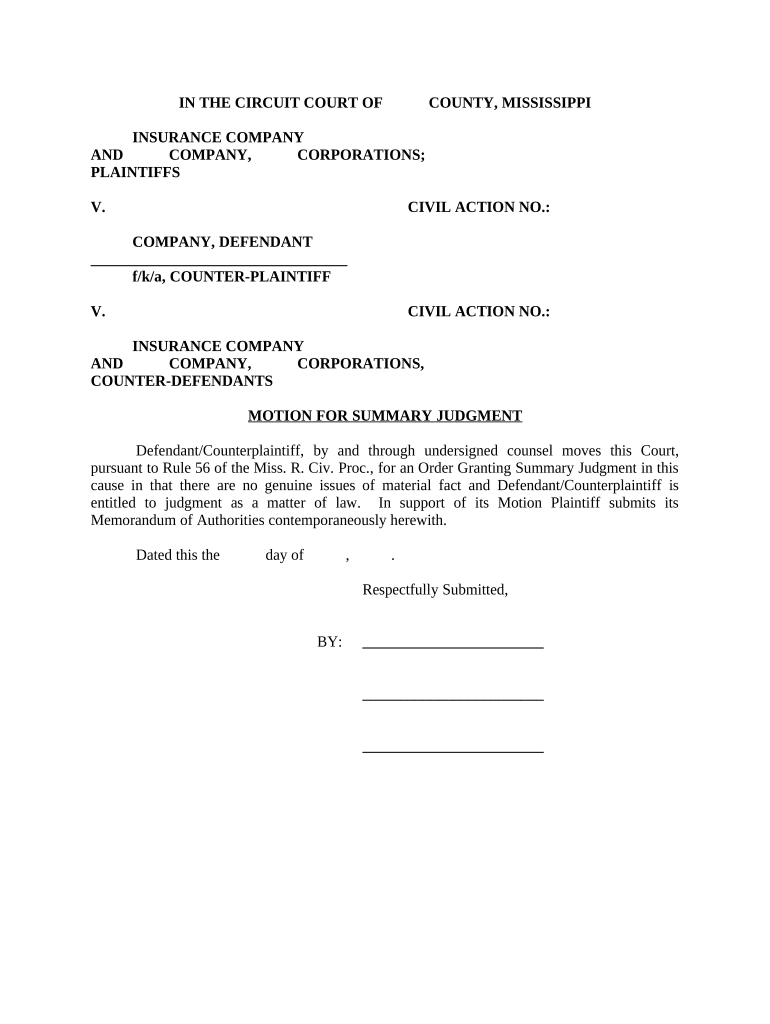
Begin by filling in the case details at the top of the document, including the names of the plaintiffs and defendants, as well as the civil action number.
In the main body, clearly state your motion for summary judgment. Ensure you articulate that there are no genuine issues of material fact and that you are entitled to judgment as a matter of law.
Add your supporting memorandum in the designated section, ensuring it aligns with Rule 56 of the Mississippi Rules of Civil Procedure.
Complete the signature block at the bottom with your name and title, along with any co-counsel's information if applicable.
Finally, fill out the Certificate of Service section to confirm that all parties have been notified appropriately.
Start editing your summary judgment draft online for free today!
Federal motion for summary judgment exampleMotion for summary judgment PDFMotion for summary judgment Memorandum exampleMotion for summary judgment Federal courtOpposition to motion for summary judgment templateHow often are motions for summary judgment grantedSample response to Motion for summary judgmentDefendant motion for summary judgment example
Security and compliance
At DocHub, your data security is our priority. We follow HIPAA, SOC2, GDPR, and other standards, so you can work on your documents with confidence.
A customized arbitration clause can be drafted with the foregoing in mind. In that regard, the following is a sample arbitration clause tailored for a realRead more
Rule 56. Summary Judgment | Federal Rules of Civil Procedure
The court shall grant summary judgment if the movant shows that there is no genuine dispute as to any material fact and the movant is entitled to judgment as aRead more
Cookie consent notice
This site uses cookies to enhance site navigation and personalize your experience.
By using this site you agree to our use of cookies as described in our Privacy Notice.
You can modify your selections by visiting our Cookie and Advertising Notice.