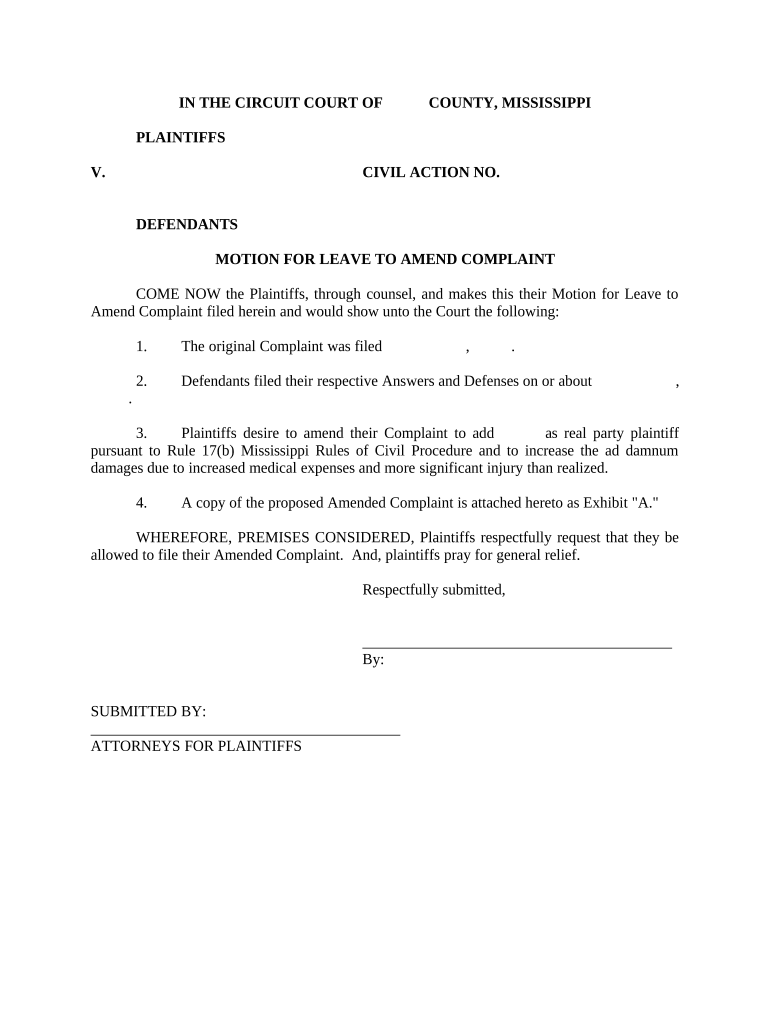
Motion to amend Complaint exampleAmended Complaint exampleMotion for leave to amend complaintFRCP 15Amended complaint FormMotion for leave to amend complaint Federal courtMotion to amend complaint Federal courtAmended complaint Federal Rules
Security and compliance
At DocHub, your data security is our priority. We follow HIPAA, SOC2, GDPR, and other standards, so you can work on your documents with confidence.
Rule 15. Amended and Supplemental Pleadings | US Law
A party may amend its pleading once as a matter of course no later than: (A) 21 days after serving it, or (B) if the pleading is one to which a responsiveRead more
I. Supplemental Complaints You may file a supplemental complaint only if you request permission of the Court by motion with notice to the opposing parties.Read more
The trial judge granted the motion, but the appellate court reversed because the amended claim did not exceed the scope of the agreement to arbitrate as it wasRead more
Cookie consent notice
This site uses cookies to enhance site navigation and personalize your experience.
By using this site you agree to our use of cookies as described in our Privacy Notice.
You can modify your selections by visiting our Cookie and Advertising Notice.