




01. Edit your form online
Type text, add images, blackout confidential details, add comments, highlights and more.

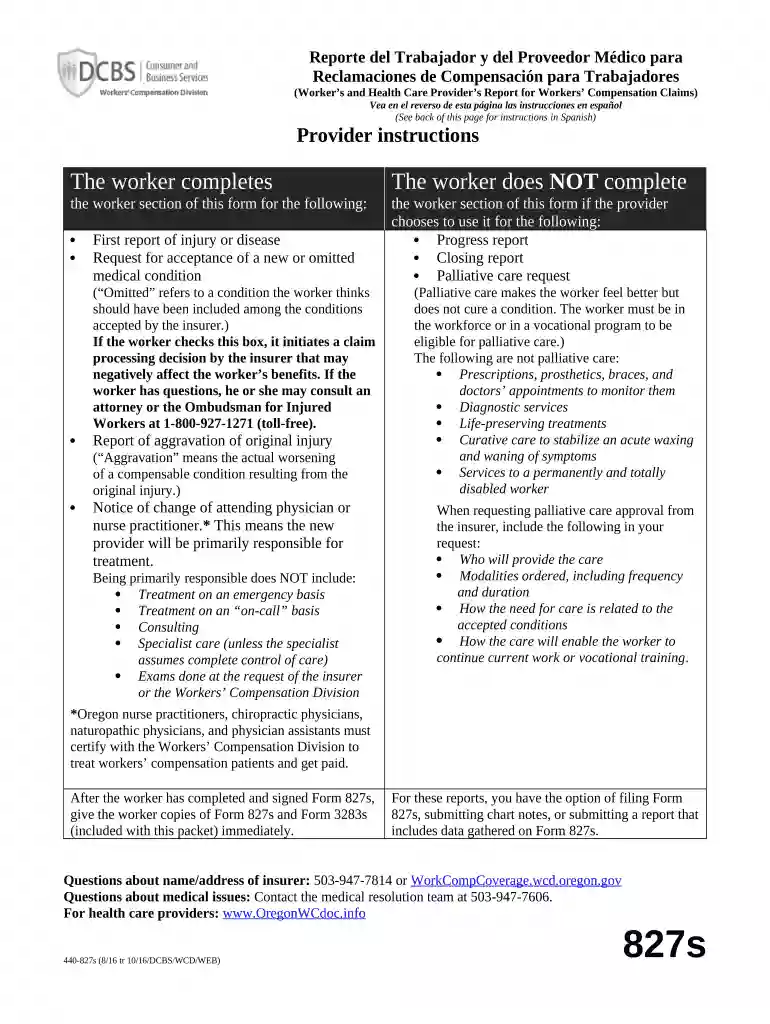
Type text, add images, blackout confidential details, add comments, highlights and more.

Draw your signature, type it, upload its image, or use your mobile device as a signature pad.

Send it via email, link, or fax. You can also download it, export it or print it out.

Start using our platform today to streamline your document editing and ensure your Oregon Workers form is filled out correctly!
At DocHub, your data security is our priority. We follow HIPAA, SOC2, GDPR, and other standards, so you can work on your documents with confidence.


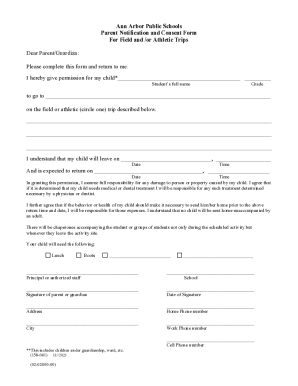

Workers Compensation Insurance provides benefits for workers who are injured or suffer an occupational disease as a result of their work. Oregon State
Our mission is to provide timely and impartial resolution of disputes arising under Oregon Workers Compensation Law and the Oregon Safe Employment Act.
Mar 30, 2026 Cascade Steel Rolling Mills is a steel plant in McMinnville, Oregon, United States that operates electric arc furnace (EAF) technology.


