Type text, add images, blackout confidential details, add comments, highlights and more.
02. Sign it in a few clicks
Draw your signature, type it, upload its image, or use your mobile device as a signature pad.
03. Share your form with others
Send it via email, link, or fax. You can also download it, export it or print it out.
How to use or fill out license agreement data with our platform
Ease of Setup
DocHub User Ratings on G2
Ease of Use
DocHub User Ratings on G2
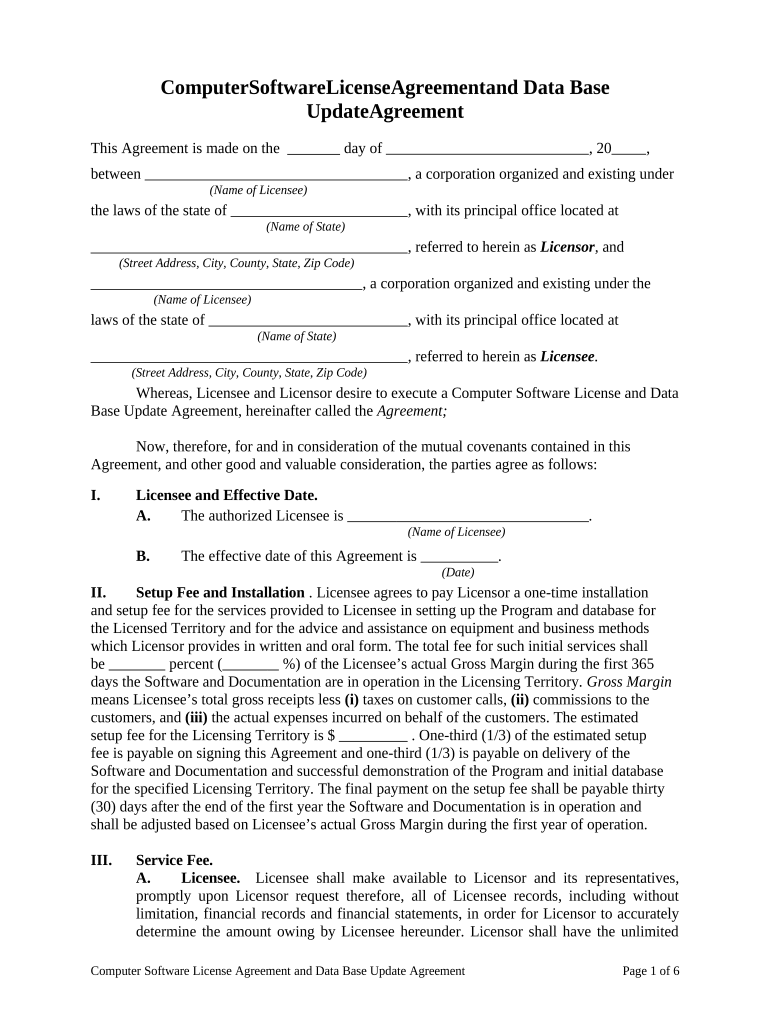
Click ‘Get Form’ to open the license agreement in the editor.
Begin by entering the date of the agreement at the top of the form. This is crucial for establishing the effective date.
Fill in the names and addresses of both the Licensor and Licensee in their respective fields. Ensure accuracy as this information is vital for legal identification.
In Section I, specify the authorized Licensee's name and the effective date of this Agreement. This section confirms who is entitled to use the software.
Proceed to Section II to input details regarding setup fees and installation costs. Be sure to calculate and enter any percentages related to gross margins accurately.
Continue through each section, providing necessary information such as service fees, licensing territory, and items to be delivered. Each field should be filled out carefully based on your specific agreement terms.
Finally, review all entered data for accuracy before signing. Use our platform’s features to save or share your completed document as needed.
Start using our platform today for free to streamline your license agreement process!
License agreement data templateLicense agreement data exampleLicense agreement data template wordLicense agreement data pdfFree license agreement dataWhat is data licensingWhat is data licensing shutterstockData License Bloomberg
Security and compliance
At DocHub, your data security is our priority. We follow HIPAA, SOC2, GDPR, and other standards, so you can work on your documents with confidence.
Cookie consent notice
This site uses cookies to enhance site navigation and personalize your experience.
By using this site you agree to our use of cookies as described in our Privacy Notice.
You can modify your selections by visiting our Cookie and Advertising Notice.