




Here's how it works

01. Edit your dochub com fillable form online
Type text, add images, blackout confidential details, add comments, highlights and more.

02. Sign it in a few clicks
Draw your signature, type it, upload its image, or use your mobile device as a signature pad.

03. Share your form with others
Send relocation agreement template via email, link, or fax. You can also download it, export it or print it out.
How to use or fill out sample relocation agreement with our platform

- Click ‘Get Form’ to open the sample relocation agreement in the editor.
- Begin by filling in the first blank with the name of the employee, followed by their title and the company name in the respective fields.
- In the next section, specify the current location of the employee and their new work address. Ensure accuracy for smooth processing.
- For the loan amount, enter the estimated equity value that will be loaned to the employee. This is crucial for financial clarity.
- Complete details regarding monthly house payments, including amounts and dates. This ensures both parties are aligned on payment expectations.
- Finally, add signatures where indicated. Use our platform’s signature feature for a seamless signing experience.
Start using our platform today to easily complete your relocation agreement online for free!
Fill out sample relocation agreement online
It's free
It's free
Security and compliance
At DocHub, your data security is our priority. We follow HIPAA, SOC2, GDPR, and other standards, so you can work on your documents with confidence.
Learn more


Related forms
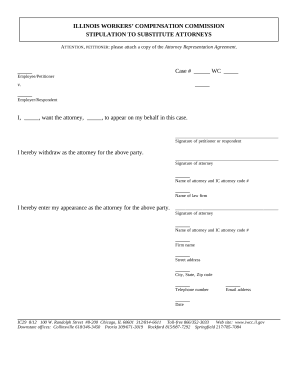
Attorneys workers compensation
The document is a stipulation form from the Illinois Workers' Compensation Commission allowing a petitioner to substitut ...