




01. Edit your form online
Type text, add images, blackout confidential details, add comments, highlights and more.

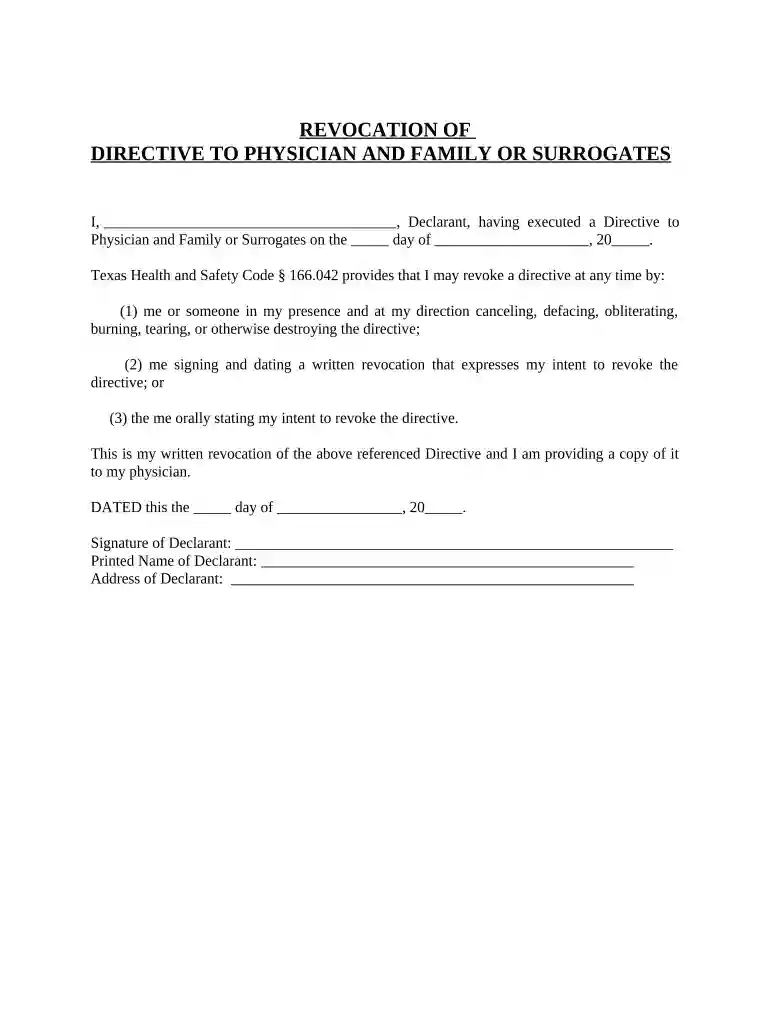
Type text, add images, blackout confidential details, add comments, highlights and more.

Draw your signature, type it, upload its image, or use your mobile device as a signature pad.

Send it via email, link, or fax. You can also download it, export it or print it out.

Start using our platform today to easily manage your directive physicians forms online for free!
At DocHub, your data security is our priority. We follow HIPAA, SOC2, GDPR, and other standards, so you can work on your documents with confidence.



If you are at least 18 years old, of sound mind, and acting on your own free will, you may sign a DIRECTIVE TO PHYSICIANS (DIRECTIVE) concerning your own careRead more
Dr Marie Charles is a medical doctor and entrepreneur with a highly distinguished background in international business and finance.
This form is designed to help you communicate your wishes about medical treatment at some time in the future when you are unable to make your wishes known.Read more


