




Here's how it works

01. Edit your notice of termination of contract online
Type text, add images, blackout confidential details, add comments, highlights and more.

02. Sign it in a few clicks
Draw your signature, type it, upload its image, or use your mobile device as a signature pad.

03. Share your form with others
Send termination of real estate contract via email, link, or fax. You can also download it, export it or print it out.
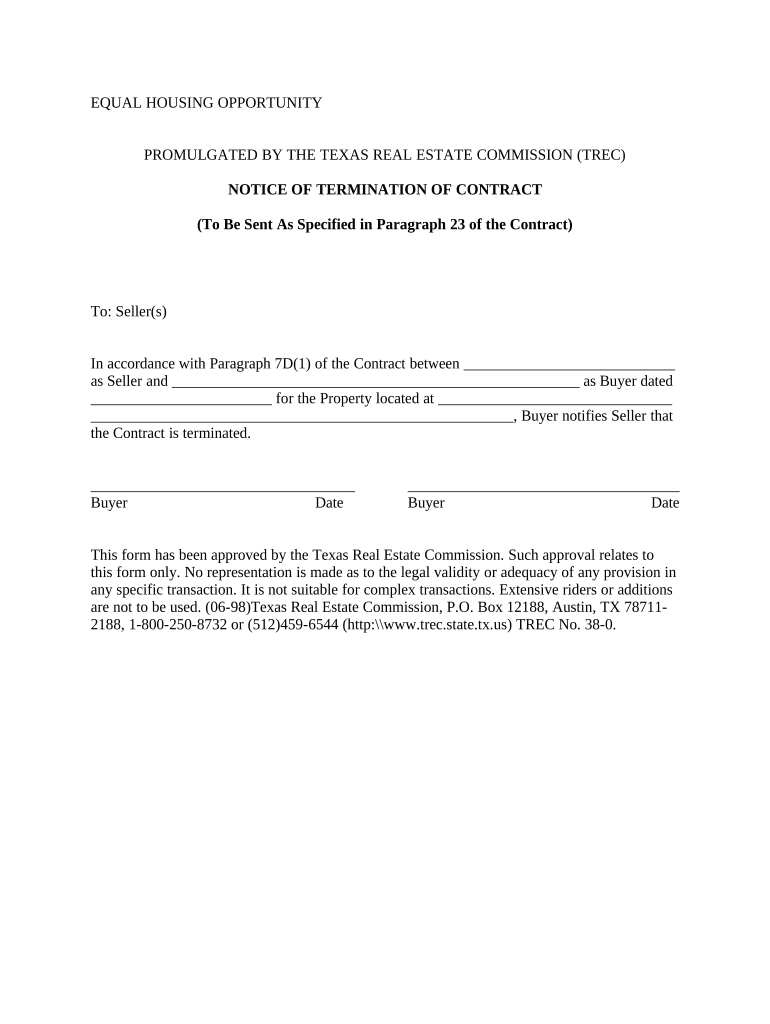
How to use or fill out notice termination contract with our platform

- Click ‘Get Form’ to open the notice termination contract in the editor.
- In the first section, fill in the names of the Seller and Buyer as specified in the contract. Ensure accuracy to avoid any legal issues.
- Next, enter the date of the original contract. This is crucial for establishing timelines related to the termination.
- Provide the property address where applicable. This helps clarify which transaction is being terminated.
- Finally, both Buyers must sign and date the document at the bottom. This confirms their agreement to terminate the contract.
Start using our platform today for free to streamline your document editing and signing process!
Fill out notice termination contract online
It's free
Security and compliance
At DocHub, your data security is our priority. We follow HIPAA, SOC2, GDPR, and other standards, so you can work on your documents with confidence.
Learn more


Related forms
Va tax sales exemption
The document is a Sales and Use Tax Certificate of Exemption (Form ST-11) for the Commonwealth of Virginia, allowing pur ...
Imm 5009 form
Client information sheet

Gcu request official transcript
The document is a transcript request form from Grand Canyon University, detailing the process for students to request of ...
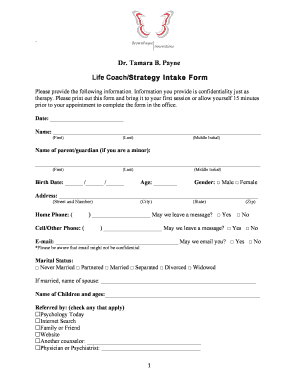
Life CoachStrategy Intake Form - Brownpayne Innovations
The document is a Life Coach/Strategy Intake Form created by Dr. Tamara B. Payne, which collects personal information an ...
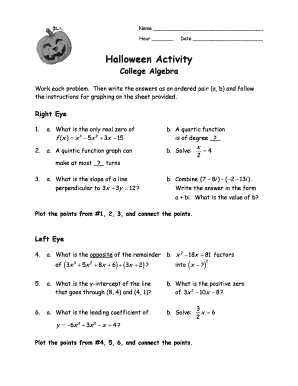
Halloween Activity PreCalc - Designated Deriver - Wikispaces
The document is a Halloween-themed College Algebra activity that consists of various mathematical problems, including fi ...
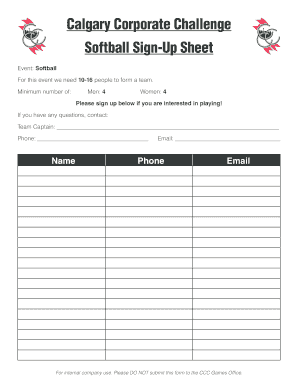
Softball sign up sheet
The document is a sign-up sheet for the Calgary Corporate Challenge softball event, requiring 10-16 participants with a ...