Transferring life estate 2026

Get Form
transferring life estate Preview on Page 1

Here's how it works

01. Edit your form online
Type text, add images, blackout confidential details, add comments, highlights and more.
02. Sign it in a few clicks
Draw your signature, type it, upload its image, or use your mobile device as a signature pad.
03. Share your form with others
Send it via email, link, or fax. You can also download it, export it or print it out.

How to use or fill out transferring life estate with our platform

Form edit decoration
9.5
Ease of Setup
DocHub User Ratings on G2
9.0
Ease of Use
DocHub User Ratings on G2
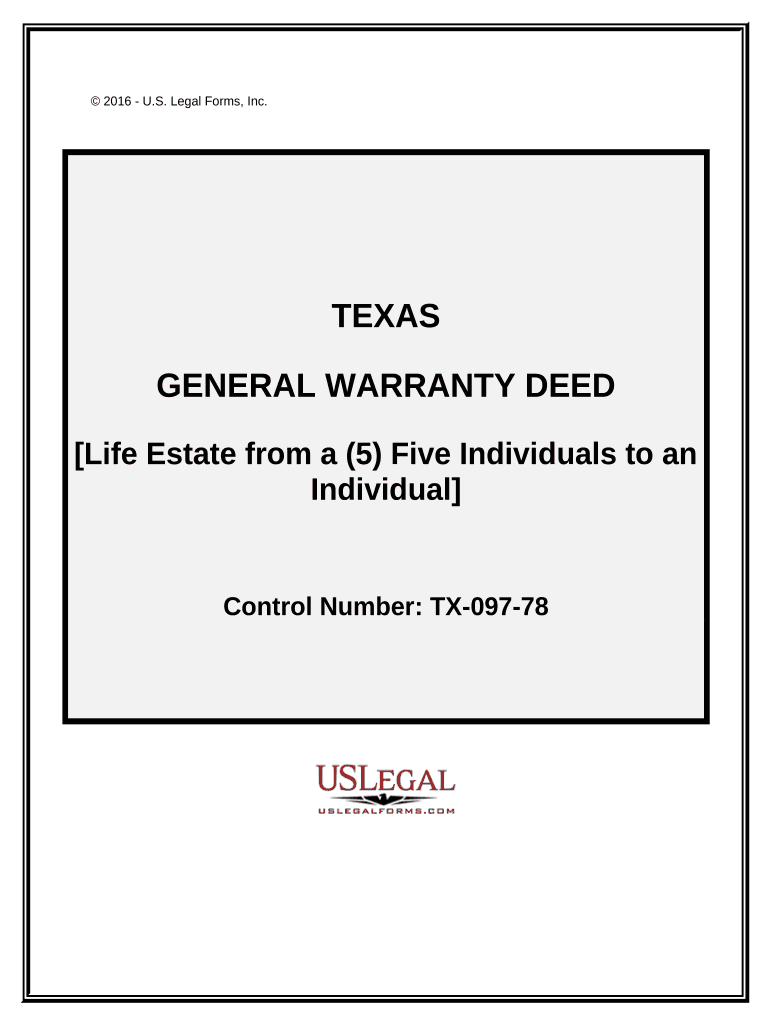
  1. Click ‘Get Form’ to open the transferring life estate document in the editor.
  2. Begin by filling in the names and mailing addresses of all five Grantors in the designated fields. Ensure accuracy as this information is crucial for legal purposes.
  3. Next, enter the Grantee's name and mailing address. This identifies who will receive the life estate.
  4. In the 'Consideration' field, specify any monetary amount exchanged for the property, if applicable.
  5. Provide the property address and a detailed legal description in the respective sections. If there are additional details, refer to Exhibit A.
  6. Review any exceptions to conveyance and warranty that may apply to ensure all conditions are understood.
  7. Finally, have each Grantor sign and date the document where indicated. Ensure that notarization is completed as required by Texas law.

Start using our platform today for free to streamline your document editing and signing process!

be ready to get more

Complete this form in 5 minutes or less

Get form

Got questions?

We have answers to the most popular questions from our customers. If you can't find an answer to your question, please contact us.
Contact us
A life estate is a legal structure that allows a homeowner, the life tenant, to effectively give their home to an heir, the remainderman, while theyre still alive. The life tenants can continue to live in the home and make changes to it for the rest of their lives.
The remainderman also has to agree to any change in the person or persons named as remainderman. If there is more than one remainderman, as may be the case with a couple with multiple children, all the remaindermen would have to agree to remove or change the names on the life estate.
The life tenant cannot sell, mortgage or in any way transfer or encumber the property. If either party wants to sell the property, both the life tenant and remainderman must agree. The life tenant usually receives a smaller portion based on the value of the life estate, calculated using actuarial tables.
A life estate is a legal transfer of the remainder interest to the children. Thus, according to the IRS, it is a gift, and you will need to file a gift tax return for the value of the remainder interest if it exceeds the annual federal gift exemption.
Using a life estate property deed can be preferable to an outright gift from Mom to Son during Moms life, because that could be subject to gift tax. A place to live. A life estate deed is often used to provide housing for someone until they die.

Security and compliance

At DocHub, your data security is our priority. We follow HIPAA, SOC2, GDPR, and other standards, so you can work on your documents with confidence.

Learn more
ccpa2
pci-dss
gdpr-compliance
hipaa
soc-compliance

People also ask

The owner of a life estate cannot leave the property to anyone in their will as their interest in the property will terminate at their death. The holder has full rights to possess and use the property, and may also transfer their interest during their lifetime.
A key benefit of life estates is that they simplify property transfers after you die. You can name someone as the grantee for your property while youre alive and be confident that they will become the owner of the property after you die without having to worry about a will or probate.

Related links