




01. Edit your form online
Type text, add images, blackout confidential details, add comments, highlights and more.

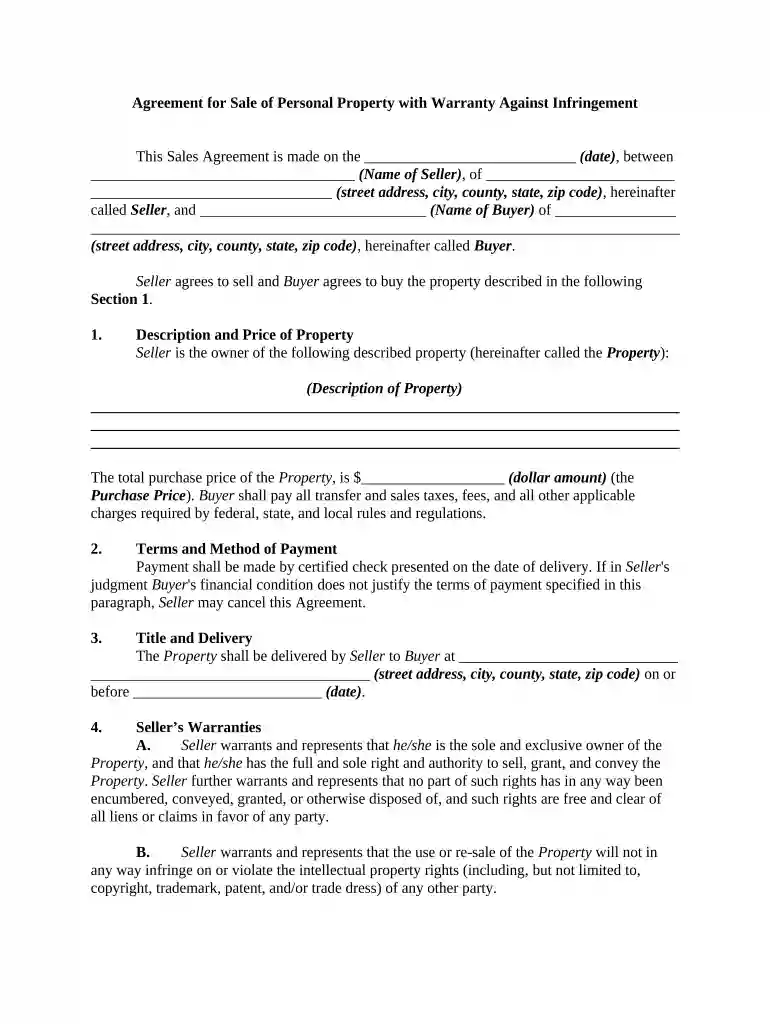
Type text, add images, blackout confidential details, add comments, highlights and more.

Draw your signature, type it, upload its image, or use your mobile device as a signature pad.

Send it via email, link, or fax. You can also download it, export it or print it out.

Start using our platform today for free to streamline your document editing and signing process!
Microsoft Word doesn’t have signing tools to generate valid electronic signatures and enforceable paperwork. Luckily, DocHub is an online eSignature-compliant editor that works with different file formats, such as .doc files. Log in to your account and import the Word version of your agreement sale property from your device and cloud, or URL - our editor will automatically transform it into an editable PDF. Make all necessary changes in your document and click Sign to generate your own legally-binding eSignature. You will find four signing methods from which to choose.
Document editing with DocHub is equally convenient on desktop and mobile devices. You only need an internet browser to modify your agreement sale property on Android. Open our website and sign in to access the tools you need. Add your document and introduce your intended changes. Next, you can keep your form in your document storage or send it out instantly.
At DocHub, your data security is our priority. We follow HIPAA, SOC2, GDPR, and other standards, so you can work on your documents with confidence.
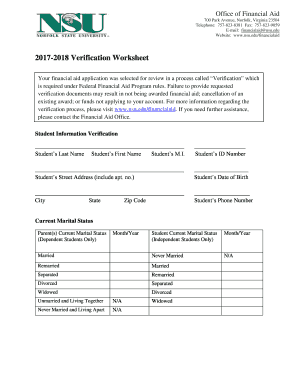


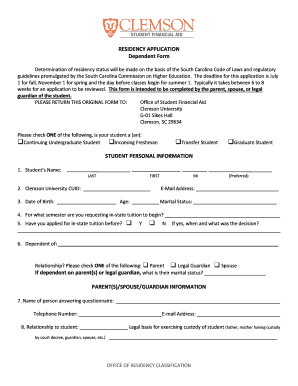




Most contracts for sale provide that the seller may retain, as liquidated damages, all deposits made by the buyer in the event of a material bDocHub. The amountRead more
Seller desires to sell to Purchaser, and Purchaser desires to purchase from Seller, all of Sellers right title and interest in and to the improvements locatedRead more


