




Here's how it works

01. Edit your form online
Type text, add images, blackout confidential details, add comments, highlights and more.

02. Sign it in a few clicks
Draw your signature, type it, upload its image, or use your mobile device as a signature pad.

03. Share your form with others
Send it via email, link, or fax. You can also download it, export it or print it out.
How to use or fill out notice termination work with our platform

- Click ‘Get Form’ to open the notice termination work document in the editor.
- Begin by entering the date at the top of the form. This should reflect the day you are issuing the notice.
- In the 'To' section, input the name of the employee whose employment is being terminated.
- Fill in the termination date in the designated space, ensuring it is clear and accurate.
- Detail the specific violations of company work rules in the provided space. Be concise yet thorough to ensure clarity.
- Indicate the final paycheck period by filling in the relevant dates.
- If applicable, provide information regarding insurance coverage or other benefits in the designated area.
- Finally, sign your name at the bottom to validate this notice before saving or sending it.
Start using our platform today for free to streamline your document editing and signing process!
Fill out notice termination work online
It's free
It's free
Security and compliance
At DocHub, your data security is our priority. We follow HIPAA, SOC2, GDPR, and other standards, so you can work on your documents with confidence.
Learn more


Related forms
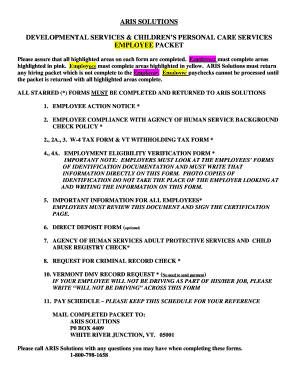
Aris employee packet
The document is an employee packet for ARIS Solutions, detailing the necessary forms and procedures for hiring employees ...
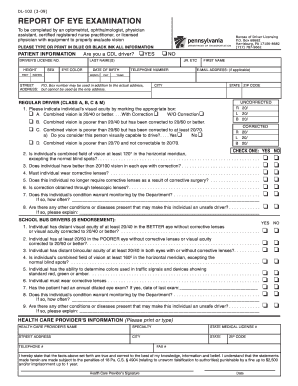
Dl 102
The document is a report of eye examination required for individuals applying for or renewing a driver's license, specif ...
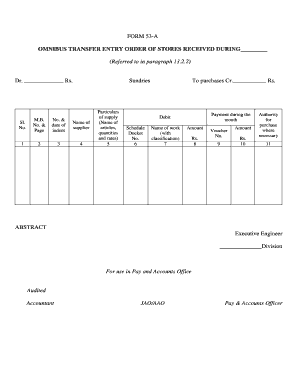
Editing pdf for
The document is a FORM 53-A, which serves as an Omnibus Transfer Entry Order for recording stores received during a spec ...
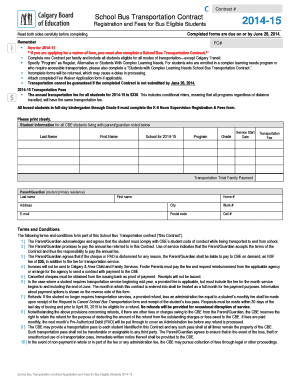
School bus transportation contract sample
The document outlines the School Bus Transportation Contract for the 2014-15 school year, detailing registration and fee ...
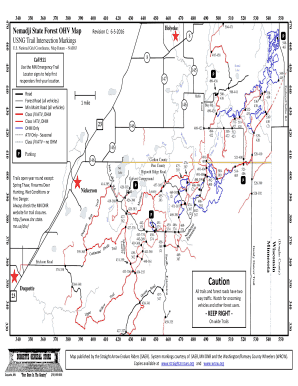
Nemadji state forest
The document is a detailed map of the Nemadji State Forest, specifically designed for Off-Highway Vehicle (OHV) users. I ...

Walmart law enforcement contact
The document is a Law Enforcement Request Form designed for law enforcement officers to request information related to i ...

Debate judging sheet pdf
The document is a score sheet for participants to evaluate a presidential debate between candidates McCain and Obama. It ...