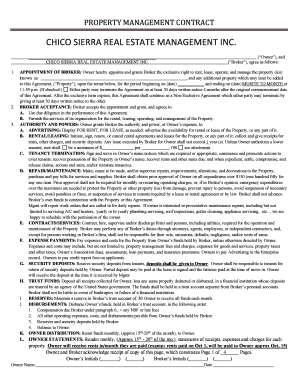
Waiver liability ride 2026

Get Form
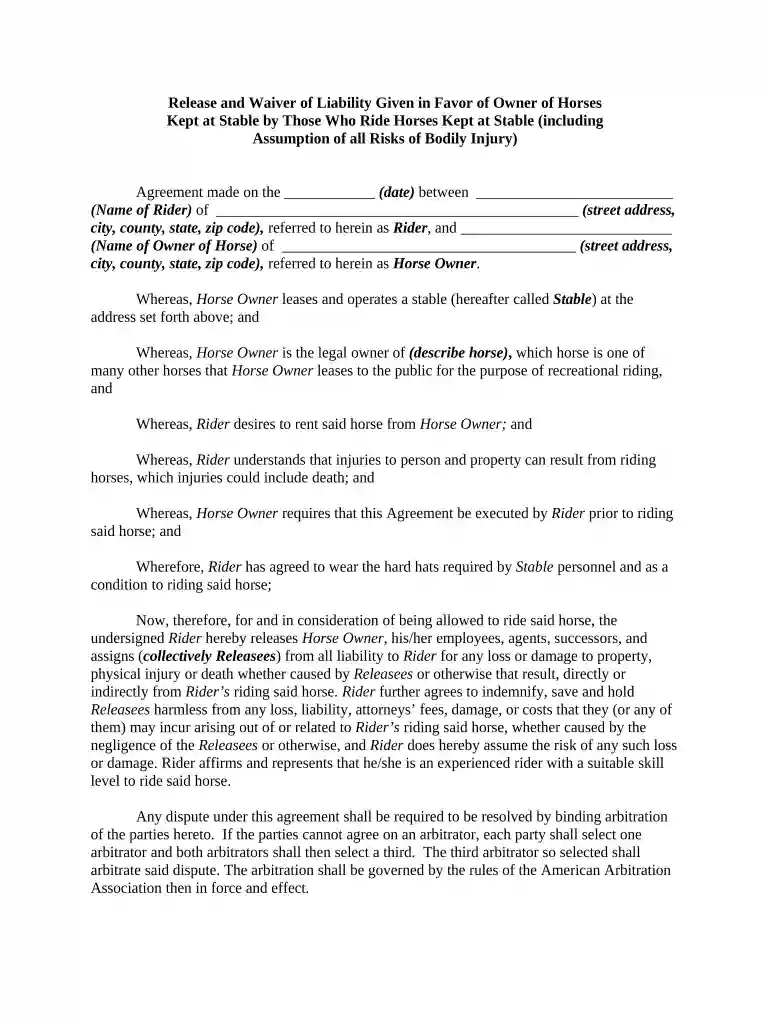
waiver liability ride Preview on Page 1

Here's how it works

01. Edit your form online
Type text, add images, blackout confidential details, add comments, highlights and more.

02. Sign it in a few clicks
Draw your signature, type it, upload its image, or use your mobile device as a signature pad.

03. Share your form with others
Send it via email, link, or fax. You can also download it, export it or print it out.

How to use or fill out waiver liability ride with our platform

Form edit decoration
9.5
Ease of Setup
DocHub User Ratings on G2
9.0
Ease of Use
DocHub User Ratings on G2
  1. Click ‘Get Form’ to open the waiver liability ride in the editor.
  2. Begin by entering the date of the agreement in the designated field. This is crucial for establishing the timeline of your waiver.
  3. Fill in your name as the Rider along with your complete address, including street, city, county, state, and zip code. Ensure accuracy for legal purposes.
  4. Next, input the Horse Owner's name and their complete address in the corresponding fields. This identifies who you are entering into an agreement with.
  5. Describe the horse you will be riding in the specified section. This helps clarify which horse is covered under this waiver.
  6. Review and acknowledge your understanding of risks associated with horseback riding by checking any required boxes or signing where indicated.
  7. Finally, sign and date at the bottom of the form to finalize your agreement. Make sure both Rider signatures are included if applicable.

Start using our platform today to easily fill out your waiver liability ride for free!

be ready to get more

Complete this form in 5 minutes or less

Get form

Got questions?

We have answers to the most popular questions from our customers. If you can't find an answer to your question, please contact us.
Contact us
These waivers are typically used for activities like horseback riding, gym memberships, zip-lining, travel and tourism, etc. Insurance liability waivers: Insurance waivers protect insurance companies from lawsuits after settling a claim.
Liability waivers differ in language and terms, but most serve a similar purpose: protecting at least one party from legal claims resulting from accidental injury. If you sign a waiver, you are, in effect, relinquishing your right to file a lawsuit or initiate other legal action.
No, it does not remove your ability to sue (even if the waiver says so). It would help the company defend themselves against a lawsuit, by showing that you were aware of the risks.
Allowing employees to intimidate or coerce participants or customers into signing your liability waivers. A mistake that many businesses make is pressuring employees to get liability waivers signed.
Waivers generally protect businesses from liability for ordinary risks associated with an activity but do not protect against gross negligence or intentional misconduct. If a waiver tries to exempt a party from such responsibilities, it likely wont be enforceable.

Security and compliance

At DocHub, your data security is our priority. We follow HIPAA, SOC2, GDPR, and other standards, so you can work on your documents with confidence.

Learn more
ccpa2
pci-dss
gdpr-compliance
hipaa
soc-compliance
be ready to get more

Complete this form in 5 minutes or less

Get form

People also ask

Once you sign a waiver, you still maintain the right to sue, since certain limitations exist. As discussed below, there are specific scenarios where a judge would fail to uphold a release of liability waiver. Malicious activity: If the defendant acted maliciously, the release of liability waiver cannot stand.
Waiver clauses must be clear and unequivocal, and often necessitate compliance with particular formalities, such as being in writing, to be enforceable.

Related links