Type text, add images, blackout confidential details, add comments, highlights and more.
02. Sign it in a few clicks
Draw your signature, type it, upload its image, or use your mobile device as a signature pad.
03. Share your form with others
Send employee absenteeism pdf via email, link, or fax. You can also download it, export it or print it out.
How to use or fill out absenteeism employee with our platform
Ease of Setup
DocHub User Ratings on G2
Ease of Use
DocHub User Ratings on G2
Click ‘Get Form’ to open the absenteeism employee form in the editor.
Begin by entering your personal information at the top of the form, including your name, employee ID, and department. This ensures that your request is properly attributed.
In the section regarding absence details, specify the dates you were absent and provide a brief explanation for your absence. Be clear and concise to facilitate understanding.
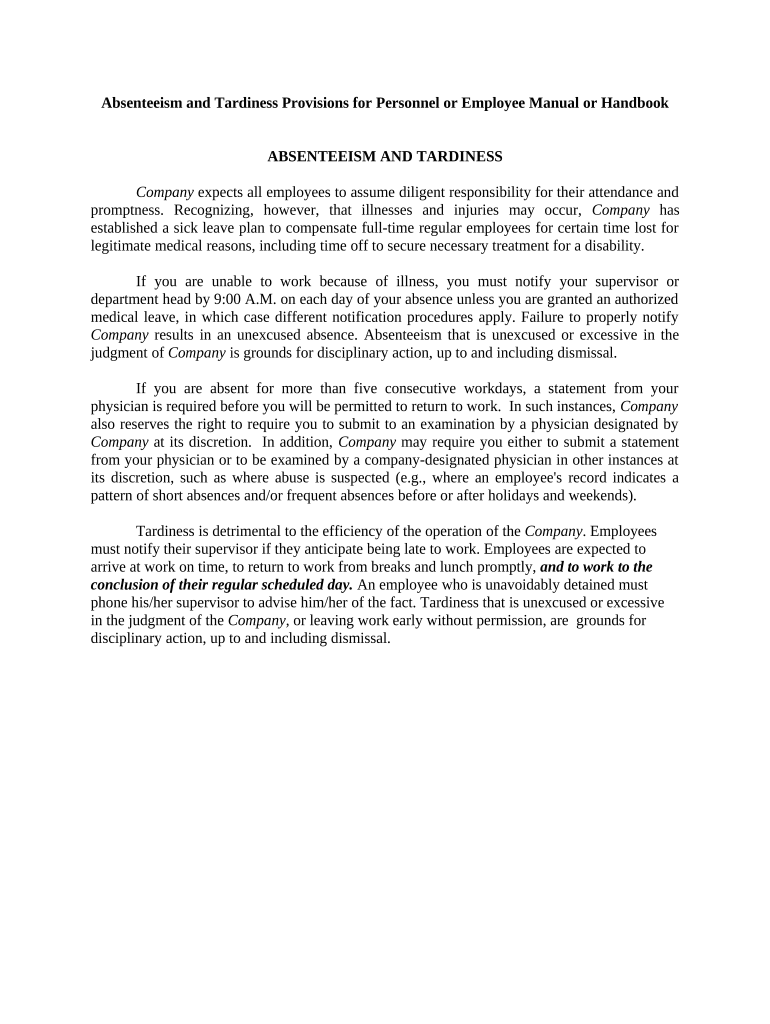
If applicable, attach any required documentation such as a physician's statement for absences longer than five consecutive days. Use the upload feature in our editor to easily add these files.
Review all entered information for accuracy before submitting. Ensure that you have followed any specific company guidelines related to notifications and documentation.
Finally, click ‘Submit’ to send your completed form directly to your supervisor or HR department for processing.
Start using our platform today for free to streamline your absenteeism reporting!
Absenteeism employee meaningAbsenteeism employee examplesEmployee absenteeism PDFAction plan for absenteeism at workTerminating employee for excessive absenteeismAbsenteeism meaningAddressing attendance issues with employeesWhat is considered excessive absenteeism at work
Security and compliance
At DocHub, your data security is our priority. We follow HIPAA, SOC2, GDPR, and other standards, so you can work on your documents with confidence.
Be sure you have documentation to prove that the absent employee really did not report for work. The most reliable way to demonstrate patterns of policyRead more
Cookie consent notice
This site uses cookies to enhance site navigation and personalize your experience.
By using this site you agree to our use of cookies as described in our Privacy Notice.
You can modify your selections by visiting our Cookie and Advertising Notice.