




Here's how it works

01. Edit your retail installment contract online
Type text, add images, blackout confidential details, add comments, highlights and more.

02. Sign it in a few clicks
Draw your signature, type it, upload its image, or use your mobile device as a signature pad.

03. Share your form with others
Send dochub com fillable form via email, link, or fax. You can also download it, export it or print it out.
How to use or fill out retail installment contract with our platform

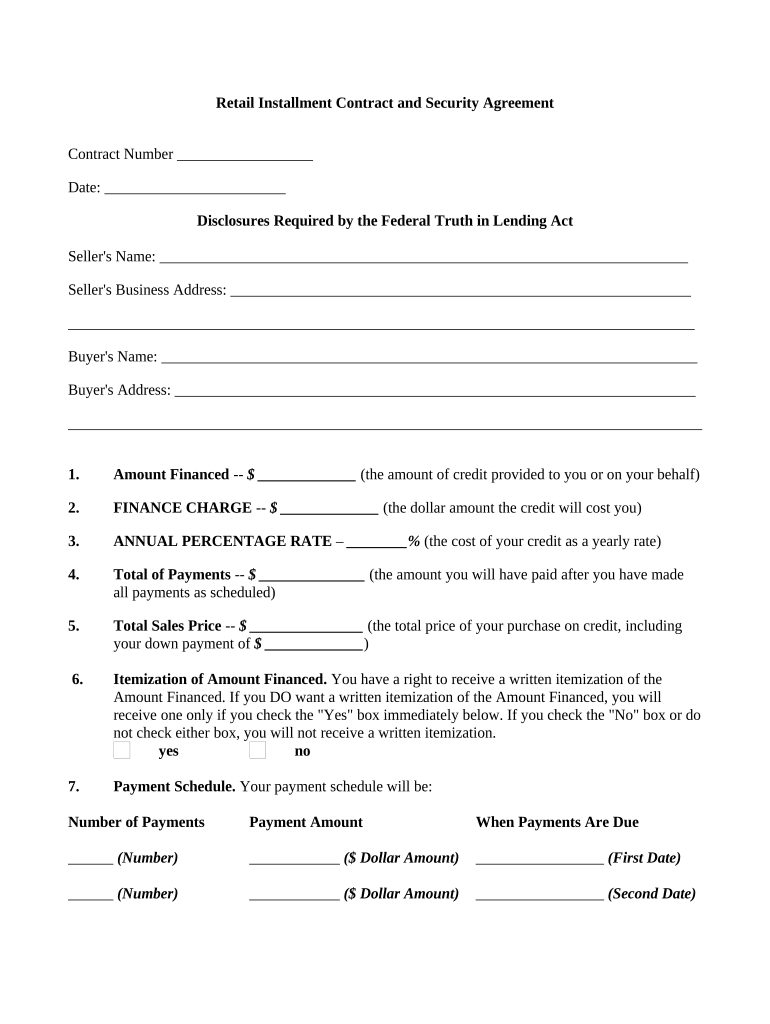
- Click ‘Get Form’ to open the retail installment contract in the editor.
- Begin by entering the Contract Number and Date at the top of the form. This helps in tracking your agreement.
- Fill in the Seller's Name and Business Address, followed by the Buyer's Name and Address. Accurate information is crucial for legal purposes.
- Complete the financial details: Amount Financed, Finance Charge, Annual Percentage Rate, Total of Payments, and Total Sales Price. Ensure these figures are correct to avoid future discrepancies.
- Indicate whether you want a written itemization of the Amount Financed by checking 'Yes' or 'No'.
- Detail your Payment Schedule by specifying the Number of Payments, Payment Amounts, and Due Dates for each installment.
- Review sections on Insurance options and Security Interest carefully. Sign where required to confirm your choices.
- Finally, ensure all parties sign at the end of the document to validate the agreement before saving or sharing it.
Start using our platform today for free to streamline your retail installment contract process!
Fill out retail installment contract online
It's free
It's free
Security and compliance
At DocHub, your data security is our priority. We follow HIPAA, SOC2, GDPR, and other standards, so you can work on your documents with confidence.
Learn more


Related forms
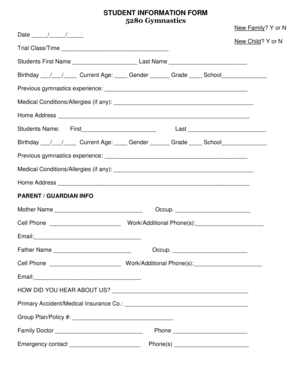
Student information form
The document is a Student Information Form for 5280 Gymnastics, designed to collect essential details about new and retu ...

Steward referral
The document is a Steward Referral Form used for processing out-of-network referrals for members. It includes sections f ...
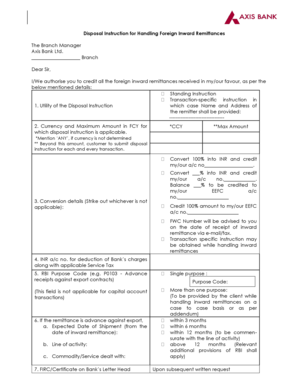
Bank of baroda disposal form
The document outlines the disposal instructions for handling foreign inward remittances at Axis Bank Ltd. It provides a ...
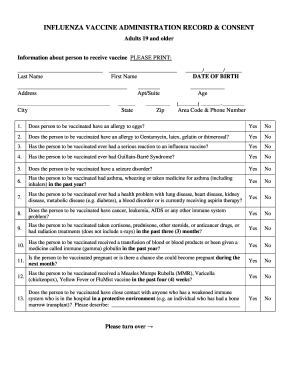
INFLUENZA VACCINE ADMINISTRATION RECORD CONSENT - chesco
The document is an Influenza Vaccine Administration Record and Consent form for adults aged 19 and older. It collects pe ...
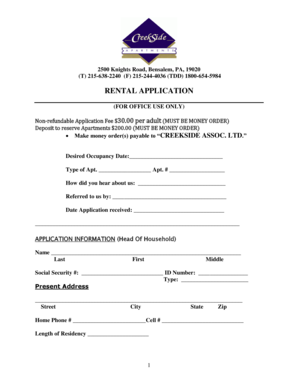
CREEKSIDE APARTMENTS RENTAL APLLICATION
The document is a rental application form for Creekside Associates Ltd., located in Bensalem, PA. It outlines the necess ...