Instruction to Jury as to the Definition of Conversion 2026

Get Form
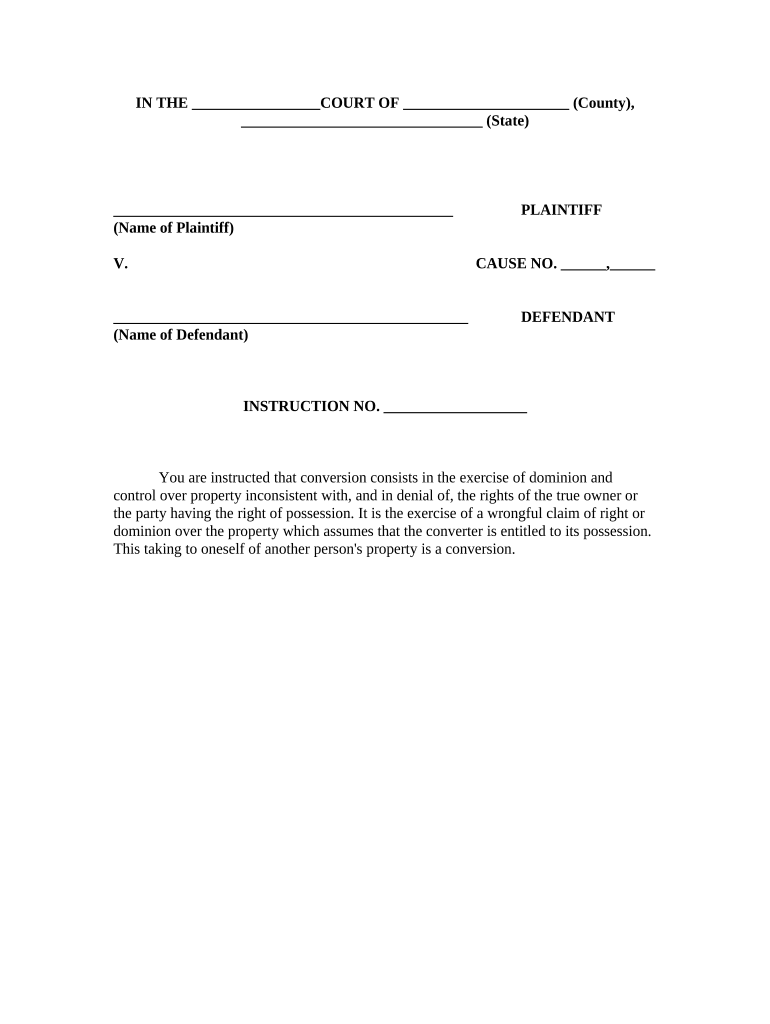
Instruction to Jury as to the Definition of Conversion Preview on Page 1

Here's how it works

01. Edit your form online
Type text, add images, blackout confidential details, add comments, highlights and more.
02. Sign it in a few clicks
Draw your signature, type it, upload its image, or use your mobile device as a signature pad.
03. Share your form with others
Send it via email, link, or fax. You can also download it, export it or print it out.

How to use or fill out Instruction to Jury as to the Definition of Conversion with DocHub

Form edit decoration
9.5
Ease of Setup
DocHub User Ratings on G2
9.0
Ease of Use
DocHub User Ratings on G2
  1. Click ‘Get Form’ to open the Instruction to Jury as to the Definition of Conversion in our editor.
  2. Begin by entering the court name and county in the designated fields at the top of the form. This sets the context for your document.
  3. Next, fill in the names of both the plaintiff and defendant in their respective sections. Ensure accuracy, as these names are crucial for legal clarity.
  4. In the 'Instruction No.' field, provide a specific instruction number that corresponds with your case documentation.
  5. Review the definition of conversion provided in the document. Make any necessary annotations or comments using our platform’s commenting tools for clarity.

Start editing your document for free today and streamline your workflow with our powerful online editor!

be ready to get more

Complete this form in 5 minutes or less

Get form

Got questions?

We have answers to the most popular questions from our customers. If you can't find an answer to your question, please contact us.
Contact us

Sure, it is possible with DocHub. This safe and compliant online service features a phone-based signing option. After you log in to your DocHub account and import your Instruction to Jury as to the Definition of Conversion to our editor, complete all blank fields and use the Sign feature on the upper barf. Click on Create your signature and select Phone from the available options. Here, you scan a QR code using your smartphone and draw your signature on your phone display, as you usually do when approving physical papers. If you access DocHub right from your mobile device, you can electronically sign your document by drawing your electronic signature, adding its picture, or simply with a typed name.

In case your go-to email service is Gmail, it is simple to incorporate your DocHub editor in your work. Edit your Instruction to Jury as to the Definition of Conversion with DocHub tools and attach it to your drafts in Gmail. See how straightforward it is to exchange papers and collaborate with a swift PDF editing solution at hand.

Jury instructions are instructions for jury deliberation that are written by the judge and given to the jury. At trial, jury deliberation occurs after evidence is presented and closing arguments are made.
Conversion is an intentional tort which occurs when a party takes the chattel property of another with the intent to deprive them of it. Conversion is not applicable to real property. For the purposes of conversion, intent merely means the objective to possess the property or exert property rights over it.
The elements of conversion are: the plaintiffs ownership or right to possession of the property; the defendants conversion by wrongful act inconsistent with the property rights of the plaintiff; and. damages.

Security and compliance

At DocHub, your data security is our priority. We follow HIPAA, SOC2, GDPR, and other standards, so you can work on your documents with confidence.

Learn more
ccpa2
pci-dss
gdpr-compliance
hipaa
soc-compliance

People also ask

Under California law, the elements required to prove a claim of conversion are: (1) the plaintiffs ownership or right to possession of the property; (2) the defendants conversion by a wrongful act or in a manner that is inconsistent with the plaintiffs property rights; and (3) resulting damages.
By requiring clear evidence of ownership, wrongful control, interference, intent, and damages, the law ensures that only those who have genuinely been deprived of their property rights can claim relief.

Related links