Type text, add images, blackout confidential details, add comments, highlights and more.
02. Sign it in a few clicks
Draw your signature, type it, upload its image, or use your mobile device as a signature pad.
03. Share your form with others
Send it via email, link, or fax. You can also download it, export it or print it out.
How to use or fill out the Agreement Product
Ease of Setup
DocHub User Ratings on G2
Ease of Use
DocHub User Ratings on G2
Click ‘Get Form’ to open it in the editor.
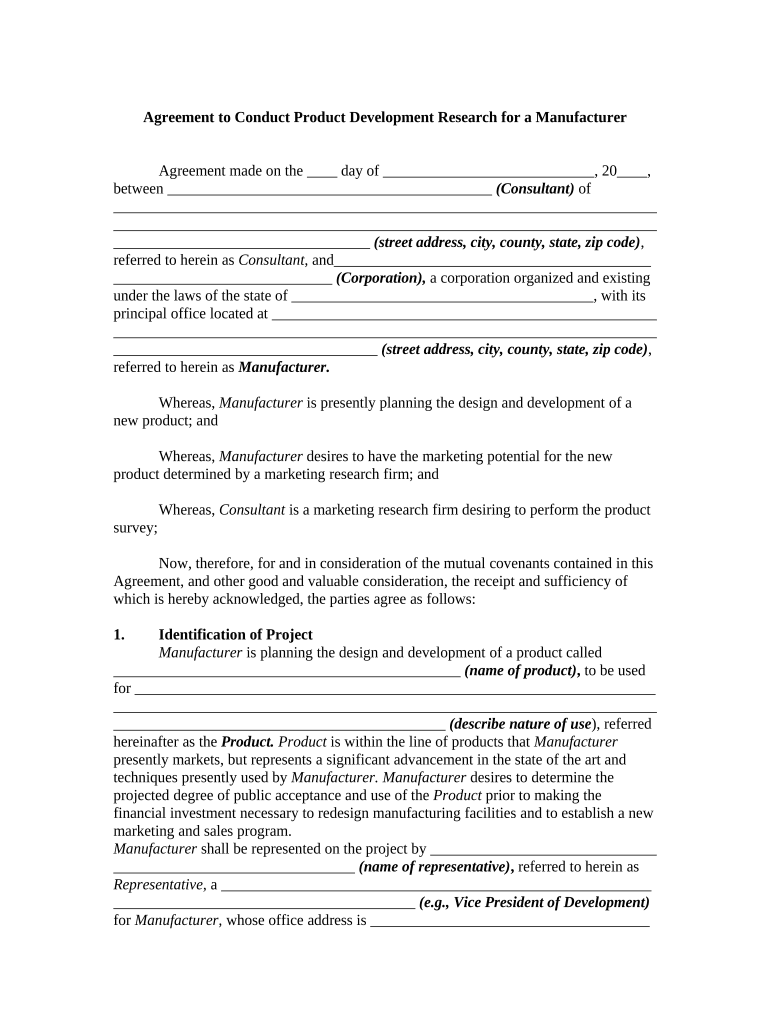
Begin by filling in the date at the top of the form, followed by the names and addresses of both parties involved—the Consultant and the Manufacturer.
In the 'Identification of Project' section, specify the name of the product and describe its intended use. This is crucial for clarity on project objectives.
Proceed to outline project objectives, detailing how you plan to gauge consumer acceptance through surveys. Ensure you include specifics about data collection methods.
Complete sections regarding procedural planning, including details about questionnaire design and sampling methods. Be precise with numbers and timelines.
Fill out financial estimates for survey costs in the designated area, ensuring all figures are accurate and reflect your expectations.
Finally, review all sections for completeness before signing. Utilize our platform's editing tools to make any necessary adjustments easily.
Start using our platform today to streamline your agreement process for free!
Purchasing Agreement # . The Agreement to furnish certain goods and services described herein and in the documents referenced herein (Goods and/orRead more
Cookie consent notice
This site uses cookies to enhance site navigation and personalize your experience.
By using this site you agree to our use of cookies as described in our Privacy Notice.
You can modify your selections by visiting our Cookie and Advertising Notice.