




01. Edit your form online
Type text, add images, blackout confidential details, add comments, highlights and more.

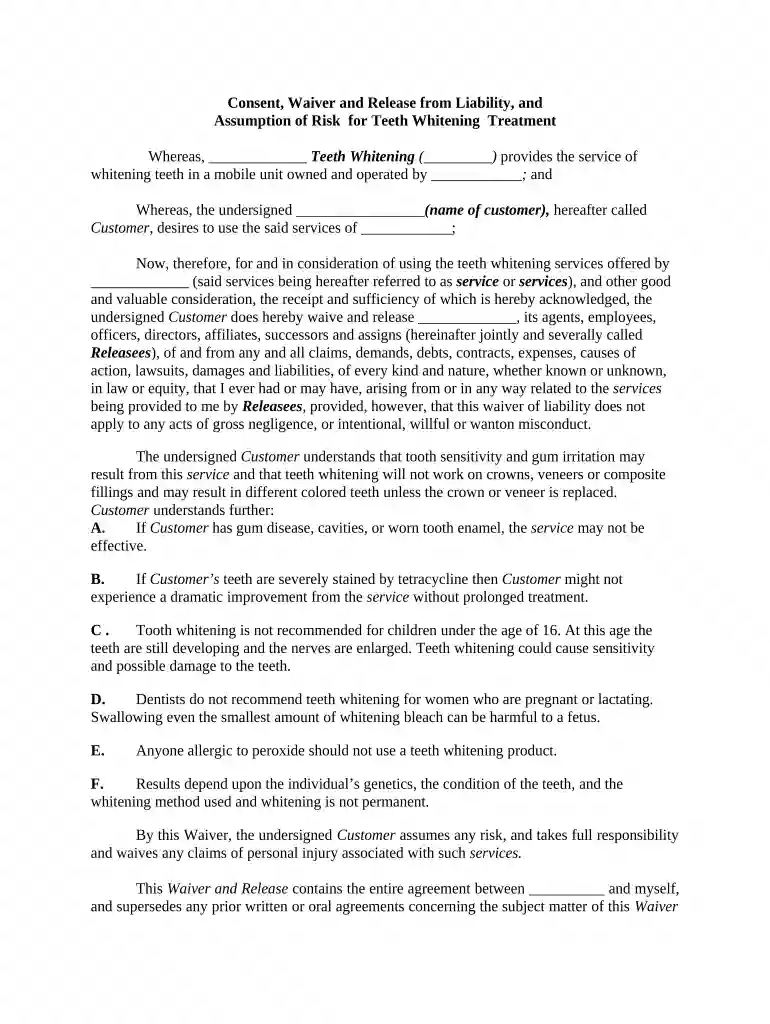
Type text, add images, blackout confidential details, add comments, highlights and more.

Draw your signature, type it, upload its image, or use your mobile device as a signature pad.

Send it via email, link, or fax. You can also download it, export it or print it out.

Start using our platform today for free to complete your waiver release liability efficiently!
At DocHub, your data security is our priority. We follow HIPAA, SOC2, GDPR, and other standards, so you can work on your documents with confidence.
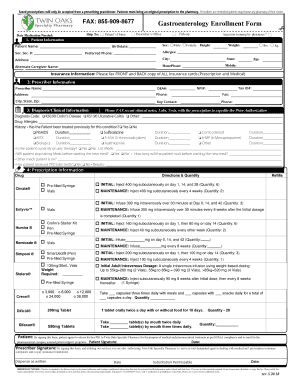

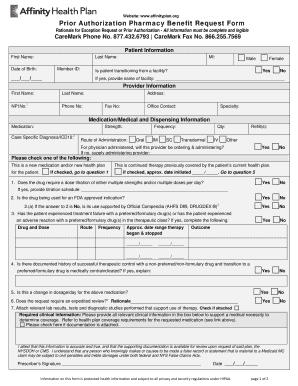


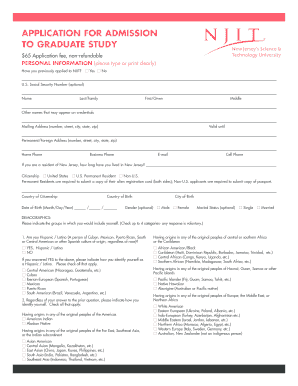
The elements of a basic release are: A release of liability and waiver of the right to sue if any loss results from participation in the activity. An expressRead more
By this Waiver, I assume any risk, and take full responsibility and waive any claims of personal injury, death or damage to personal property associated withRead more


