Type text, add images, blackout confidential details, add comments, highlights and more.
02. Sign it in a few clicks
Draw your signature, type it, upload its image, or use your mobile device as a signature pad.
03. Share your form with others
Send it via email, link, or fax. You can also download it, export it or print it out.
How to use or fill out letter notice tenants with our platform
Ease of Setup
DocHub User Ratings on G2
Ease of Use
DocHub User Ratings on G2
Click ‘Get Form’ to open the letter notice tenants in the editor.
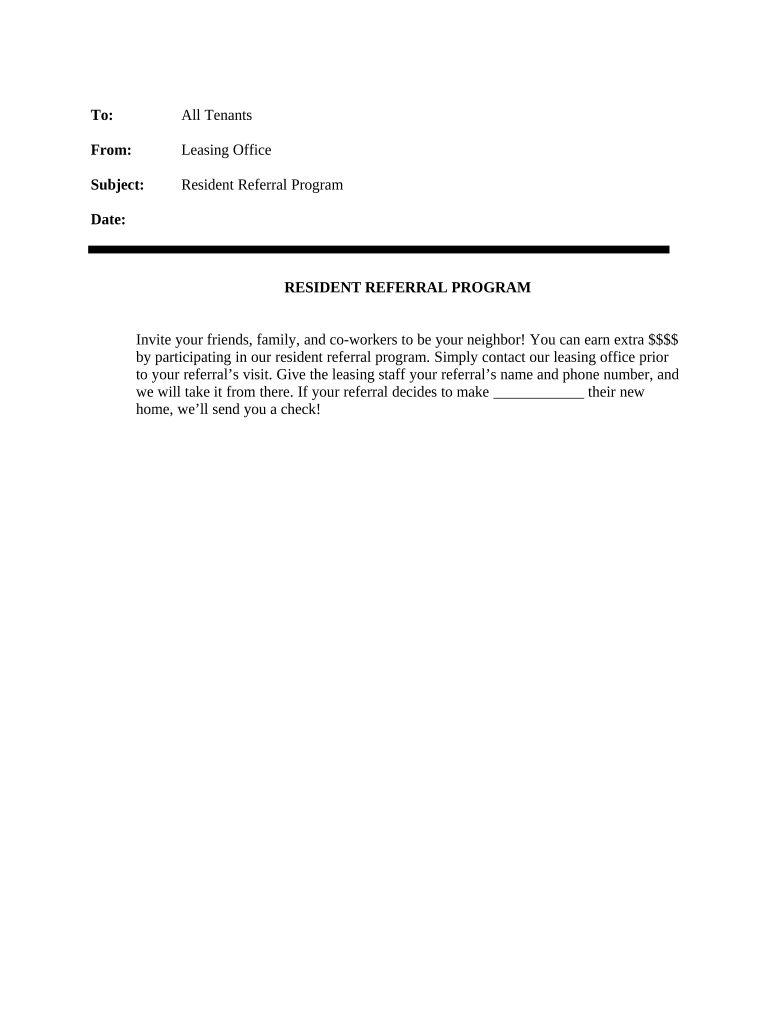
Begin by filling in the 'To' field with 'All Tenants' to address your message appropriately.
In the 'From' section, enter 'Leasing Office' to identify the sender of this notice.
For the 'Subject', write 'Resident Referral Program' to clearly state the purpose of your communication.
Fill in the 'Date' field with the current date to ensure timely communication.
In the body of the notice, encourage tenants to invite friends and family by explaining how they can earn rewards through referrals. Provide clear instructions on contacting the leasing office with referral details.
Finally, review all fields for accuracy and completeness before saving or distributing your document.
Start using our platform today for free and streamline your document editing process!
Sample letter notice tenantsLetter notice tenants templateLetter notice tenants exampleLetter notice tenants template wordLetter notice tenants pdfLetter notice tenants californiaSample notice letter to tenant to move outNotice to vacate California PDF
Security and compliance
At DocHub, your data security is our priority. We follow HIPAA, SOC2, GDPR, and other standards, so you can work on your documents with confidence.
Before you can start an eviction court case, you must give your tenant a written notice. The notice gives the tenant a chance to: Pay rent they owe.Read more
Twenty-four-hour notice is presumed to be reasonable. The law provides that if the landlord makes an entry in violation of this provision, the tenant mayRead more
Cookie consent notice
This site uses cookies to enhance site navigation and personalize your experience.
By using this site you agree to our use of cookies as described in our Privacy Notice.
You can modify your selections by visiting our Cookie and Advertising Notice.