




Here's how it works

01. Edit your form online
Type text, add images, blackout confidential details, add comments, highlights and more.

02. Sign it in a few clicks
Draw your signature, type it, upload its image, or use your mobile device as a signature pad.

03. Share your form with others
Send it via email, link, or fax. You can also download it, export it or print it out.
How to use or fill out annuity trust with our platform

- Click ‘Get Form’ to open the annuity trust document in the editor.
- Begin by entering the date of the agreement and the names and addresses of both the Grantor and Trustee in the designated fields.
- In Section I, specify the assets being transferred to the Trust as listed in Schedule A. Clearly articulate the Grantor's intentions for establishing this Trust in Paragraph B.
- Proceed to Section II and confirm that you understand the irrevocability of this Trust by acknowledging it in the provided space.
- In Section III, input the Annuity Amount percentage and ensure all calculations align with your financial goals. Fill out any relevant dates and conditions regarding distributions.
- Complete Sections IV and V by detailing Trustee information, powers, and responsibilities. Ensure all fields are filled accurately to avoid future complications.
- Finally, review all entries for accuracy before signing. Use our platform’s tools to save or share your completed document securely.
Start using our platform today for free to streamline your annuity trust completion!
Fill out annuity trust online
It's free
It's free
Security and compliance
At DocHub, your data security is our priority. We follow HIPAA, SOC2, GDPR, and other standards, so you can work on your documents with confidence.
Learn more


Related forms
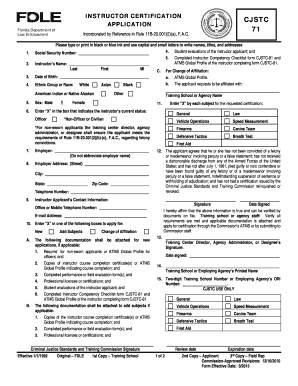
Cjstc 71
The document is an application form for instructor certification by the Florida Department of Law Enforcement, detailing ...
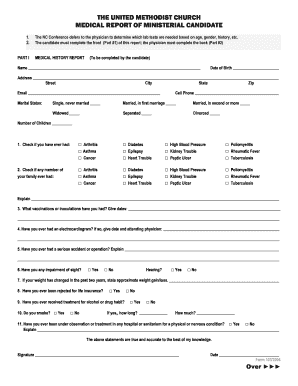
Medical Report - NCCUMC - nccumc
The document is a medical report form for ministerial candidates of The United Methodist Church, consisting of two parts ...
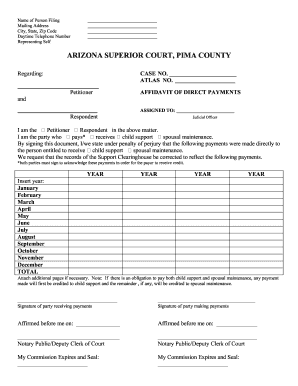
Arizona affidavit direct
The document outlines the process for filing an Affidavit of Direct Payments and an Order to Correct Support Clearinghou ...
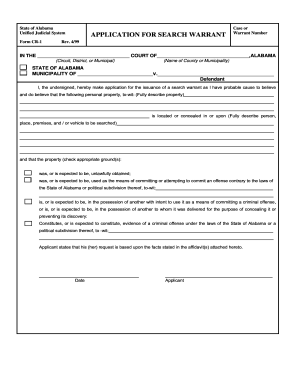
Alabama search warrant
The document outlines the procedures and forms related to the application, issuance, execution, and return of search war ...
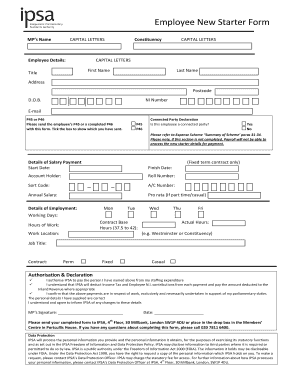
New employee starter form
The document is an Employee New Starter Form used by Members of Parliament (MPs) to provide necessary personal and emplo ...
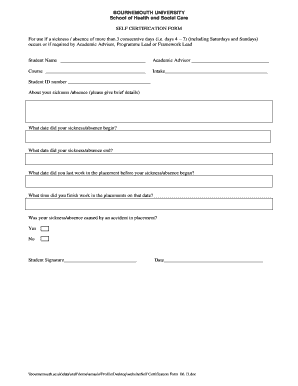
Self certification form
The document is a Self Certification Form from Bournemouth University's School of Health and Social Care, intended for s ...