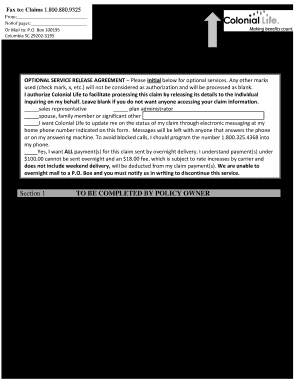
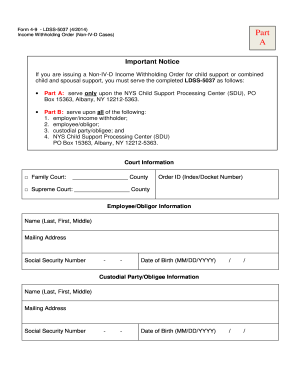
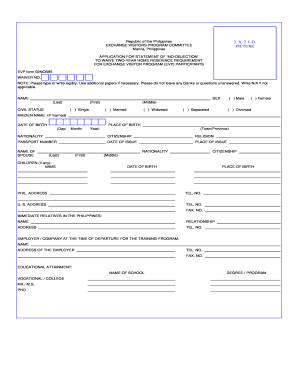
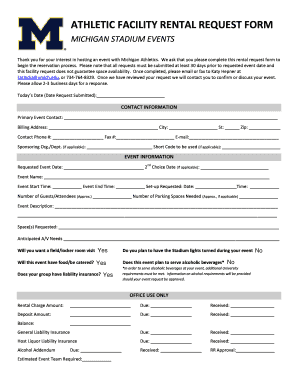
Type text, add images, blackout confidential details, add comments, highlights and more.
02. Sign it in a few clicks
Draw your signature, type it, upload its image, or use your mobile device as a signature pad.
03. Share your form with others
Send it via email, link, or fax. You can also download it, export it or print it out.
How to use or fill out waiver release claims with our platform
Ease of Setup
DocHub User Ratings on G2
Ease of Use
DocHub User Ratings on G2
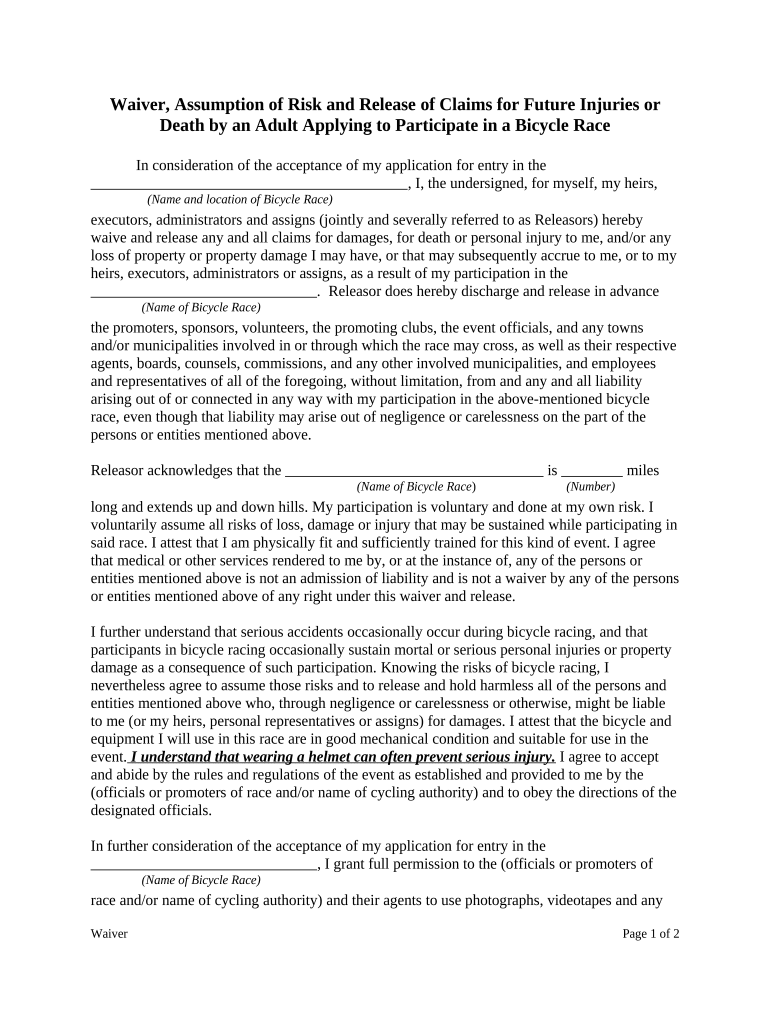
Click ‘Get Form’ to open the waiver release claims document in the editor.
Begin by entering the name and location of the bicycle race in the designated fields. This ensures clarity on what event you are participating in.
In the section regarding risks, acknowledge the length of the race and any potential hazards. Fill in the number of miles and any specific details about the course.
Review and confirm your understanding of the risks associated with participation. This is crucial for your safety and legal protection.
Sign and date the form at the bottom, ensuring that a witness also signs if required. This finalizes your agreement to the terms outlined.
Start using our platform today to easily complete your waiver release claims for free!
The provisions of this WAIVER AND RELEASE may be waived, altered, amended or repealed, in whole or in part, only upon the prior written consent of all parties.Read more
A release of liability and waiver of the right to sue if any loss results from participation in the activity. An express assumption of risk where theRead more
Cookie consent notice
This site uses cookies to enhance site navigation and personalize your experience.
By using this site you agree to our use of cookies as described in our Privacy Notice.
You can modify your selections by visiting our Cookie and Advertising Notice.