Type text, add images, blackout confidential details, add comments, highlights and more.
02. Sign it in a few clicks
Draw your signature, type it, upload its image, or use your mobile device as a signature pad.
03. Share your form with others
Send it via email, link, or fax. You can also download it, export it or print it out.
How to use or fill out corporate tax return with our platform
Ease of Setup
DocHub User Ratings on G2
Ease of Use
DocHub User Ratings on G2
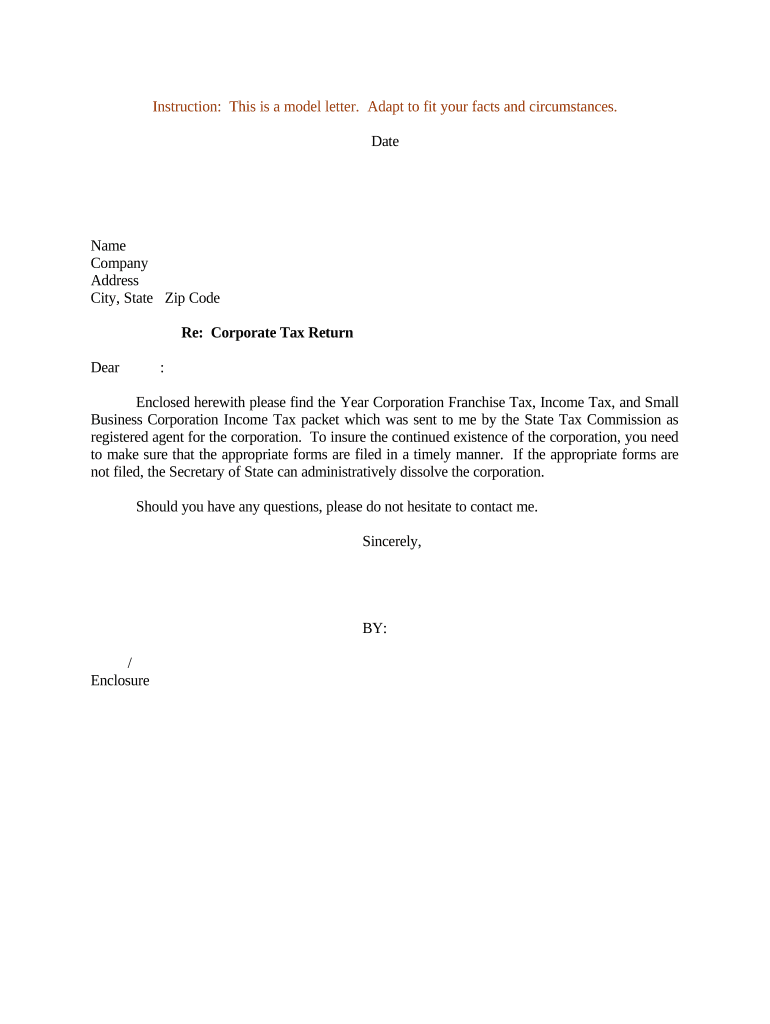
Click ‘Get Form’ to open the corporate tax return in the editor.
Begin by entering your corporation's name and address in the designated fields. Ensure accuracy to avoid any processing delays.
Fill out the income details in the appropriate section, including total revenue and deductions. This information is crucial for calculating your tax liability.
Complete the franchise tax section by providing any necessary financial data as required by your state’s regulations.
Review all entries for accuracy. Utilize our platform’s editing tools to make any necessary adjustments before finalizing your form.
Once satisfied, save your document and proceed to sign electronically if required. Our platform allows for seamless signing directly within the editor.
Start using our platform today to simplify your corporate tax return process for free!
File Form 4466 after the end of the corporations tax year, and no later than the due date for filing the corporations tax return (not including extensions).Read more
This rule sets certain instructions relating to the time and place for filing corporate tax returns and the requirement of submitting copies of federalRead more
Cookie consent notice
This site uses cookies to enhance site navigation and personalize your experience.
By using this site you agree to our use of cookies as described in our Privacy Notice.
You can modify your selections by visiting our Cookie and Advertising Notice.