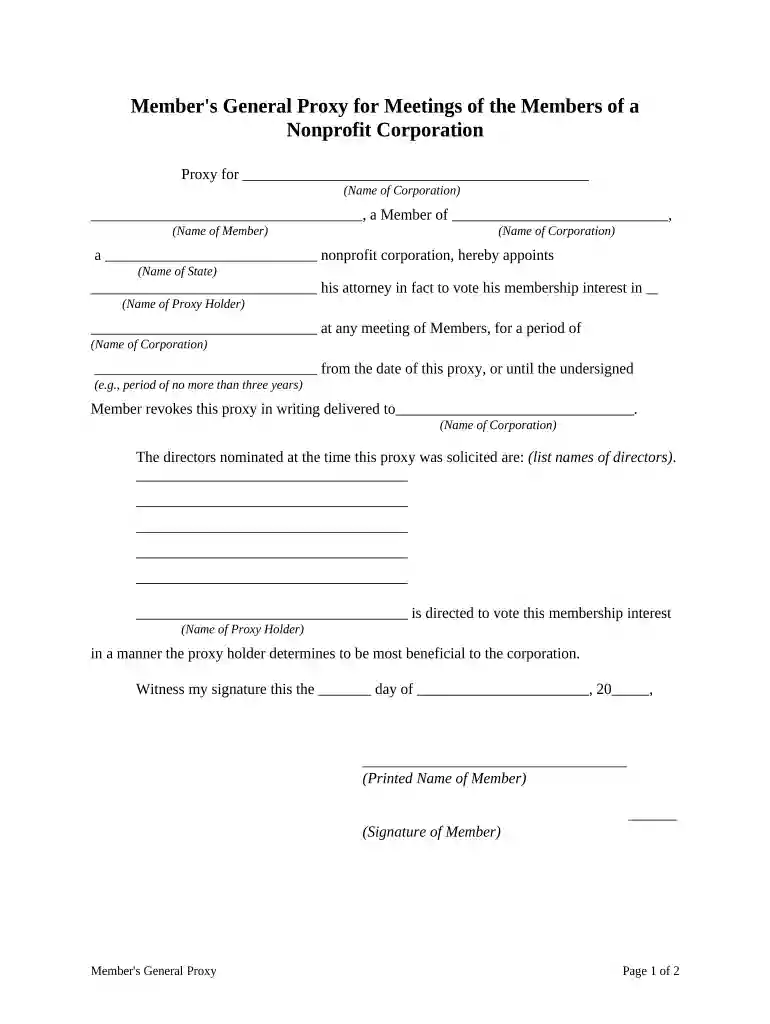
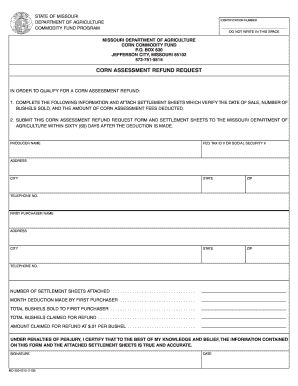
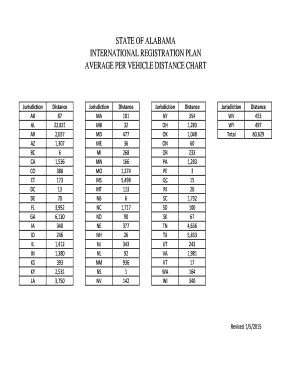
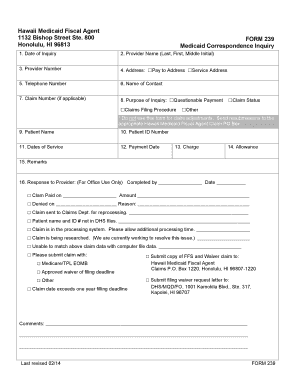
general proxy form Preview on Page 1

General proxy statement 2026

Here's how it works

  • 01. Edit your general proxy form online

    Type text, add images, blackout confidential details, add comments, highlights and more.

  • 02. Sign it in a few clicks

    Draw your signature, type it, upload its image, or use your mobile device as a signature pad.

  • 03. Share your form with others

    Send proxy online via email, link, or fax. You can also download it, export it or print it out.

How to use or fill out general proxy statement with our platform

Form edit decoration
9.5
Ease of Setup
DocHub User Ratings on G2
9.0
Ease of Use
DocHub User Ratings on G2
  1. Click ‘Get Form’ to open the general proxy statement in the editor.
  2. Begin by filling in the name of the corporation at the top of the form. This identifies which nonprofit organization you are granting proxy rights for.
  3. Next, enter your name as a member and specify your membership interest. This ensures that your voting rights are clearly defined.
  4. Designate a proxy holder by entering their name. This person will represent you at meetings and vote on your behalf.
  5. Indicate the duration of this proxy appointment, ensuring it does not exceed three years unless revoked earlier.
  6. List the names of directors nominated at the time this proxy was solicited to provide context for your proxy holder.
  7. Finally, sign and date the document, then have it notarized if required by your state regulations.

Start using our platform today to easily complete your general proxy statement online for free!

be ready to get more

Complete this form in 5 minutes or less

Security and compliance

At DocHub, your data security is our priority. We follow HIPAA, SOC2, GDPR, and other standards, so you can work on your documents with confidence.
be ready to get more

Complete this form in 5 minutes or less

If you believe that this page should be taken down, please follow our DMCA take down process here