




01. Edit your temporary employment contract online
Type text, add images, blackout confidential details, add comments, highlights and more.

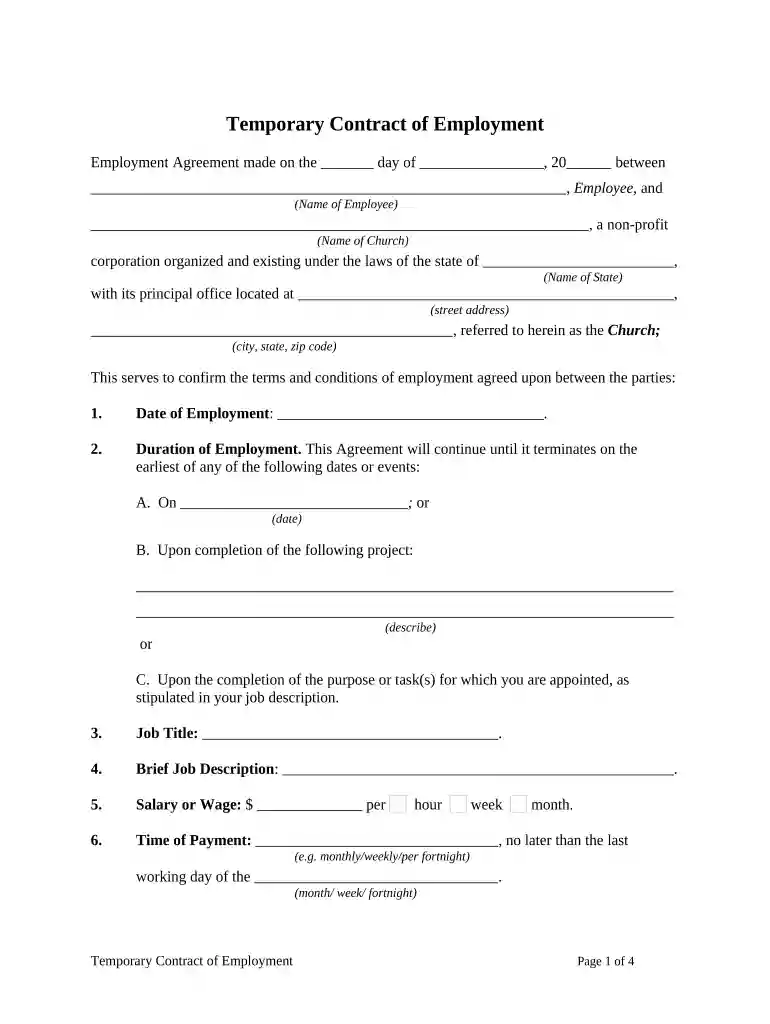
Type text, add images, blackout confidential details, add comments, highlights and more.

Draw your signature, type it, upload its image, or use your mobile device as a signature pad.

Send temporary employment contract template via email, link, or fax. You can also download it, export it or print it out.

Start editing your temporary employment agreement online for free today!
At DocHub, your data security is our priority. We follow HIPAA, SOC2, GDPR, and other standards, so you can work on your documents with confidence.


May 24, 2012 Employers are required to give employees written particulars of employment. This requirement is set out in section 28 and 29 of the BasicRead more
All flat rate temporary employees must have their paperwork submitted to Human Resources by the 10th of the payroll month in order to receive payment.Read more
As a temporary employee, you may be terminated at any time for legitimate business reasons with little or no advance notice. On the not-to-exceed date, your.Read more


