General form order 2026

Get Form
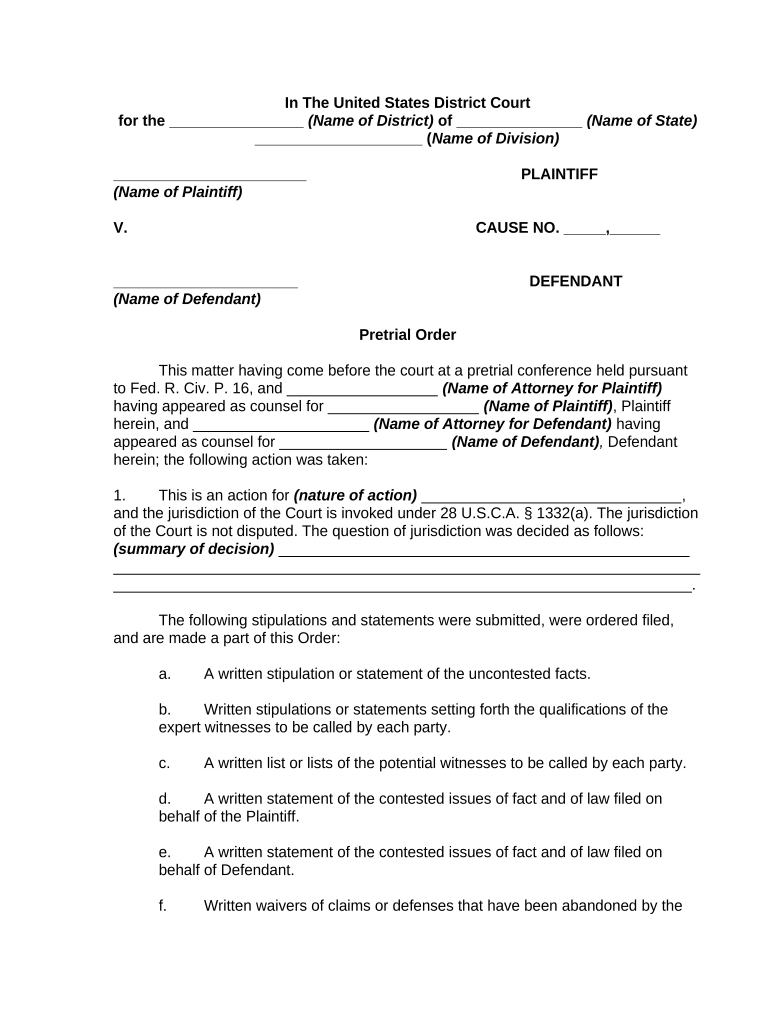
general form order Preview on Page 1

Here's how it works

01. Edit your form online
Type text, add images, blackout confidential details, add comments, highlights and more.
02. Sign it in a few clicks
Draw your signature, type it, upload its image, or use your mobile device as a signature pad.
03. Share your form with others
Send it via email, link, or fax. You can also download it, export it or print it out.

How to use or fill out general form order with our platform

Form edit decoration
9.5
Ease of Setup
DocHub User Ratings on G2
9.0
Ease of Use
DocHub User Ratings on G2
  1. Click ‘Get Form’ to open the general form order in the editor.
  2. Begin by filling in the name of the district and state at the top of the form. This sets the jurisdiction for your case.
  3. Next, enter the names of both the plaintiff and defendant in their respective sections. Ensure accuracy as these names are crucial for legal identification.
  4. Proceed to detail the nature of action and jurisdiction under 28 U.S.C.A. § 1332(a). Provide a summary of any jurisdictional decisions made during pretrial conferences.
  5. Complete each stipulation section by entering uncontested facts, qualifications of expert witnesses, and lists of potential witnesses for both parties.
  6. Document any exhibits offered by both parties, ensuring to mark them correctly as received or for identification.
  7. Finally, review all entries for accuracy before signing off on the document. Make sure to include dates and signatures where required.

Start using our platform today to streamline your document editing and form completion process for free!

be ready to get more

Complete this form in 5 minutes or less

Get form

Got questions?

We have answers to the most popular questions from our customers. If you can't find an answer to your question, please contact us.
Contact us
The following represents a small sampling of matters that are commonly dictated by the terms of a court order: Child custody. Child support. Court dates. Criminal sentences. Divorce decree. Emergency protective order. Equitable remedy. Gag order.
Legal Process for Emergency Custody in NY Filing for a temporary emergency custody order involves filing an order to show cause, which is a court order that requires a party to explain why the court should or should not grant a request, and any supporting affidavits.
An Order is a separate document that a judge signs which sets forth the judges ruling on a motion. A Judgment is a separate document that a judge signs and sets forth the judges ruling at the end of an adversary proceeding.
Formal Order means any ruling following an administrative or judicial hearing or an emergency directive issued by the Commissioner as authorized by law related to the initial or continued licensing of a facility which requires the facility to take or refrain from taking specified action.
Explanation: The formula 0 = Ax + By + C is said to be the general form for the equation of a line. A, B, and C are three real numbers. The General Form is useful when we want to write equations for vertical lines which is not possible in slope-intercept form or point-slope form. For example, 2x + 5 = 0.

Security and compliance

At DocHub, your data security is our priority. We follow HIPAA, SOC2, GDPR, and other standards, so you can work on your documents with confidence.

Learn more
ccpa2
pci-dss
gdpr-compliance
hipaa
soc-compliance
be ready to get more

Complete this form in 5 minutes or less

Get form

People also ask

The General Form of Judgement Order is the document from the court which tells you that there is a county court judgement against you.
0:06 3:56 Lets get started. What are common reasons for court orders. Have you ever wondered why courts issueMoreLets get started. What are common reasons for court orders. Have you ever wondered why courts issue orders. Understanding court orders is essential for navigating the legal. System.
An originating application is a document filed in a court for the purpose of claiming a legal remedy. The person filing the application is called the applicant. The person responding to the application is called the respondent. Once filed, the application is referred to as a proceeding.

Related links