Type text, add images, blackout confidential details, add comments, highlights and more.
02. Sign it in a few clicks
Draw your signature, type it, upload its image, or use your mobile device as a signature pad.
03. Share your form with others
Send name change tennessee via email, link, or fax. You can also download it, export it or print it out.
How to use or fill out Tennessee name change with our platform
Ease of Setup
DocHub User Ratings on G2
Ease of Use
DocHub User Ratings on G2
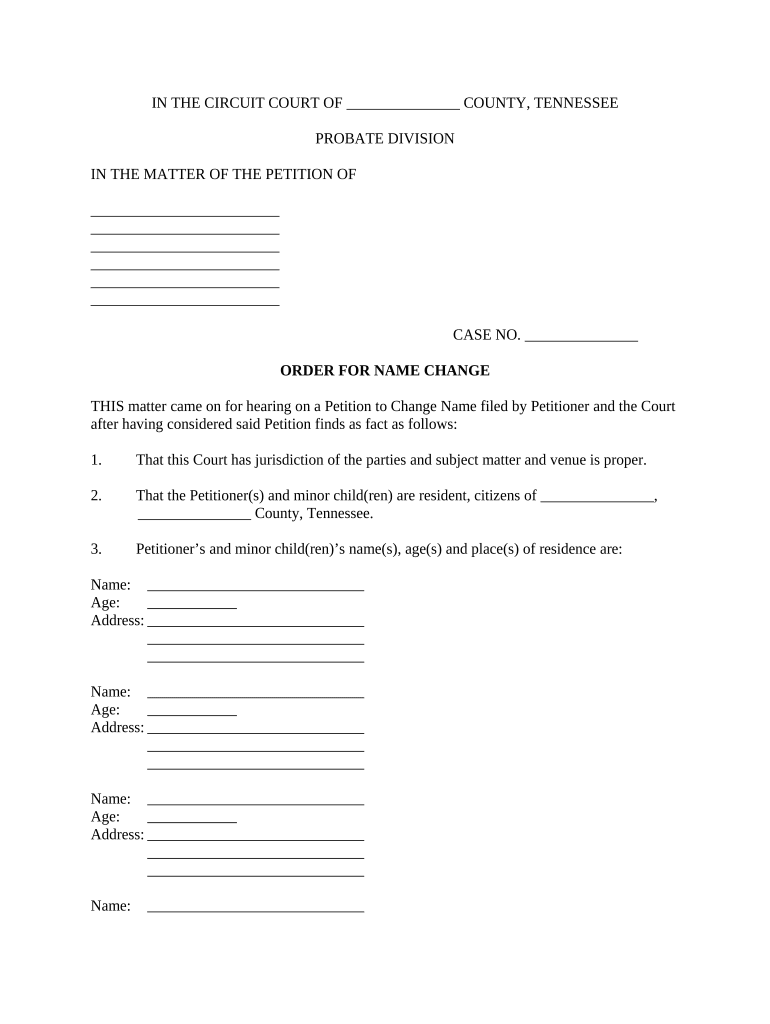
Click ‘Get Form’ to open the Tennessee name change document in the editor.
Begin by filling in the jurisdiction and county at the top of the form. This is essential for establishing where your petition is being filed.
In the section labeled 'Petitioner', enter your full name and any minor children’s names, along with their ages and addresses. Ensure accuracy as this information is crucial for legal recognition.
Next, specify the current names and the desired new names for both yourself and any minor children in the designated fields. Double-check that all entries are correct to avoid delays.
Finally, review all sections for completeness before submitting. Once satisfied, you can save or print your completed form directly from our platform.
Start using our platform today to streamline your Tennessee name change process for free!
Tennessee name change requirementsTennessee name change onlineTennessee name change marriageTennessee name change appointmentTennessee name change formTennessee name change costHow to legally change your name after marriageName change memphis TN
Security and compliance
At DocHub, your data security is our priority. We follow HIPAA, SOC2, GDPR, and other standards, so you can work on your documents with confidence.
If you need more information regarding the type of documentation required to change your name, please call (901) 448 -2495. SOCIAL SECURITY NO.: NAME OF COLLEGERead more
Cookie consent notice
This site uses cookies to enhance site navigation and personalize your experience.
By using this site you agree to our use of cookies as described in our Privacy Notice.
You can modify your selections by visiting our Cookie and Advertising Notice.