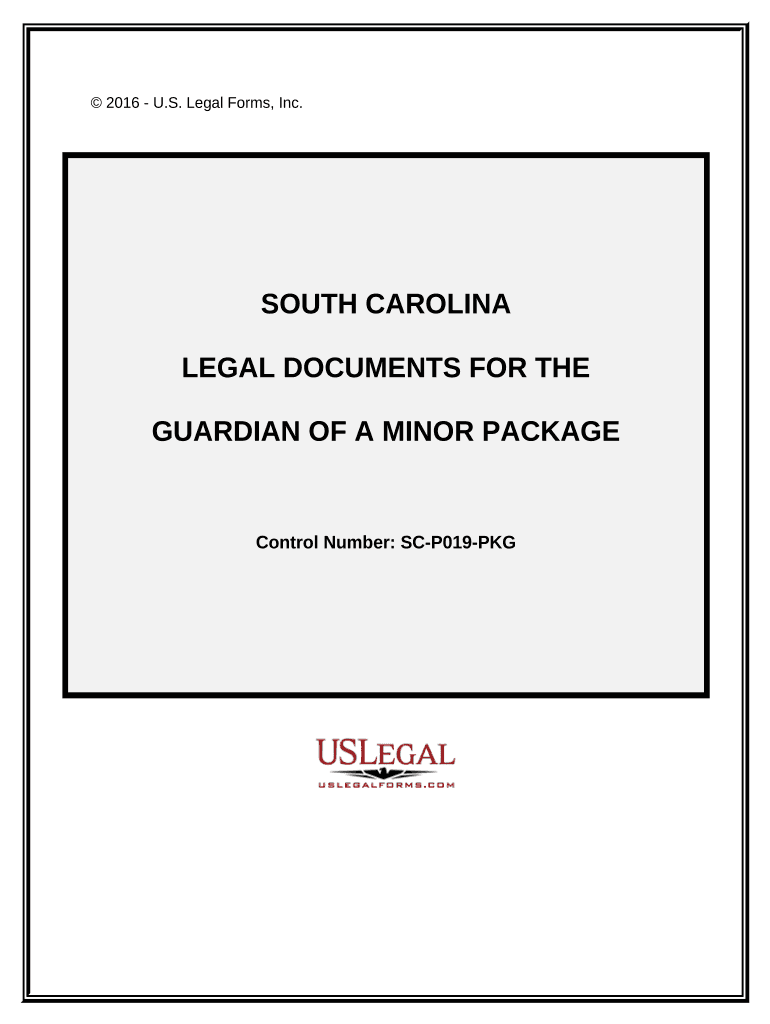
Legal Documents for the Guardian of a Minor Package - South Carolina 2026

Get Form
guardianship of minor child in south carolina form Preview on Page 1

Here's how it works

01. Edit your guardianship of minor child in south carolina form online
Type text, add images, blackout confidential details, add comments, highlights and more.
02. Sign it in a few clicks
Draw your signature, type it, upload its image, or use your mobile device as a signature pad.
03. Share your form with others
Send guardianship of minor child in south carolina via email, link, or fax. You can also download it, export it or print it out.

How to use or fill out Legal Documents for the Guardian of a Minor Package - South Carolina

Form edit decoration
9.5
Ease of Setup
DocHub User Ratings on G2
9.0
Ease of Use
DocHub User Ratings on G2
  1. Click ‘Get Form’ to open it in the editor.
  2. Begin with the 'Parent Guardian Permission For Child To Participate' form. Fill in the child's name, activity details, and emergency contact information. Ensure you provide consent for medical treatment if necessary.
  3. Next, complete the 'Guardianship Current Assets' form by listing all assets belonging to the minor, including cash accounts and property interests.
  4. Proceed to the 'Guardianship Expenditures' form. Document any expenses incurred on behalf of the minor, detailing each transaction clearly.
  5. Fill out the 'Guardianship Receipts' form to track receipts related to guardianship. Include date, source, reason, and amount for each receipt.
  6. Complete the 'Power of Attorney for Care of Minor Child' form by specifying which powers are granted and ensuring all natural guardians are listed.
  7. Finally, fill in the 'Waiver and Release From Liability For Minor Child for School Field Trip.' Provide details about known medical conditions and any prohibited activities.

Start using our platform today to easily manage your legal documents for free!

be ready to get more

Complete this form in 5 minutes or less

Get form

Got questions?

We have answers to the most popular questions from our customers. If you can't find an answer to your question, please contact us.
Contact us

Sure, a typed name is accepted as a valid electronic signature when you add it to your document using a compliant solution like DocHub. Simply import your how to get guardianship of a child without going to court in south carolina to our editor, click Sign in the top tool pane → Create your signature → Type your name in the appropriate tab, and decide how it will appear on your document.

You can complete and sign your temporary guardianship form south carolina on the internet, even on a tight deadline. All you need to access top-notch editing instruments on any device is a DocHub account, which you can register in a couple of moments. After you sign up, add your file or find what you are looking for in our catalog, complete it using the editing instruments you want, and put your electronic signature on it at the end.

A Go-To Guide for Guardianship Letters Basic Information. In the letter heading, include basic details like names and addresses. Statement of Consent. Grant Powers to Guardian. Describe Your Absence. Provide Contact Details. Get Letter docHubd.
Steps Show your order or letter of guardianship signed by a judge. If you were appointed as guardian by a court, simply provide a copy of your order or letter of guardianship that the judge signed. Show the will appointing you as guardian. Provide copies of your court document.
How to Write Legal Guardianship Letter? Title and Date. Parent or Guardians Information. Childs Information. Guardians Information. Duration of Guardianship. Reason for Guardianship. Details of Authority. Legal Guardians Consent.

Security and compliance

At DocHub, your data security is our priority. We follow HIPAA, SOC2, GDPR, and other standards, so you can work on your documents with confidence.

Learn more
ccpa2
pci-dss
gdpr-compliance
hipaa
soc-compliance

People also ask

In South Carolina, the Probate Court makes the final decision as to who will be the guardian based on the facts of each case. There is a priority for appointment by law, which is followed unless there is a good reason to appoint someone else. See S.C. Code Ann.
The guardianship designation form is a vital legal document that enables parents to appoint a trusted guardian for their minor children in case of their death or incapacitation.

how to get legal guardianship of a minor