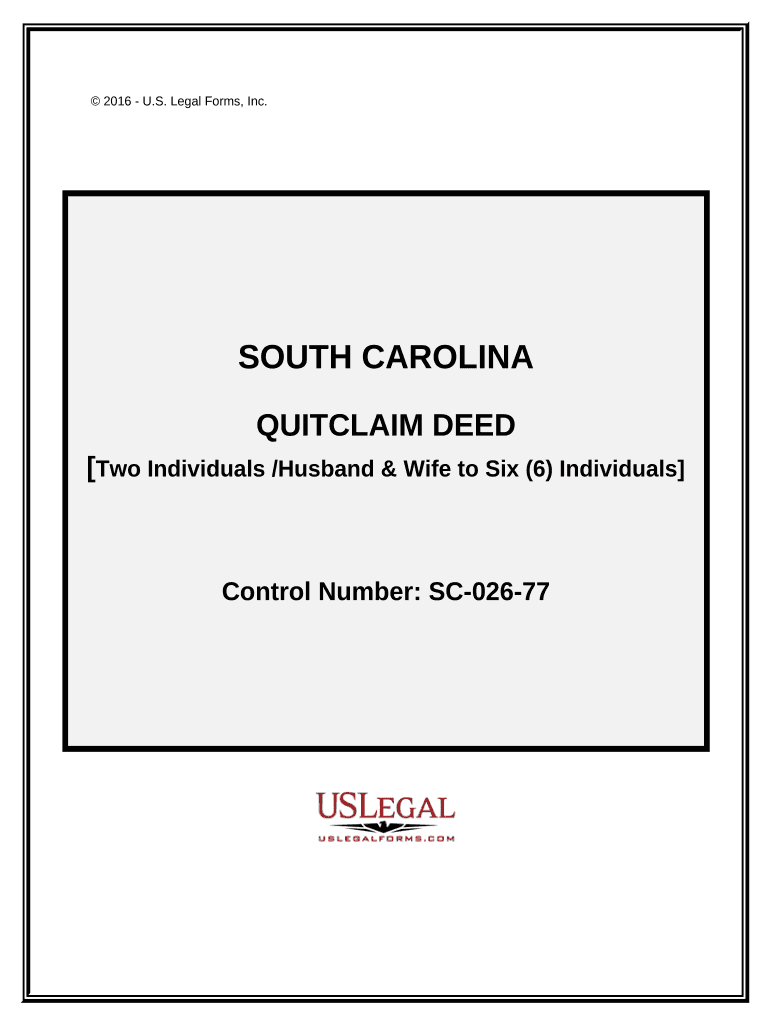
South carolina deed 2026

Get Form
south carolina deed transfer form Preview on Page 1

Here's how it works

01. Edit your south carolina deed transfer form online
Type text, add images, blackout confidential details, add comments, highlights and more.
02. Sign it in a few clicks
Draw your signature, type it, upload its image, or use your mobile device as a signature pad.
03. Share your form with others
Send it via email, link, or fax. You can also download it, export it or print it out.

How to use or fill out South Carolina Deed with our platform

Form edit decoration
9.5
Ease of Setup
DocHub User Ratings on G2
9.0
Ease of Use
DocHub User Ratings on G2
  1. Click ‘Get Form’ to open the South Carolina Quitclaim Deed in the editor.
  2. Begin by entering the names and addresses of the Grantors and Grantees in the designated fields. Ensure that all names are spelled correctly, as this is crucial for legal documentation.
  3. In the section for consideration, specify the amount being exchanged for the property. This should be clearly stated in both numerical and written form.
  4. Provide a legal description of the property involved. If necessary, attach an Exhibit A with detailed information about the property’s boundaries and characteristics.
  5. Indicate how Grantees will hold the property (e.g., Tenants in Common or Joint Tenants with Right of Survivorship) by selecting from available options.
  6. Ensure that all required signatures are obtained from Grantors, witnesses, and a Notary Public. Use blue ink for signatures as recommended by South Carolina law.

Start using our platform today to streamline your document editing and signing process for free!

be ready to get more

Complete this form in 5 minutes or less

Get form

Got questions?

We have answers to the most popular questions from our customers. If you can't find an answer to your question, please contact us.
Contact us
Property ownership and location The current certificate of title lists the present owners of a parcel of land. There are tutorials on the SAILIS site to help with your search. The State Library of SA has also developed a searching guide to assist with accessing Certificates of Title through SAILIS.
To obtain a copy of a plat or deed, contact the local Registers of Deeds office or Clerk of Court. Below is a list of counties with corresponding links to their Registers of Deeds office or Clerk of Court.
The ROD Office records by the owners name and legal description. If you do not have the owners name, you can research the property in the Assessors Office on the tax maps. By locating the piece of property on the tax map, a parcel number can be used to find the owners name.
To verify property ownership: Visit local government offices like the revenue department or sub-registrars office. Provide the propertys survey number or address so that ownership records can be accessed. Perform a property title search to identify any past disputes or issues.
All records in the Register of Deeds office are Public Record and most are available online. Online Records includes data from 8/1/1984 through current date with images of documents available from 1/1/1997 through current date.

Security and compliance

At DocHub, your data security is our priority. We follow HIPAA, SOC2, GDPR, and other standards, so you can work on your documents with confidence.

Learn more
ccpa2
pci-dss
gdpr-compliance
hipaa
soc-compliance

People also ask

The Register assures all recorded documents comply with the requirements of federal and state recording statutes and are available for public review. File, index and record deeds, mortgages and miscellaneous property related records and plats in a variety of formats.
We advise you to contact an attorney of your choice to have a deed prepared. You can visit our website go under Register of Deeds for forms available online. To add a name to your property you must sign a new deed conveying interest to an individual.

Related links