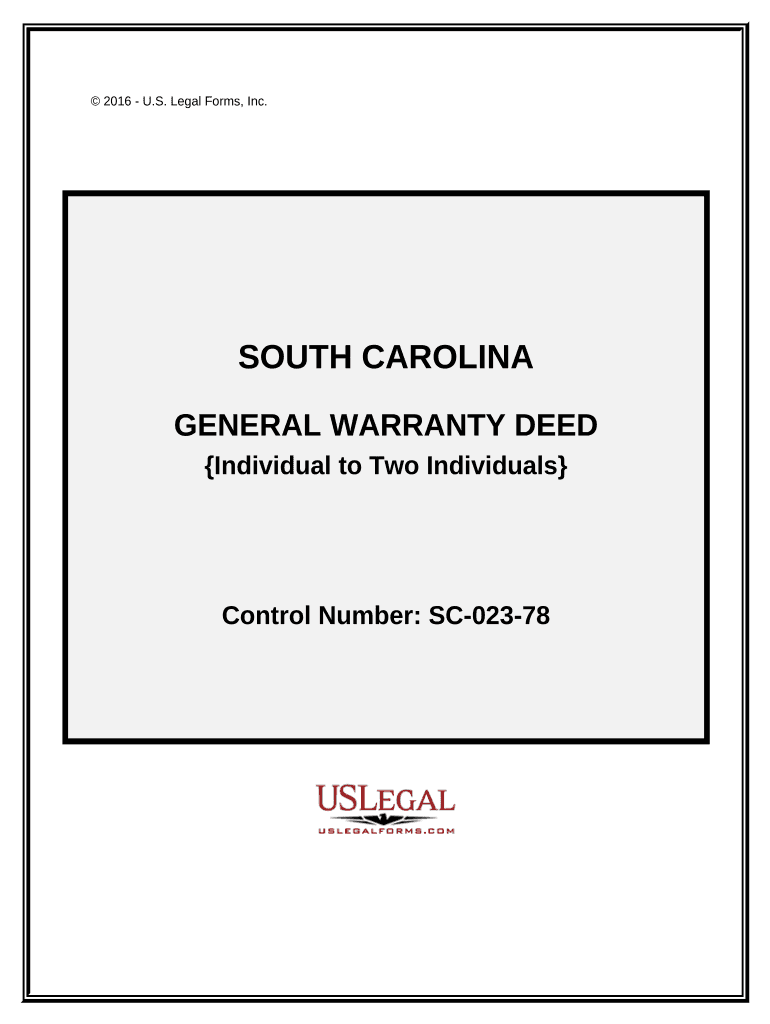
South carolina deed 2026

Get Form
south carolina deed Preview on Page 1

Here's how it works

01. Edit your form online
Type text, add images, blackout confidential details, add comments, highlights and more.
02. Sign it in a few clicks
Draw your signature, type it, upload its image, or use your mobile device as a signature pad.
03. Share your form with others
Send it via email, link, or fax. You can also download it, export it or print it out.

How to use or fill out South Carolina Deed with our platform

Form edit decoration
9.5
Ease of Setup
DocHub User Ratings on G2
9.0
Ease of Use
DocHub User Ratings on G2
  1. Click ‘Get Form’ to open the South Carolina General Warranty Deed in the editor.
  2. Begin by entering the Grantor's name and address in the designated fields. Ensure that the names match exactly as they will appear on the document.
  3. Next, input the Grantees' names and addresses. If there are multiple Grantees, make sure to fill out each section accurately.
  4. In the consideration section, specify the amount being paid for the property. This is crucial for legal documentation.
  5. Attach a legal description of the property as Exhibit A. This should be detailed and accurate to avoid any issues during filing.
  6. Ensure that two witnesses sign in their respective fields. Their names must also be printed beneath their signatures.
  7. Finally, have a Notary Public notarize the document, ensuring all required information is included, such as their signature and seal.

Start using our platform today to streamline your document editing and signing process for free!

be ready to get more

Complete this form in 5 minutes or less

Get form

Got questions?

We have answers to the most popular questions from our customers. If you can't find an answer to your question, please contact us.
Contact us
To obtain a copy of a plat or deed, contact the local Registers of Deeds office or Clerk of Court. Below is a list of counties with corresponding links to their Registers of Deeds office or Clerk of Court.
The Register assures all recorded documents comply with the requirements of federal and state recording statutes and are available for public review. File, index and record deeds, mortgages and miscellaneous property related records and plats in a variety of formats.
The Register of Deeds Office for the county in which the property is located maintains recorded deeds. There will be a cost involved to obtain a copy.
Transfer and loan documents will include the buyers name and address. When a document is recorded, it becomes part of the countys permanent public records. Anyone is allowed to see recorded documents theyre not confidential.
All records in the Register of Deeds office are Public Record and most are available online. Online Records includes data from 8/1/1984 through current date with images of documents available from 1/1/1997 through current date.

Security and compliance

At DocHub, your data security is our priority. We follow HIPAA, SOC2, GDPR, and other standards, so you can work on your documents with confidence.

Learn more
ccpa2
pci-dss
gdpr-compliance
hipaa
soc-compliance