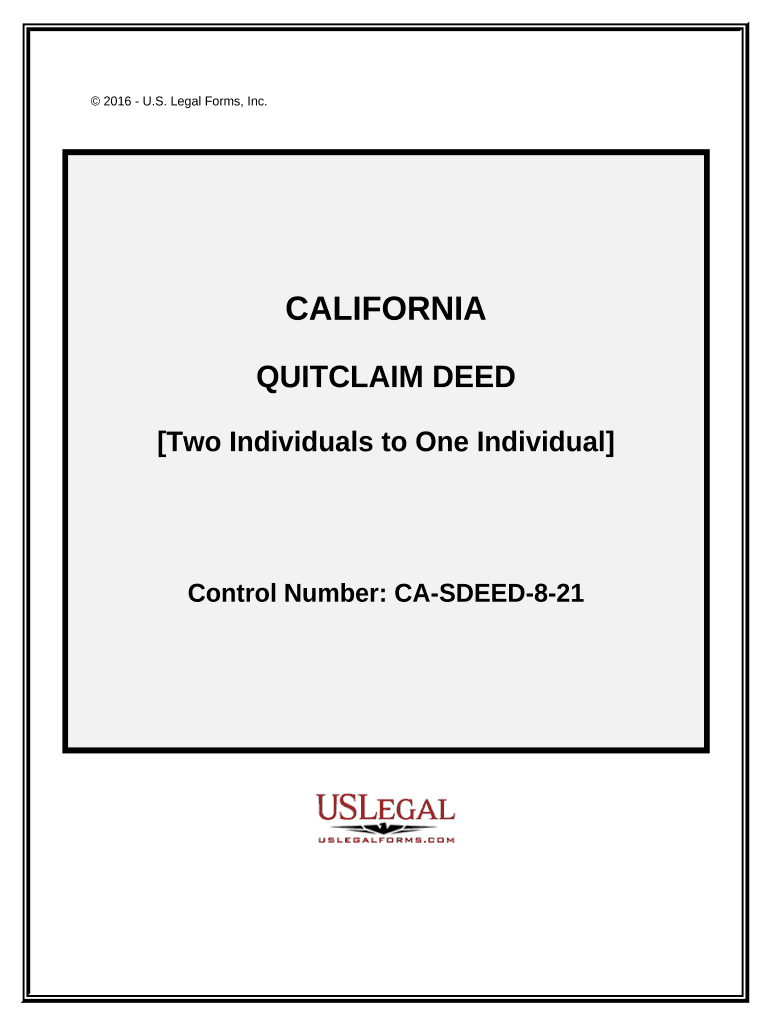
01. Edit your california quit claim deed form fillable online
Type text, add images, blackout confidential details, add comments, highlights and more.
02. Sign it in a few clicks
Draw your signature, type it, upload its image, or use your mobile device as a signature pad.
03. Share your form with others
Send quit claim deed form pdf via email, link, or fax. You can also download it, export it or print it out.
How to use or fill out quitclaim deed form california with DocHub
Ease of Setup
DocHub User Ratings on G2
Ease of Use
DocHub User Ratings on G2
Click ‘Get Form’ to open the quitclaim deed form in our editor.
Begin by entering the names of the Grantors and Grantee in the designated fields. Ensure that you specify their marital status as either married or unmarried.
Fill in the property details, including the legal description, which can be attached as Exhibit A. This is crucial for identifying the property being transferred.
Indicate any exemptions from transfer tax by selecting the appropriate reason from the provided list. This should be noted on the face of the deed.
Complete any additional sections regarding taxes, ensuring clarity on how they will be prorated or paid.
Finally, have both Grantors sign and date the document. You may also need a notary public to acknowledge their signatures for legal validity.
Start using our platform today to fill out your quitclaim deed form easily and for free!
Fill out quitclaim deed form california online It's free
Quitclaim deed form california pdfPrintable quitclaim deed form californiaFree printable quitclaim deed form californiaQuit claim deed form pdfQuitclaim deed CaliforniaFree quitclaim deed form californiaLos Angeles County quit claim deed formFree blank Quit Claim deed form
Security and compliance
At DocHub, your data security is our priority. We follow HIPAA, SOC2, GDPR, and other standards, so you can work on your documents with confidence.
I DocHub under PENALTY OF PERJURY under the laws of the State of California that the foregoing paragraph is true and correct. WITNESS my hand and official sealRead more
Cookie consent notice
This site uses cookies to enhance site navigation and personalize your experience.
By using this site you agree to our use of cookies as described in our Privacy Notice.
You can modify your selections by visiting our Cookie and Advertising Notice.