Type text, add images, blackout confidential details, add comments, highlights and more.
02. Sign it in a few clicks
Draw your signature, type it, upload its image, or use your mobile device as a signature pad.
03. Share your form with others
Send it via email, link, or fax. You can also download it, export it or print it out.
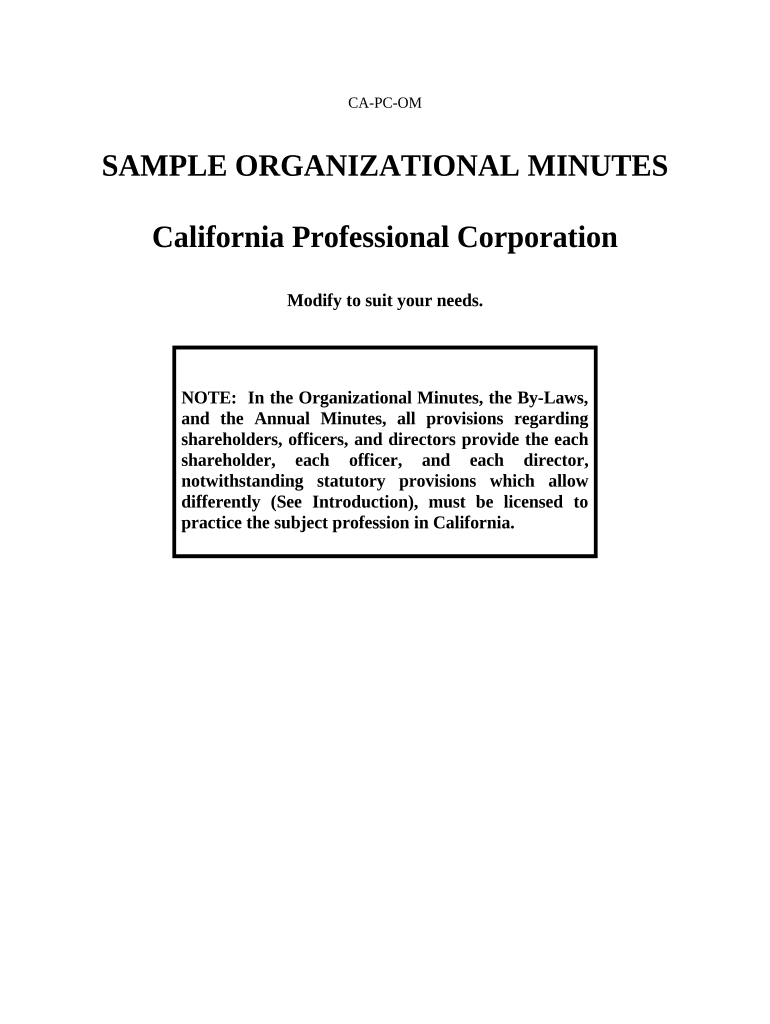
How to use or fill out California Minutes with our platform
Ease of Setup
DocHub User Ratings on G2
Ease of Use
DocHub User Ratings on G2
Click ‘Get Form’ to open the California Minutes document in the editor.
Begin by entering the 'Name of Corporation' at the top of the form. This identifies your organization and is essential for all subsequent actions.
In the section titled 'Election of Directors', list the names and addresses of each director. Ensure that all directors are licensed to practice in California, as required.
Proceed to 'Approval of Articles of Incorporation'. Here, confirm that you have filed your Articles with the California Secretary of State and include the filing date.
Fill out the 'Election of Officers' section by naming individuals for each office (President, Secretary, Treasurer). Remember, one person can hold multiple offices if necessary.
Complete any optional sections such as 'Payment of Incorporation Expenses' and 'Adoption of Corporate Seal' based on your corporation's needs.
Finally, ensure all incorporators, shareholders, and directors sign at the bottom to validate these minutes as official corporate actions.
Start editing your California Minutes for free today on our platform!
Uc regents meeting todayCity of california city community page loginCalifornia City City councilCalifornia websiteCA govCalifornia City News today shootingCalifornia City CenterCalifornia town hall
Security and compliance
At DocHub, your data security is our priority. We follow HIPAA, SOC2, GDPR, and other standards, so you can work on your documents with confidence.
Agendas, Minutes and Recordings - CaliforniaCity-Ca.gov
Friday 9:00 a.m. - 4:30 p.m.. (Closed every other Friday). Agendas, Minutes and Recordings. City Council Planning Commission Parks Recreation CommissionRead more
Cookie consent notice
This site uses cookies to enhance site navigation and personalize your experience.
By using this site you agree to our use of cookies as described in our Privacy Notice.
You can modify your selections by visiting our Cookie and Advertising Notice.