Type text, add images, blackout confidential details, add comments, highlights and more.
02. Sign it in a few clicks
Draw your signature, type it, upload its image, or use your mobile device as a signature pad.
03. Share your form with others
Send it via email, link, or fax. You can also download it, export it or print it out.
How to use or fill out amount unpaid with our platform
Ease of Setup
DocHub User Ratings on G2
Ease of Use
DocHub User Ratings on G2
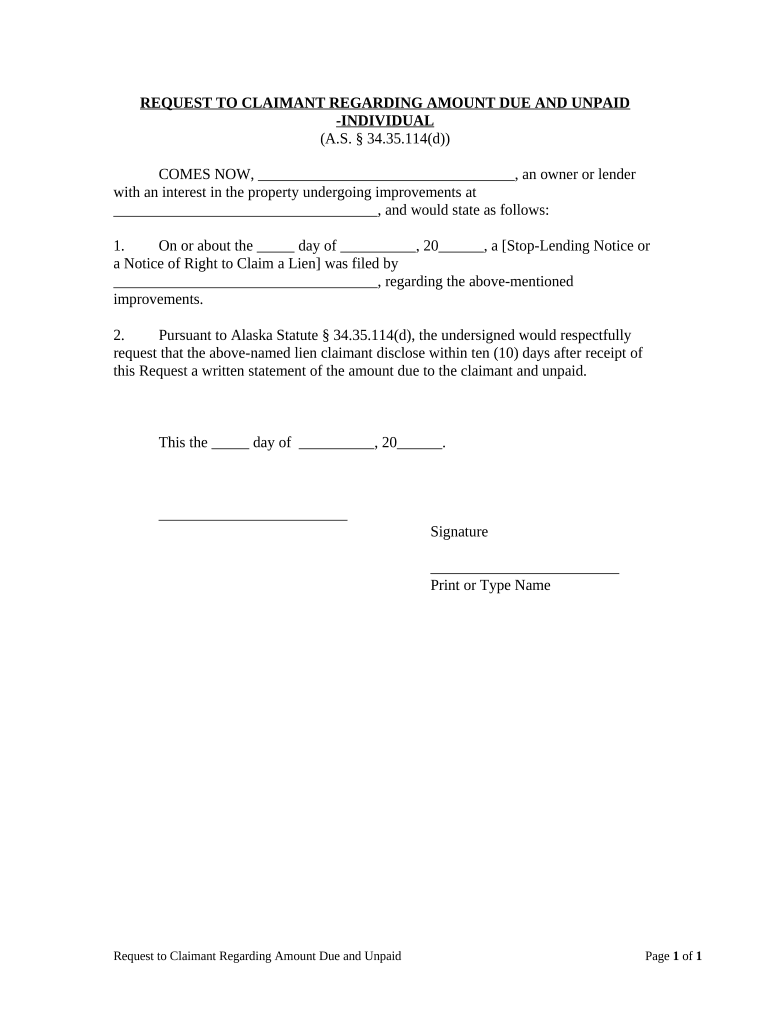
Click ‘Get Form’ to open the Request to Claimant Regarding Amount Due and Unpaid in the editor.
Begin by filling in your name or the name of the lender in the designated field at the top of the form.
Next, enter the address of the property undergoing improvements where indicated. This is crucial for identifying the relevant lien.
In section one, specify the date when either a Stop-Lending Notice or a Notice of Right to Claim a Lien was filed. Ensure accuracy for legal compliance.
Complete section two by clearly stating your request for a written statement from the lien claimant regarding the amount due and unpaid, ensuring you adhere to the ten-day response requirement.
Finally, sign and print your name at the bottom of the form before saving or sending it through our platform.
Start using our editor today to streamline your document completion process for free!
Definition. The amount of tuition and fees that needs to be received. It is calculated as the assessed amount minus the total paid amount minus the waivedRead more
48-597 - List of unpaid assessments; issuance of bonds
unpaid, which amount to twenty-five dollars or over, upon any assessment. B unpaid assessments exceeding twenty-five dollars as may be shown on theRead more
Cookie consent notice
This site uses cookies to enhance site navigation and personalize your experience.
By using this site you agree to our use of cookies as described in our Privacy Notice.
You can modify your selections by visiting our Cookie and Advertising Notice.