Type text, add images, blackout confidential details, add comments, highlights and more.
02. Sign it in a few clicks
Draw your signature, type it, upload its image, or use your mobile device as a signature pad.
03. Share your form with others
Send it via email, link, or fax. You can also download it, export it or print it out.
How to use or fill out bylaws with our platform
Ease of Setup
DocHub User Ratings on G2
Ease of Use
DocHub User Ratings on G2
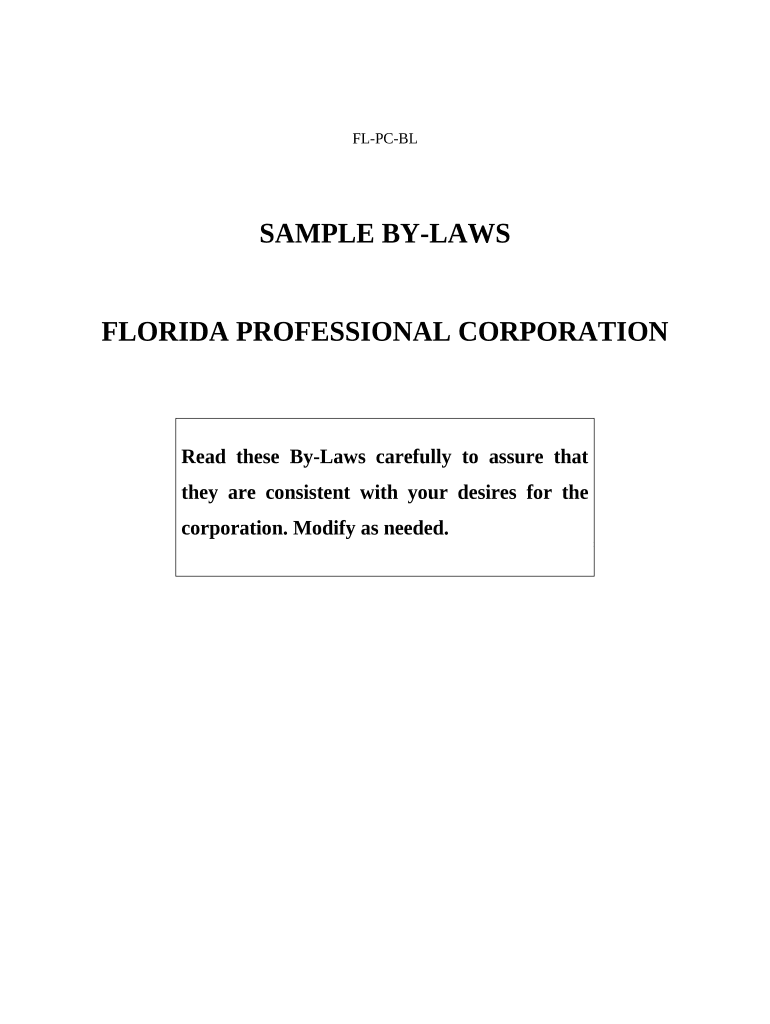
Click ‘Get Form’ to open the bylaws document in the editor.
Begin by entering the 'Name of Corporation' in Article I, Section 1. Ensure that you also provide the address for both the principal and registered offices.
In Article II, Section 1, specify the date for the annual meeting of shareholders and indicate the year of the first meeting after incorporation.
Proceed to fill out Article III regarding the Board of Directors. Specify the number of directors and ensure each is a licensed professional as required.
Complete Article IV by detailing the officers of your corporation. Include their titles and responsibilities, ensuring compliance with state regulations.
Review all sections for accuracy and completeness before saving your changes. Utilize our platform's features to sign and distribute your finalized bylaws easily.
Start editing your bylaws today for free on our platform!
Is it bylaws or by lawsBylaws exampleBylaws templateBylaws of an organizationBylaws meaning and examplesBylaws vs constitutionBylaws for corporationBylaws for nonprofit
Security and compliance
At DocHub, your data security is our priority. We follow HIPAA, SOC2, GDPR, and other standards, so you can work on your documents with confidence.
bylaws | Wex | US Law | LII / Legal Information Institute
Bylaws are a type of governing document containing the rules adopted by a corporation, association, or other organization to regulate its internal managementRead more
Cookie consent notice
This site uses cookies to enhance site navigation and personalize your experience.
By using this site you agree to our use of cookies as described in our Privacy Notice.
You can modify your selections by visiting our Cookie and Advertising Notice.