




01. Edit your form online
Type text, add images, blackout confidential details, add comments, highlights and more.

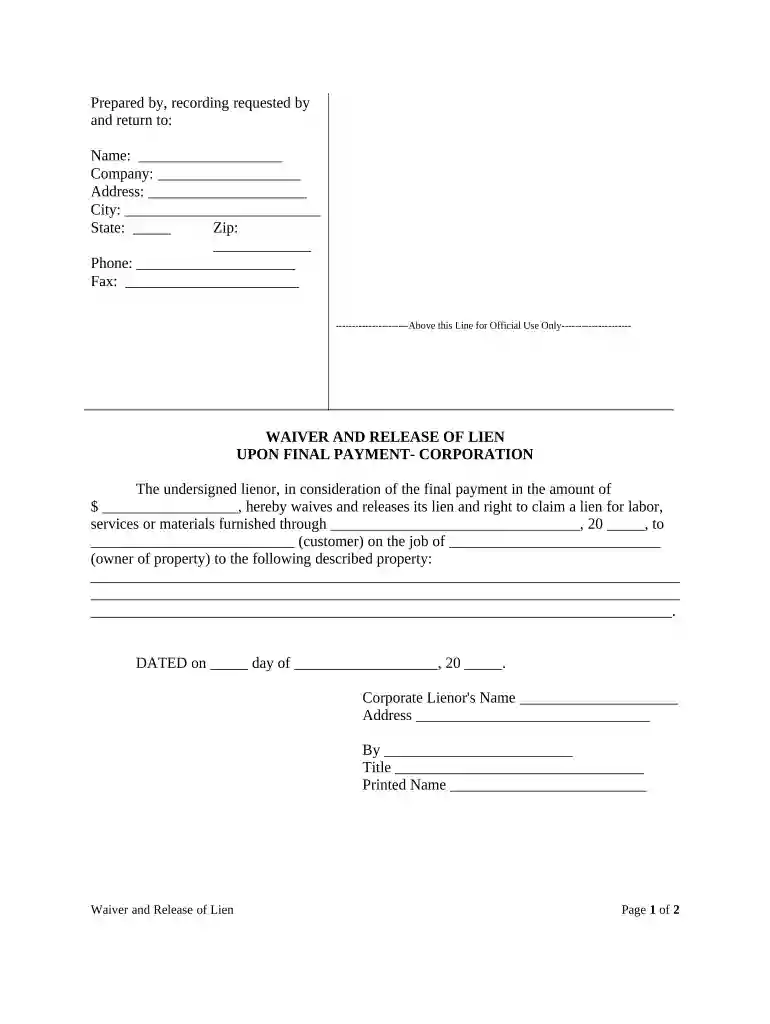
Type text, add images, blackout confidential details, add comments, highlights and more.

Draw your signature, type it, upload its image, or use your mobile device as a signature pad.

Send it via email, link, or fax. You can also download it, export it or print it out.

Start using our platform today for free to streamline your document editing and signing process!
At DocHub, your data security is our priority. We follow HIPAA, SOC2, GDPR, and other standards, so you can work on your documents with confidence.


The Division of Corporations is the State of Floridas official business entity index and commercial activity website.Read more
by EA Seemann 1990 In March 1982, the Florida Legislature passed the Florida Limited Liability Company Act (Act) creating a new business entity, the Limited Liability CompanyRead more
Aug 1, 2025 The basic model behind them remains intact, with core legal principles like limited liability and separate legal personality, stemming fromRead more


