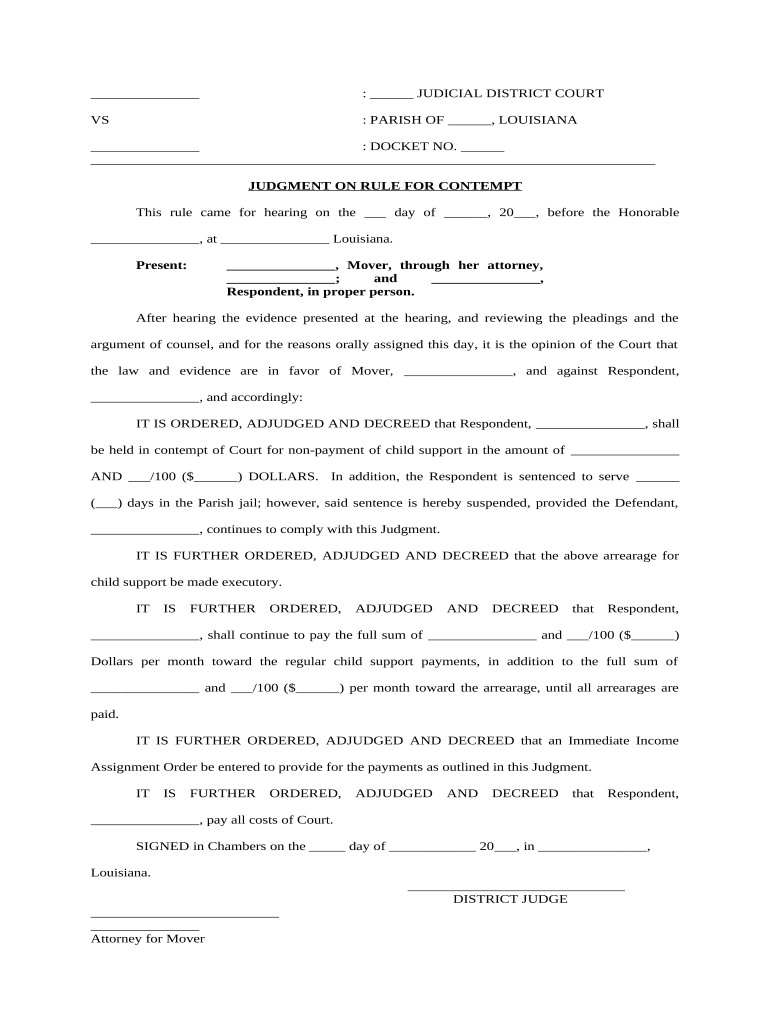
Judgment rule 2026

Get Form
judgment rule Preview on Page 1

Here's how it works

01. Edit your form online
Type text, add images, blackout confidential details, add comments, highlights and more.
02. Sign it in a few clicks
Draw your signature, type it, upload its image, or use your mobile device as a signature pad.
03. Share your form with others
Send it via email, link, or fax. You can also download it, export it or print it out.

How to use or fill out judgment rule with our platform

Form edit decoration
9.5
Ease of Setup
DocHub User Ratings on G2
9.0
Ease of Use
DocHub User Ratings on G2
  1. Click ‘Get Form’ to open the judgment rule in the editor.
  2. Begin by filling in the judicial district court and parish information at the top of the form. This sets the context for your document.
  3. Enter the docket number in the designated field, ensuring it matches any related case files for easy reference.
  4. In the section labeled 'Mover', input the name of the individual bringing forth the motion, along with their attorney's details if applicable.
  5. For 'Respondent', provide the name of the individual being addressed by this judgment. Ensure accuracy as this is crucial for legal documentation.
  6. Fill in specific amounts related to child support arrears and monthly payments as outlined in your case, ensuring all figures are correct.
  7. Complete any additional sections regarding jail time or compliance requirements as specified in your judgment rule.
  8. Finally, review all entries for accuracy before saving or exporting your completed document for submission.

Start using our platform today to streamline your document editing and ensure a smooth workflow!

be ready to get more

Complete this form in 5 minutes or less

Get form

Got questions?

We have answers to the most popular questions from our customers. If you can't find an answer to your question, please contact us.
Contact us
The Delhi High Court reiterated that it is a settled position of law that an application under Order 7 Rule 10 CPC is disposed of by considering the plaint with a demur. the defence of the defendant in the written statement is not to be taken into account while deciding such application.
The business judgment rule protects the business decisions of corporate directors and officers who are sued by shareholders for claims of a bdocHub of the duty of care.
Under this standard, a court will uphold the decisions of a director as long as they are made (1) in good faith, (2) with the care that a reasonably prudent person would use, and (3) with the reasonable belief that the director is acting in the best interests of the corporation.
Under the doctrine of finality of judgment or immutability of judgment, a decision that has acquired finality becomes immutable and unalterable, and may no longer be modified in any respect, even if the modification is meant to correct erroneous conclusions of fact and law, and whether it be made by the court that
The rationale for the rule is the recognition by courts that, in the inherently risky environment of business, Boards of Directors need to be free to take risks without a constant fear of lawsuits affecting their judgment. The presumption raised by the business judgement rule may be rebutted by the plaintiff.

Security and compliance

At DocHub, your data security is our priority. We follow HIPAA, SOC2, GDPR, and other standards, so you can work on your documents with confidence.

Learn more
ccpa2
pci-dss
gdpr-compliance
hipaa
soc-compliance

People also ask

Judgments come in different forms, including in personam (against a person), in rem (against property), and quasi in rem (limited to specific property), and can arise from both civil and criminal cases.
The business judgment rule is a presumption that in making a business decision, the directors of a corporation acted on an informed basis, in good faith and in the honest belief that the action taken was in the best interests of the company.

Related links