Type text, add images, blackout confidential details, add comments, highlights and more.
02. Sign it in a few clicks
Draw your signature, type it, upload its image, or use your mobile device as a signature pad.
03. Share your form with others
Send it via email, link, or fax. You can also download it, export it or print it out.
How to use or fill out writ certiorari with our platform
Ease of Setup
DocHub User Ratings on G2
Ease of Use
DocHub User Ratings on G2
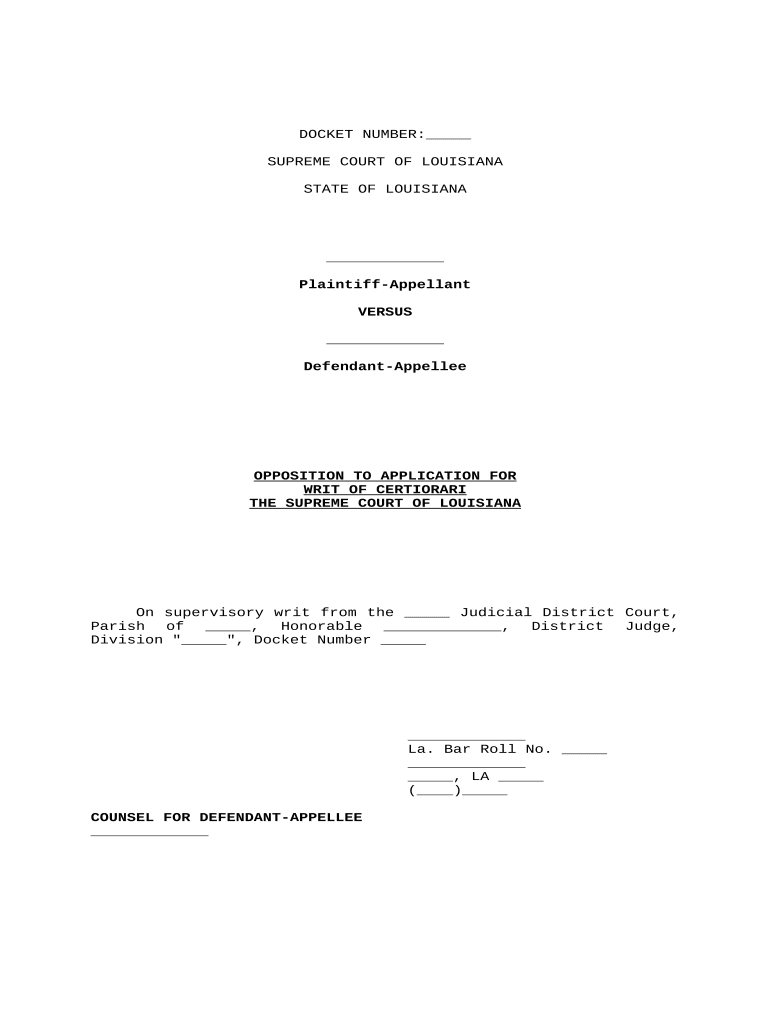
Click ‘Get Form’ to open the writ certiorari document in the editor.
Begin by entering the DOCKET NUMBER at the top of the form. This is essential for identifying your case.
Fill in the names of the Plaintiff-Appellant and Defendant-Appellee in the designated fields. Ensure accuracy as these names are critical for legal identification.
In the section labeled 'On supervisory writ from', specify the Judicial District Court and Parish, along with the name of the Honorable District Judge overseeing your case.
Complete any additional fields such as Docket Number and Counsel information, including La. Bar Roll No., address, and contact number for proper representation.
Start using our platform today to streamline your writ certiorari process for free!
Writ of certiorari exampleCertiorari pronunciationWrit of mandamusPetition for writ of certiorari PDFHow to file a writ of certiorariWrit of quo warrantoHow is a writ of certiorari grantedProhibition writ
Security and compliance
At DocHub, your data security is our priority. We follow HIPAA, SOC2, GDPR, and other standards, so you can work on your documents with confidence.
28 U.S.C. 2350. - Review in Supreme Court on certiorari or
Application for the writ shall be made within 45 days after entry of the order and within 90 days after entry of the judgment, as the case may be. The United
The primary means to petition the court for review is to ask it to grant a writ of certiorari. This is a request that the Supreme Court order a lower courtRead more
Cookie consent notice
This site uses cookies to enhance site navigation and personalize your experience.
By using this site you agree to our use of cookies as described in our Privacy Notice.
You can modify your selections by visiting our Cookie and Advertising Notice.