Type text, add images, blackout confidential details, add comments, highlights and more.
02. Sign it in a few clicks
Draw your signature, type it, upload its image, or use your mobile device as a signature pad.
03. Share your form with others
Send it via email, link, or fax. You can also download it, export it or print it out.
How to use or fill out writ review with our platform
Ease of Setup
DocHub User Ratings on G2
Ease of Use
DocHub User Ratings on G2
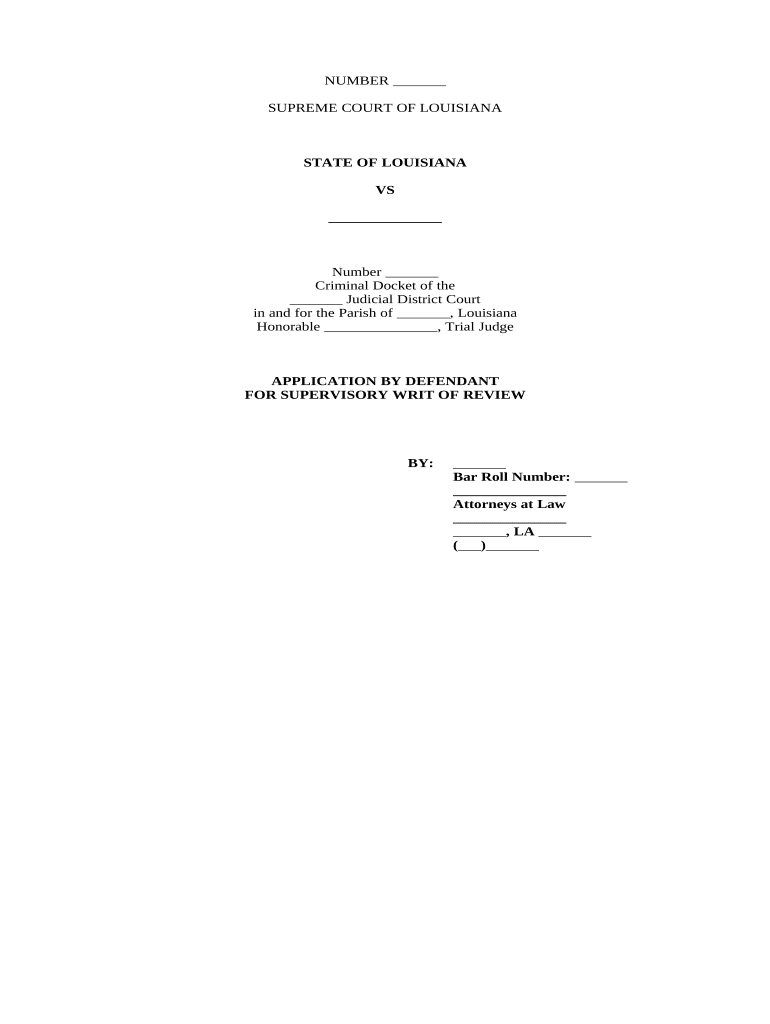
Click 'Get Form' to open the writ review document in the editor.
Begin by filling in the case number and names of the parties involved at the top of the form. Ensure accuracy as this information is crucial for identification.
Proceed to the 'Jurisdiction' section. Clearly state the basis for jurisdiction, referencing relevant articles from Louisiana law.
In the 'Assignment of Errors' section, list any errors made by the trial court that you wish to appeal. Be specific and concise.
Complete the 'Statement of the Case' by summarizing key facts and procedural history relevant to your case.
Address each 'Issue Presented for Review' individually, providing a clear argument and supporting evidence for each point raised.
Conclude with a strong summary in the 'Conclusion' section, reiterating your requests and justifications for appeal.
Start using our platform today to streamline your writ review process effortlessly!
Writ of certiorari exampleWrit of mandamusSample petition for review California Supreme CourtPetition for Review Court of Appeals SampleWrit of habeas corpusPetition for Review SampleWrit of Certiorari pronunciationProhibition writ meaning
Security and compliance
At DocHub, your data security is our priority. We follow HIPAA, SOC2, GDPR, and other standards, so you can work on your documents with confidence.
Rule 8.703. Writ proceedings | Judicial Branch of California
A petition for a writ challenging a superior court judgment or order governed by the rules in this chapter must be served and filed on or before the earliestRead more
Rule 10. Considerations Governing Review on Writ of Certiorari
Review on a writ of certiorari is not a matter of right, but of judicial discretion. A petition for a writ of certiorari will be granted only for compellingRead more
Cookie consent notice
This site uses cookies to enhance site navigation and personalize your experience.
By using this site you agree to our use of cookies as described in our Privacy Notice.
You can modify your selections by visiting our Cookie and Advertising Notice.