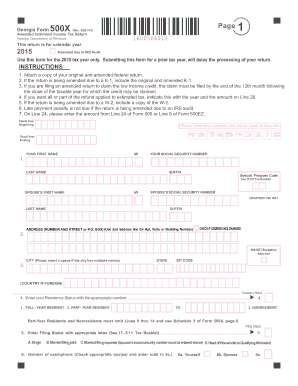
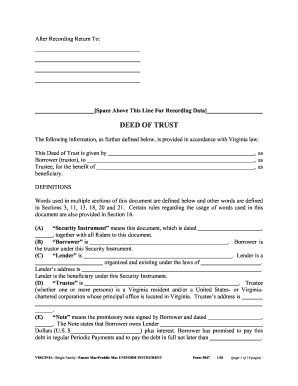
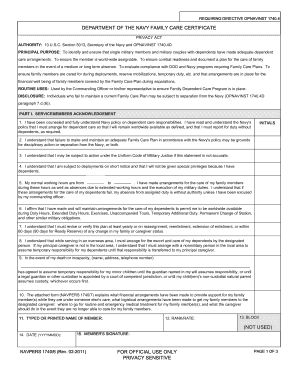
Type text, add images, blackout confidential details, add comments, highlights and more.
02. Sign it in a few clicks
Draw your signature, type it, upload its image, or use your mobile device as a signature pad.
03. Share your form with others
Send it via email, link, or fax. You can also download it, export it or print it out.
How to use or fill out amending petition with our platform
Ease of Setup
DocHub User Ratings on G2
Ease of Use
DocHub User Ratings on G2
Click ‘Get Form’ to open the amending petition in the editor.
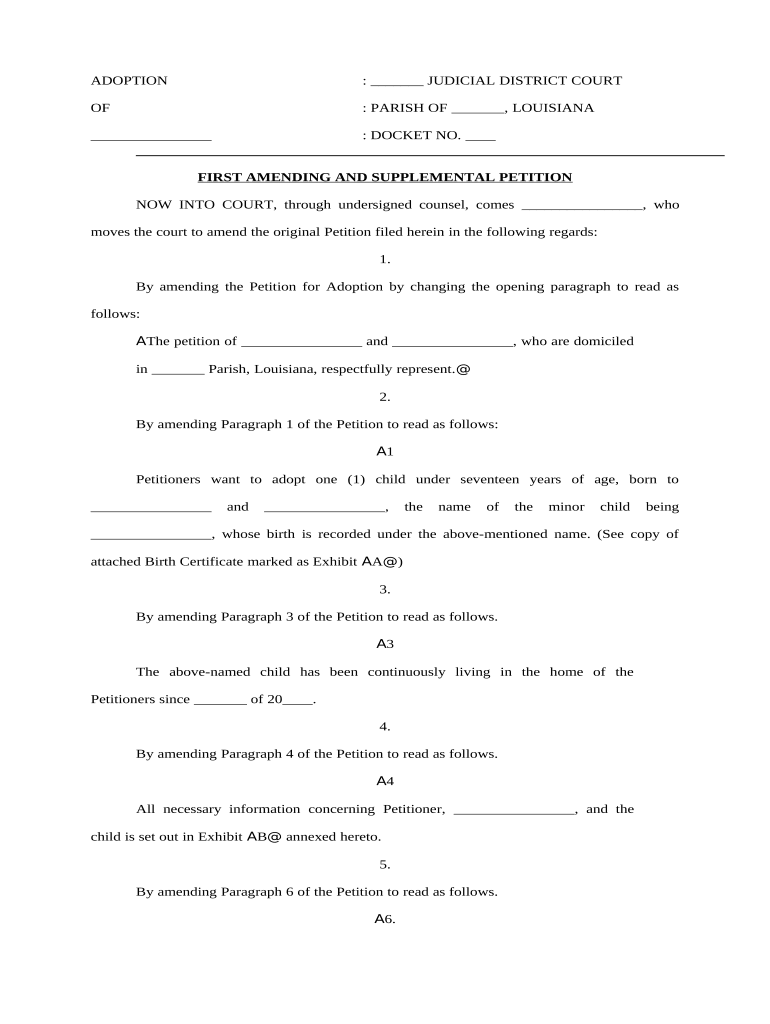
Begin by filling in the names of the petitioners in the opening paragraph. Ensure that you accurately represent their domiciles.
In Paragraph 1, specify the details of the child you wish to adopt, including their name and birth information. Attach a copy of the birth certificate as Exhibit A.
Update Paragraph 3 with the date when the child began living with you, ensuring this reflects your current situation.
Complete Paragraph 4 by providing all necessary information about both petitioners and the child, referencing Exhibit B for additional details.
In Paragraph 6, indicate any requested name changes for the child and confirm consent from relevant parties.
Finally, amend the Prayer section to include requests for service on relevant departments and set a hearing date as per legal requirements.
Start editing your amending petition today for free and streamline your document process!
Rule 15. Amended and Supplemental Pleadings | US Law
A party may amend its pleading once as a matter of course no later than: (A) 21 days after serving it, or (B) if the pleading is one to which a responsiveRead more
Amended and supplemental pleadings. (a) Amendments before trial. (1) Amending as a matter of course. A party may amend its pleading once as a matter ofRead more
Cookie consent notice
This site uses cookies to enhance site navigation and personalize your experience.
By using this site you agree to our use of cookies as described in our Privacy Notice.
You can modify your selections by visiting our Cookie and Advertising Notice.