




Here's how it works

01. Edit your kansas landlord tenant handbook online
Type text, add images, blackout confidential details, add comments, highlights and more.

02. Sign it in a few clicks
Draw your signature, type it, upload its image, or use your mobile device as a signature pad.

03. Share your form with others
Send it via email, link, or fax. You can also download it, export it or print it out.
How to use or fill out kansas landlord tenant with our platform

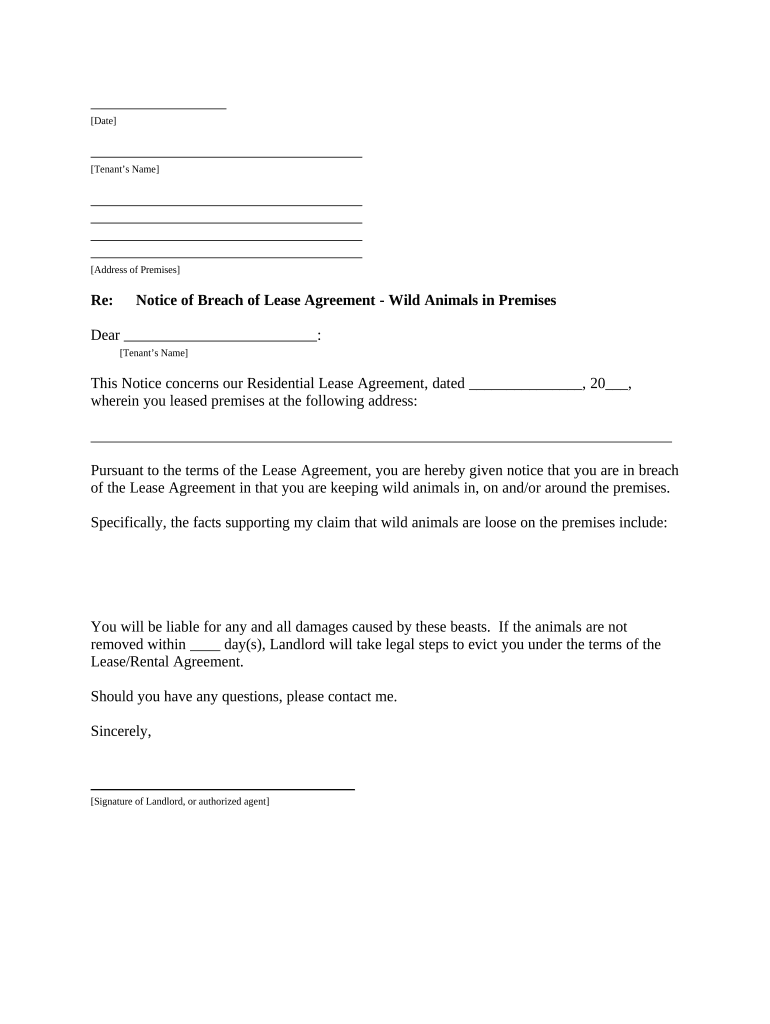
- Click ‘Get Form’ to open the Kansas Landlord Tenant document in the editor.
- Begin by entering the date at the top of the form. This is essential for establishing a timeline regarding the notice.
- Fill in the tenant’s name and address of the premises where the lease agreement is applicable. Ensure accuracy to avoid any confusion.
- In the section labeled 'Re:', repeat the tenant's name for clarity, reinforcing who this notice concerns.
- Specify the date of your Residential Lease Agreement in the designated space. This helps contextualize your notice.
- Clearly outline the breach of lease, detailing that wild animals are present on or around the premises. Provide specific facts if possible.
- Indicate how many days you are allowing for removal of these animals before legal action may be taken.
- Sign and print your name at the bottom as either landlord or authorized agent, ensuring it is legally binding.
- Complete the Proof of Delivery section by checking how you delivered this notice to ensure proper documentation.
Start using our platform today to streamline your document editing and signing process for free!
Fill out kansas landlord tenant online
It's free
Security and compliance
At DocHub, your data security is our priority. We follow HIPAA, SOC2, GDPR, and other standards, so you can work on your documents with confidence.
Learn more


Related forms
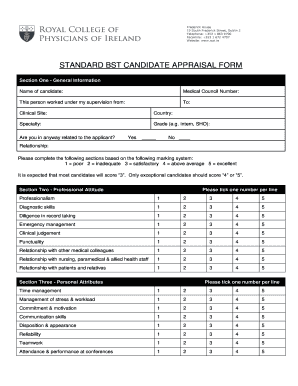
Bst appraisal form
The document is a Standard BST Candidate Appraisal Form used for evaluating medical candidates in Dublin. It includes se ...

Walkenhorst
The document outlines the ordering process for Walkenhorst's Family Visit Food Package, including various methods of pla ...
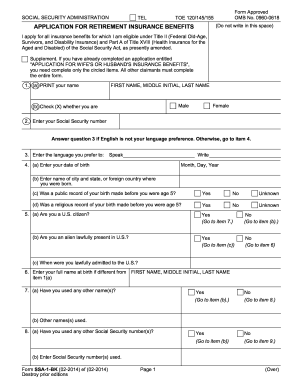
1 form ssa 2014
The document is an application form for retirement insurance benefits from the Social Security Administration. It collec ...
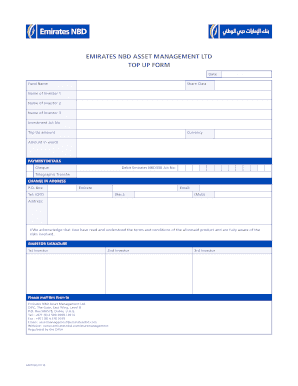
Emirates nbd forms
The document is a Top Up Form for Emirates NBD Asset Management Ltd, allowing investors to add funds to their investment ...

Access arkansas
The document provides information on the application process for the Supplemental Nutrition Assistance Program (SNAP) an ...