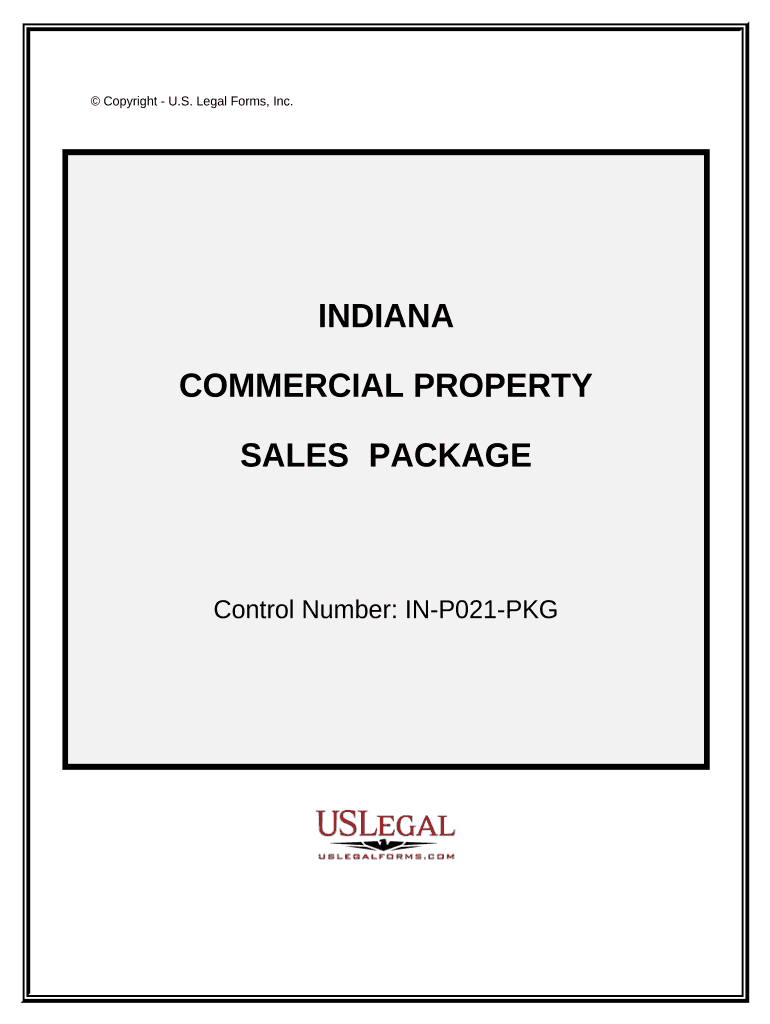
Commercial Property Sales Package - Indiana 2026

Get Form
Commercial Property Sales Package - Indiana Preview on Page 1

Here's how it works

01. Edit your form online
Type text, add images, blackout confidential details, add comments, highlights and more.
02. Sign it in a few clicks
Draw your signature, type it, upload its image, or use your mobile device as a signature pad.
03. Share your form with others
Send it via email, link, or fax. You can also download it, export it or print it out.

How to use or fill out Commercial Property Sales Package - Indiana

Form edit decoration
9.5
Ease of Setup
DocHub User Ratings on G2
9.0
Ease of Use
DocHub User Ratings on G2
  1. Click ‘Get Form’ to open the Commercial Property Sales Package in our editor.
  2. Begin with the 'Contract for the Sale and Purchase of a Commercial Lot or Land'. Fill in details such as property condition, earnest money, and utilities. Ensure all fields are completed accurately.
  3. Next, proceed to the 'Option for the Sale and Purchase of a Commercial Building'. This section allows you to specify your exclusive option terms. Be clear about your intentions here.
  4. Continue with the 'Addendum for Environmental Assessment'. Here, indicate if inspections will be conducted and note any potential issues that may arise regarding endangered species or wetlands.
  5. For the 'Exchange Addendum', ensure you understand Section 1031 requirements. Fill out this section carefully to facilitate tax-free exchanges.
  6. Finally, review all sections for completeness before saving your document. Utilize our platform's features to sign and distribute your forms seamlessly.

Start using our platform today to streamline your commercial property transactions effortlessly!

be ready to get more

Complete this form in 5 minutes or less

Get form

Got questions?

We have answers to the most popular questions from our customers. If you can't find an answer to your question, please contact us.
Contact us

Approving paperwork on a mobile device is fast, straightforward, and doesn’t require software installation if you have an account with DocHub. Sign in from any browser, fill in your blank fields with your information, and click on Sign → Create your signature. You can draw your electronic signature the same way you usually do on paper, add its image to your Commercial Property Sales Package - Indiana, or type in your name and stylize its look. Whatever option you choose, your paperwork will be valid.

When you edit your Commercial Property Sales Package - Indiana with DocHub, you only require a stable internet connection and virtually any web browser installed on your device. No need to set up any third-party applications or research tutorials. Just open a tab with DocHub, drag and drop your file, and edit it on the spot.

Security and compliance

At DocHub, your data security is our priority. We follow HIPAA, SOC2, GDPR, and other standards, so you can work on your documents with confidence.

Learn more
ccpa2
pci-dss
gdpr-compliance
hipaa
soc-compliance
be ready to get more

Complete this form in 5 minutes or less

Get form