Illinois trust 2026

Get Form
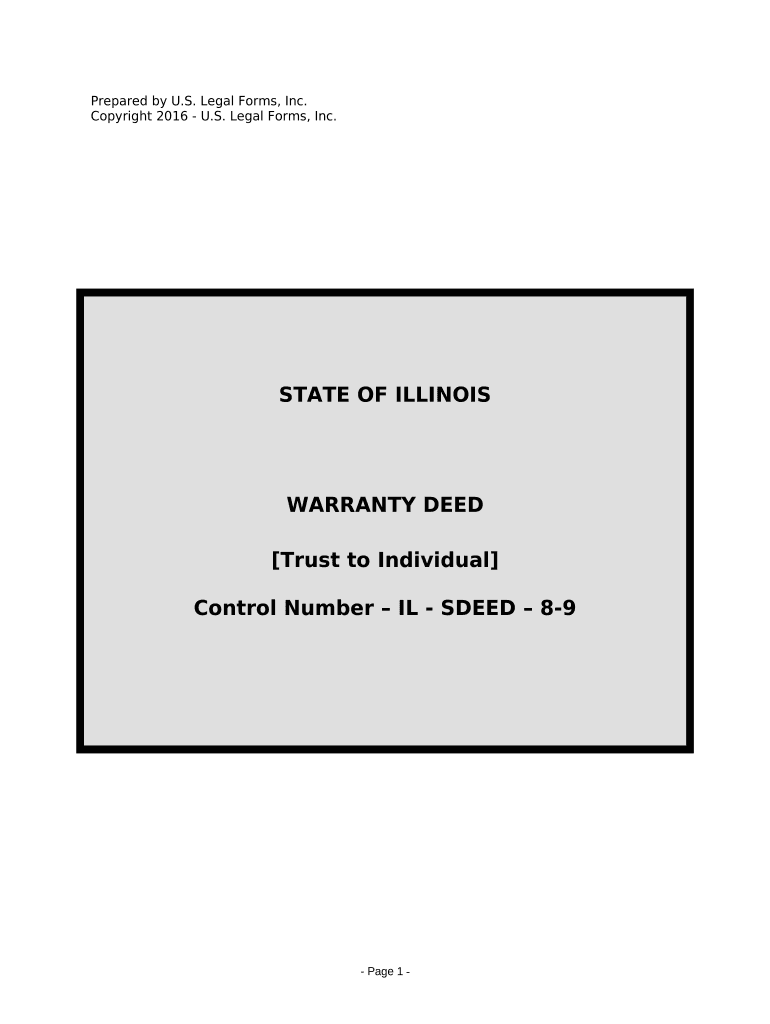
illinois trust Preview on Page 1

Here's how it works

01. Edit your form online
Type text, add images, blackout confidential details, add comments, highlights and more.
02. Sign it in a few clicks
Draw your signature, type it, upload its image, or use your mobile device as a signature pad.
03. Share your form with others
Send it via email, link, or fax. You can also download it, export it or print it out.

How to use or fill out Illinois Trust with our platform

Form edit decoration
9.5
Ease of Setup
DocHub User Ratings on G2
9.0
Ease of Use
DocHub User Ratings on G2
  1. Click ‘Get Form’ to open the Illinois Trust document in the editor.
  2. Begin by entering the Grantor's name and title in the designated fields. Ensure that you accurately reflect their role as Trustee under the Trust Agreement.
  3. Fill in the date of the Trust Agreement and the name of the Trust. This information is crucial for legal clarity.
  4. Next, specify the Grantee's name and any relevant details about the real estate being conveyed, including its address and Permanent Index Number.
  5. Complete any additional sections regarding appurtenant rights and interests, ensuring all necessary details are included for compliance with Illinois law.
  6. Finally, review all entered information for accuracy before saving or printing your completed document. Use our platform’s features to easily navigate through each field.

Start using our platform today to streamline your document editing and signing process for free!

be ready to get more

Complete this form in 5 minutes or less

Get form

Got questions?

We have answers to the most popular questions from our customers. If you can't find an answer to your question, please contact us.
Contact us
Trusts can be broadly categorized into four main types: Living Trusts, Testamentary Trusts, Revocable Trusts, and Irrevocable Trusts. There are many different types of trusts you can choose from, and understanding how they are different can help you pick the right one for your needs.
This Act applies to any and all trustees, as defined in Section 3, holding property of a value in excess of $4,000. (Source: P.A.
The goal of the TRUST Act is to foster confidence between law enforcement agencies and the states immigrant communities by ensuring that interactions between immigrants and law enforcement do not lead to immigration detention or deportation.
The Illinois Trust Code allows grantors to create a silent trust, thereby waiving the trustees obligation to provide information or accountings to beneficiaries under the age of 30. The grantor can designate a representative to receive this information on behalf of the beneficiary during the silent period.
When 2 or more persons have lands adjoining, each of them shall make and maintain a just proportion of the division fence between them, and if such fence shall be a hedge fence, then the owner or owners of such hedge fence shall, during the year after such hedge has attained the age of 7 years, cut back or trim such

Security and compliance

At DocHub, your data security is our priority. We follow HIPAA, SOC2, GDPR, and other standards, so you can work on your documents with confidence.

Learn more
ccpa2
pci-dss
gdpr-compliance
hipaa
soc-compliance

People also ask

The TRUST Act generally prohibits local law enforcement in Illinois from participating in immigration enforcement.
Is It Better to Have a Will or a Trust in Illinois? Your unique circumstances and needs will determine whether you should use a will, trust, or both. A trust typically provides more flexibility and is ideal for those with complex estates or high-value assets. A will may be more appropriate for simpler estates.
The person who creates the trust is known as the grantor, settlor, or trustor. The persons who receive income or other distributions from the trust are the beneficiaries. A trust, in essence, creates a duty for the person designated as trustee to hold and manage the trust property for the benefit of the

Related links