Civil code 2026

Get Form
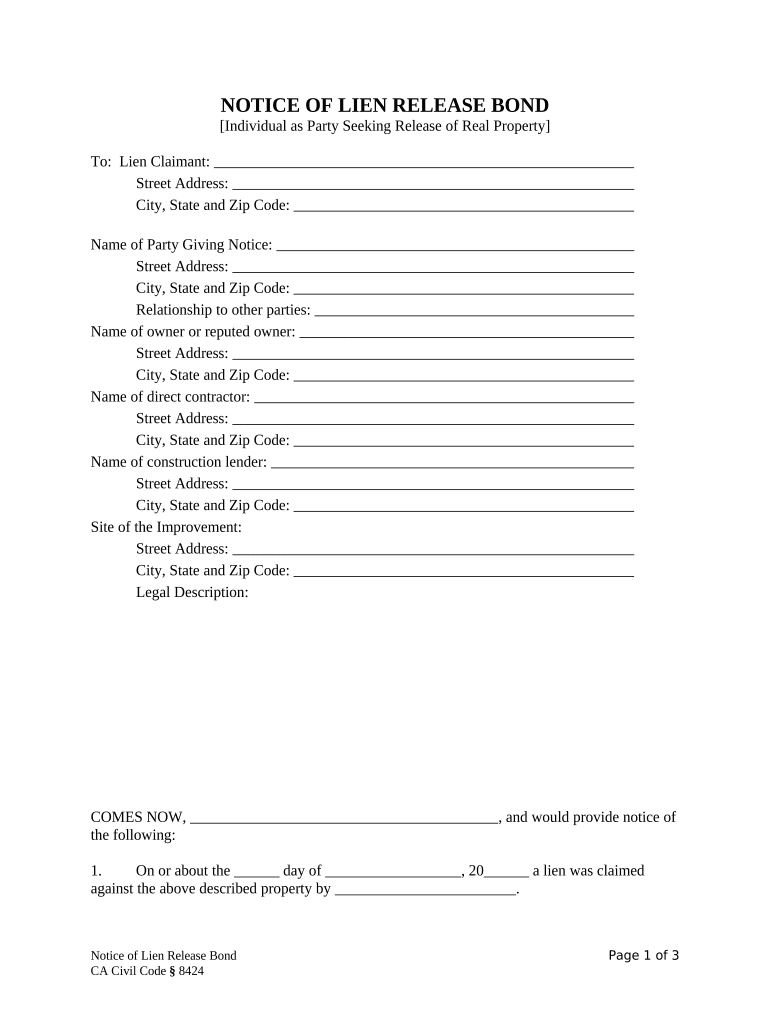
civil code Preview on Page 1

Here's how it works

01. Edit your form online
Type text, add images, blackout confidential details, add comments, highlights and more.
02. Sign it in a few clicks
Draw your signature, type it, upload its image, or use your mobile device as a signature pad.
03. Share your form with others
Send it via email, link, or fax. You can also download it, export it or print it out.

How to Use or Fill Out Civil Code with Our Platform

Form edit decoration
9.5
Ease of Setup
DocHub User Ratings on G2
9.0
Ease of Use
DocHub User Ratings on G2
  1. Click ‘Get Form’ to open the Notice of Lien Release Bond in the editor.
  2. Begin by filling in the 'To: Lien Claimant' section with the claimant's name and address details.
  3. In the 'Name of Party Giving Notice' section, enter your name and address, ensuring accuracy for legal purposes.
  4. Complete the 'Relationship to other parties' field to clarify your connection to the involved parties.
  5. Fill out the property owner's information, including their name and address, followed by details of the direct contractor and construction lender.
  6. Provide a clear description of the site of improvement along with its legal description.
  7. Document the date when a lien was claimed against the property and include details about any bonds executed.
  8. Finally, sign and date the document, ensuring all fields are completed accurately before submission.

Start using our platform today for free to streamline your document editing and signing process!

be ready to get more

Complete this form in 5 minutes or less

Get form

Got questions?

We have answers to the most popular questions from our customers. If you can't find an answer to your question, please contact us.
Contact us
A civil code is a codification of private law relating to contracts, property, family, and obligations. Commonly, a state that has a civil code generally also has a code of civil procedure. In some states with a civil code, some core fields of private law would be codified in a commercial code.
It is the general law that governs family and property relations in the Philippines. It was enacted in 1950, and remains in force to date with some docHub amendments.
The ICC, or Civil Code, refers to a system of laws that originated from the codified Roman Law, specifically the Justinian Code, and governs the relationships between individuals, addressing areas such as commercial law, family law, and torts.
A prominent example of a civil law code is the Napoleonic Code (1804), named after French emperor Napoleon. The Napoleonic code comprises three components: the law of persons. property law, and.
This comprehensive codification of laws emerged from historical influences, including Roman law and the Enlightenments push for systematic legal reforms. The Civil Code enshrines principles such as equality before the law and property rights, reflecting the revolutionary ideals of its time.

Security and compliance

At DocHub, your data security is our priority. We follow HIPAA, SOC2, GDPR, and other standards, so you can work on your documents with confidence.

Learn more
ccpa2
pci-dss
gdpr-compliance
hipaa
soc-compliance