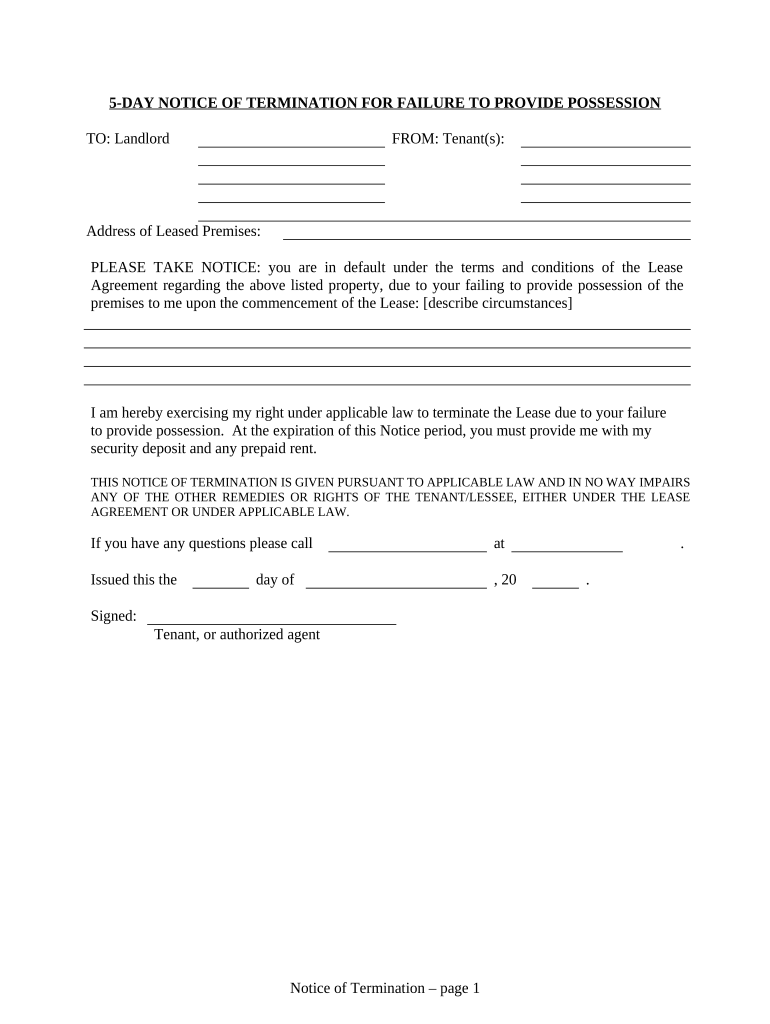
5 day notice template5-day notice to Vacate az5-day notice to pay rent5-day notice to quit5-day notice to pay or quit5 day notice california5-Day Notice to Vacate az template5-day notice Cook County
Security and compliance
At DocHub, your data security is our priority. We follow HIPAA, SOC2, GDPR, and other standards, so you can work on your documents with confidence.
In a non-payment of rent case, the first written notice from the landlord to the tenant is a 5 day. Pay-or-Quit Notice (14 days for public housing). Notice wasRead more
There is a 5 day grace period, if that grace period ends on a weekend itll extend to the following Monday. After that there will be a $20 late fee and $10Read more
Cookie consent notice
This site uses cookies to enhance site navigation and personalize your experience.
By using this site you agree to our use of cookies as described in our Privacy Notice.
You can modify your selections by visiting our Cookie and Advertising Notice.