Warranty Deed from a Trust to a Trust - Arizona 2026

Get Form
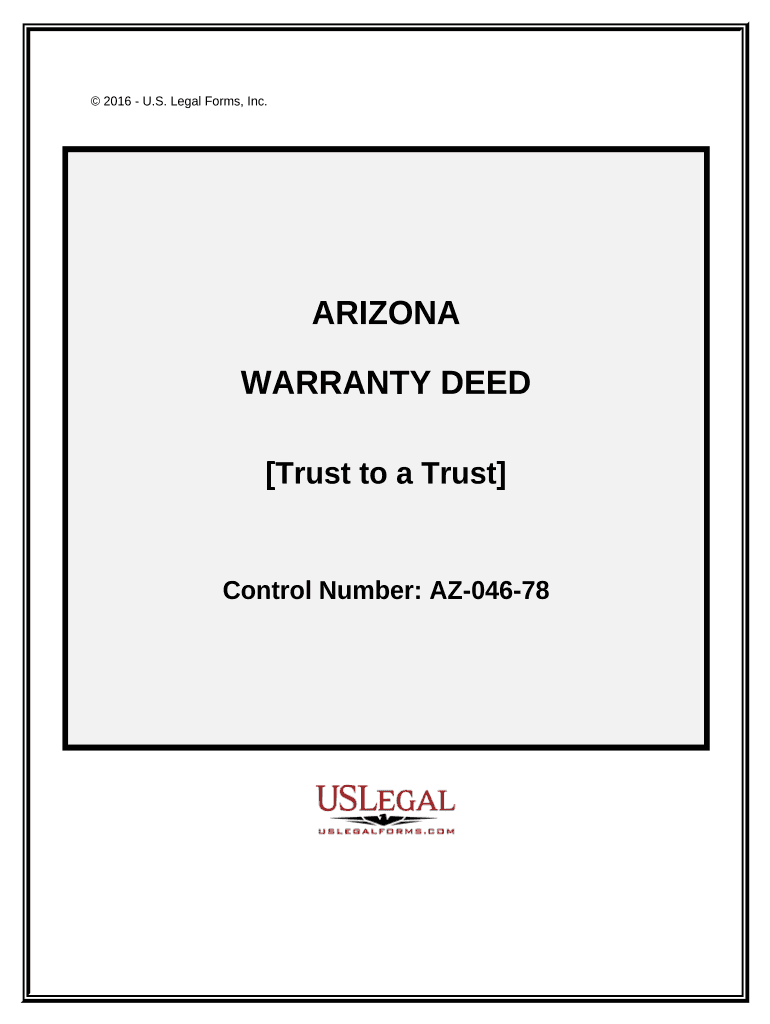
Warranty Deed from a Trust to a Trust - Arizona Preview on Page 1

Here's how it works

01. Edit your form online
Type text, add images, blackout confidential details, add comments, highlights and more.
02. Sign it in a few clicks
Draw your signature, type it, upload its image, or use your mobile device as a signature pad.
03. Share your form with others
Send it via email, link, or fax. You can also download it, export it or print it out.

How to use or fill out Warranty Deed from a Trust to a Trust - Arizona

Form edit decoration
9.5
Ease of Setup
DocHub User Ratings on G2
9.0
Ease of Use
DocHub User Ratings on G2
  1. Click ‘Get Form’ to open it in the editor.
  2. Begin by filling in the Grantor's information, including the name of the trust and the trustee's details. Ensure accuracy as this establishes ownership.
  3. Next, provide the Grantee's information, mirroring the format used for the Grantor. This section identifies who is receiving the property.
  4. In the legal description section, attach Exhibit A that outlines the property details. This is crucial for clarity on what is being transferred.
  5. Complete any necessary exemptions by referencing Exhibit B, which lists title exceptions that may apply.
  6. Finally, ensure all signatures are obtained from trustees and notarized as required. This step validates the deed legally.

Start using our platform today to streamline your document editing and signing process for free!

be ready to get more

Complete this form in 5 minutes or less

Get form

Got questions?

We have answers to the most popular questions from our customers. If you can't find an answer to your question, please contact us.
Contact us
Like a mortgage, a trust deed makes a piece of real property security (collateral) for a loan. If the loan is not repaid on time, the lender can foreclose on and sell the property and use the proceeds to pay off the loan.
A warranty deed ensures a buyer that the property is owned by the seller and can be sold without any encumbrances. A deed of trust is used in certain states and represents a buyers guarantee with their lender to repay the property loan as scheduled.
Special Warranty Deed Risks: The limited protection may expose buyers to title issues that arose before the sellers ownership period. This can be risky, especially for older properties or those with a complicated title history.
While a warranty deed protects the buyer, a deed of trust (or trustees deed) is a separate legal document that protects the lender in real estate financing. A deed of trust involves three parties: The borrower (trustor) The lender (beneficiary)
When using a warranty deed, the seller guarantees that the property has no liens against it and the seller holds full ownership, giving them the legal right to transfer it. This type of deed provides protection to the buyer in the form of a warranty by the seller, ensuring there are no issues with the title.

Security and compliance

At DocHub, your data security is our priority. We follow HIPAA, SOC2, GDPR, and other standards, so you can work on your documents with confidence.

Learn more
ccpa2
pci-dss
gdpr-compliance
hipaa
soc-compliance

People also ask

A trustee deed offers no such warranties about the title. A special warranty deed guarantees against title problems that occurred during a sellers ownership period, but not before.
You can get a warranty deed from your real estate agent. The warranty deed should include all the important details surrounding the real estate transaction (names of people involved, appropriate signatures, description of the property, etc.).

Related links