




Here's how it works

01. Edit your form online
Type text, add images, blackout confidential details, add comments, highlights and more.

02. Sign it in a few clicks
Draw your signature, type it, upload its image, or use your mobile device as a signature pad.

03. Share your form with others
Send it via email, link, or fax. You can also download it, export it or print it out.
How to use or fill out Flood Zone Statement and Authorization - Iowa with our platform

- Click ‘Get Form’ to open the Flood Zone Statement and Authorization - Iowa in the editor.
- Begin by entering the property address in the designated field at the top of the form.
- In the 'Statement by Sellers' section, check one of the three options that best describes the flood zone status of your property. Ensure you provide accurate information as per your knowledge.
- If applicable, attach a copy of any survey or Flood Certification form that reflects the property's flood zone status.
- In the 'Statement by Buyers' section, acknowledge that you have been informed about the flood zone status by signing and dating where indicated.
- Complete all address fields for both sellers and buyers, ensuring accuracy for future correspondence.
- Review all entries for completeness and correctness before finalizing your document.
Start using our platform today to fill out your Flood Zone Statement and Authorization - Iowa easily and for free!
Fill out Flood Zone Statement and Authorization - Iowa online
It's free
It's free
Security and compliance
At DocHub, your data security is our priority. We follow HIPAA, SOC2, GDPR, and other standards, so you can work on your documents with confidence.
Learn more


Related forms

City of chicago easy permit
The document is an Easy Permit Application form from the City of Chicago's Department of Buildings, designed for individ ...
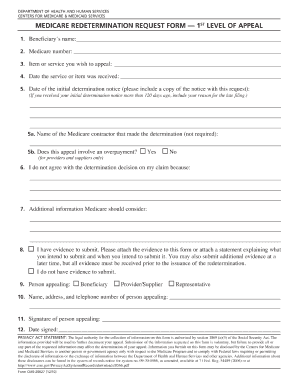
Medicare reconsideration form
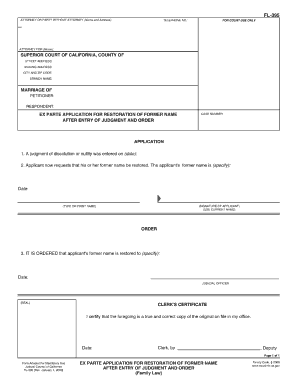
Fl 395
The document FL-395 is an Ex Parte Application for Restoration of Former Name after a judgment of dissolution or nullity ...
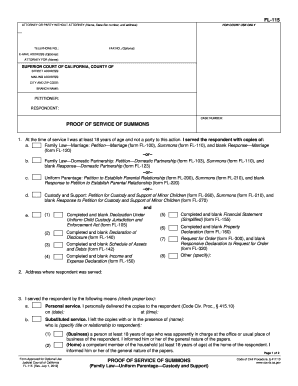
Fl 115 proof of service of summons 2005 form
The document FL-115 is a legal form used in California to provide proof of service of summons in family law cases, inclu ...
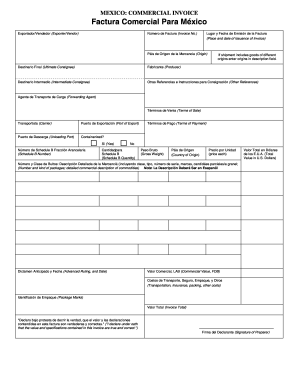
Mexico commercial invoice form
The document is a commercial invoice template for exports to Mexico, detailing necessary information such as exporter an ...
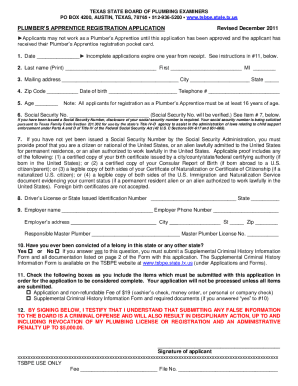
Tsbpe
The document provides essential information regarding the registration process for Plumber's Apprentices in Texas, inclu ...

Mexico visa online application form
The document appears to contain a series of symbols, characters, and fragmented text that do not convey a coherent messa ...
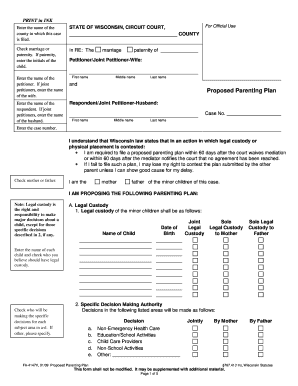
Fa 4147v 2009 form
The document is a Proposed Parenting Plan form used in the State of Wisconsin's Circuit Court for cases involving marria ...