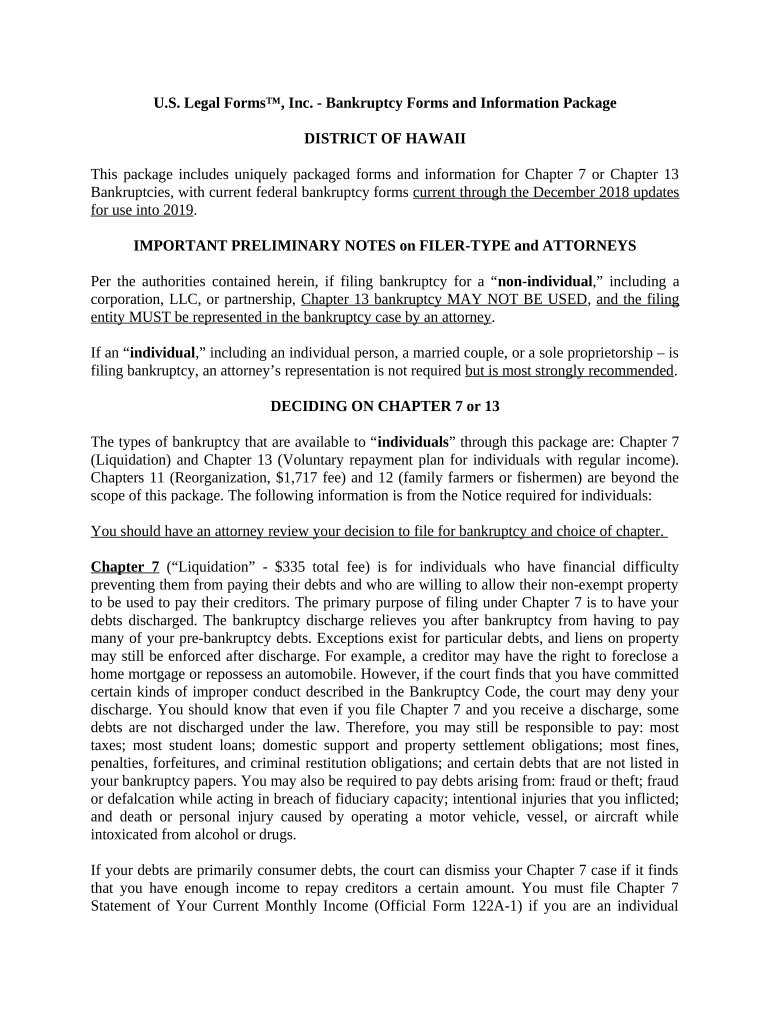
Hawaii bankruptcy 2026

Get Form
hawaii bankruptcy Preview on Page 1

Here's how it works

01. Edit your form online
Type text, add images, blackout confidential details, add comments, highlights and more.
02. Sign it in a few clicks
Draw your signature, type it, upload its image, or use your mobile device as a signature pad.
03. Share your form with others
Send it via email, link, or fax. You can also download it, export it or print it out.

How to use or fill out Hawaii bankruptcy with our platform

Form edit decoration
9.5
Ease of Setup
DocHub User Ratings on G2
9.0
Ease of Use
DocHub User Ratings on G2
  1. Click ‘Get Form’ to open the Hawaii bankruptcy document in the editor.
  2. Begin by selecting the appropriate chapter for your situation: Chapter 7 for liquidation or Chapter 13 for a repayment plan. Ensure you understand the implications of each before proceeding.
  3. Fill out your personal information in the designated fields, including your name, address, and contact details. Accuracy is crucial here.
  4. For Chapter 7, complete the 'Statement of Your Current Monthly Income' (Official Form 122A-1) to determine if you qualify based on your income relative to Hawaii's median income.
  5. If applicable, proceed to fill out the 'Chapter 7 Means Test Calculation' (Official Form 122A-2) to assess your financial situation further.
  6. For Chapter 13 filers, draft a repayment plan outlining how you intend to pay back creditors over time. Include all necessary financial details.
  7. Review all entries carefully for accuracy and completeness before submitting your forms through our platform.

Start using our platform today for free and simplify your Hawaii bankruptcy filing process!

be ready to get more

Complete this form in 5 minutes or less

Get form

Got questions?

We have answers to the most popular questions from our customers. If you can't find an answer to your question, please contact us.
Contact us

Approving documents on a mobile device is quick, straightforward, and doesn’t require software installation when you have an account with DocHub. Log in from any browser, complete your empty fields with your data, and click on Sign → Create your signature. You can draw your electronic signature just as you usually do on paper, add its image to your hawaii bankruptcy, or type in your name and stylize its look. No matter what option you select, your form will be valid.

You need only a web connection and a browser to fill out your hawaii bankruptcy by using an iOS phone. Open the DocHub website and authenticate. Then, add your document or select it from the list in your dashboard. Then use our editing instruments to fill out your form and preserve all your modifications. You may also send it to a specified recipient straight away.

Each of the 94 federal judicial districts handles bankruptcy matters, and in almost all districts, bankruptcy cases are filed in the bankruptcy court.
Collect Your Hawaii Bankruptcy Documents. Filing for bankruptcy requires a lot of paperwork. Take a Credit Counseling Course. Complete the Bankruptcy Forms. Get Your Filing Fee. Print Your Bankruptcy Forms. File Your Forms With the Hawaii Bankruptcy Court. Mail Documents to Your Trustee. Take a Debtor Education Course.

Security and compliance

At DocHub, your data security is our priority. We follow HIPAA, SOC2, GDPR, and other standards, so you can work on your documents with confidence.

Learn more
ccpa2
pci-dss
gdpr-compliance
hipaa
soc-compliance