




01. Edit your rental history form template online
Type text, add images, blackout confidential details, add comments, highlights and more.

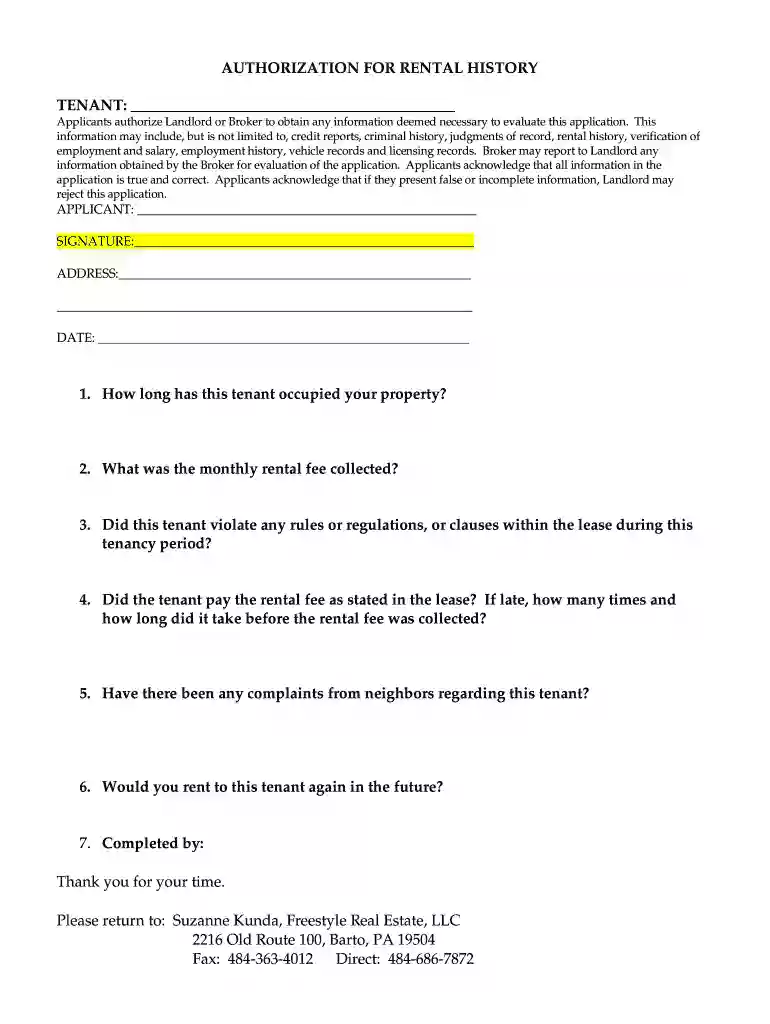
Type text, add images, blackout confidential details, add comments, highlights and more.

Draw your signature, type it, upload its image, or use your mobile device as a signature pad.

Send rental history report form via email, link, or fax. You can also download it, export it or print it out.

Start using our platform today to streamline your document editing and signing process for free!
At DocHub, your data security is our priority. We follow HIPAA, SOC2, GDPR, and other standards, so you can work on your documents with confidence.
This article describes the Non-Returning Users Report, a tool that helps identify students who rented lockers in a previous semester but did not rent one in theRead more
medical records, and rental history records). Here is a summary of your major rights under the FCRA. For more information, including information about


