




Here's how it works



How to use or fill out separation worksheet pdf with our platform

- Click ‘Get Form’ to open the separation worksheet PDF in the editor.
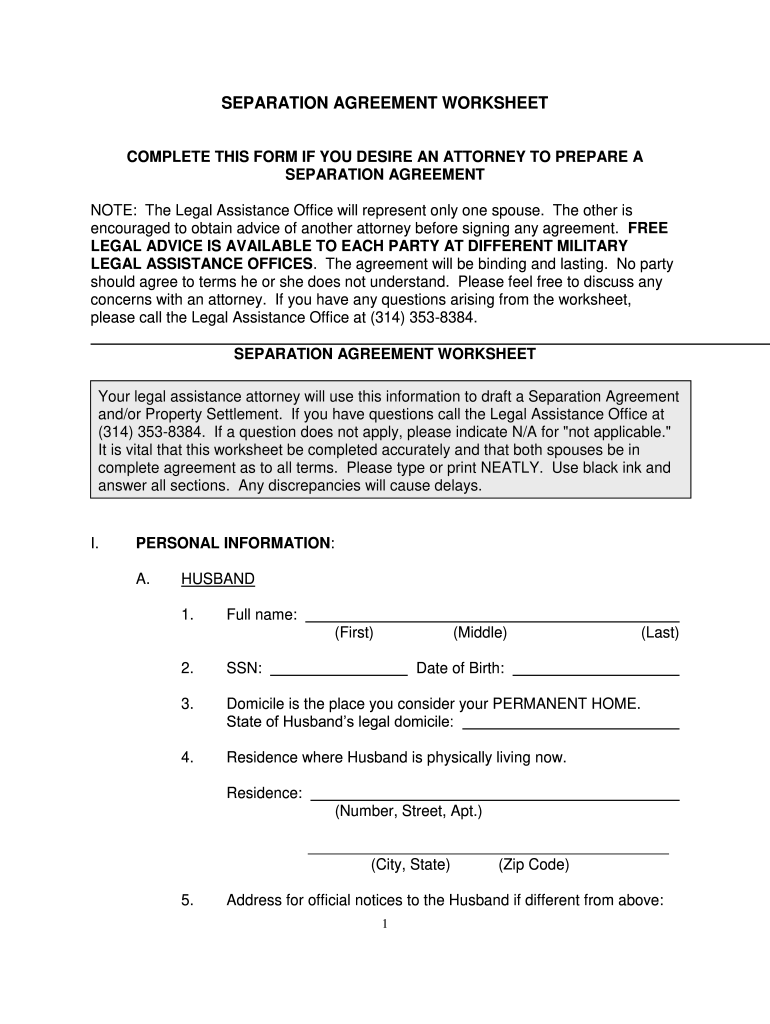
- Begin by filling out the 'Personal Information' section. Enter the full names, Social Security Numbers, and dates of birth for both spouses. Ensure accuracy as this information is crucial.
- Proceed to the 'Marriage' section. Input the date and place of marriage, along with the total time married. This establishes important context for your agreement.
- In the 'Separation' section, specify the date of separation and indicate whether this separation is intended to be permanent. This helps clarify intentions moving forward.
- Complete sections regarding children, custody, visitation, and support if applicable. Provide detailed information about each child, including their names and custody arrangements.
- Finally, review all entries for accuracy before saving or exporting your completed form. Utilize our platform's features to ensure a smooth editing experience.
Start using our platform today to easily fill out your separation worksheet PDF for free!
It's free
Got questions?
Can I use DocHub to generate legal electronic signatures on my separation worksheet pdf?
Yes, you can use DocHub for signing any business and private documentation, including your separation worksheet pdf. All electronic signatures you generate with our service are legally binding and court-admissible, as DocHub complies with criteria required by ESIGN and UETA. Save your accomplished paperwork with a detailed Audit Trail if needed.
Can I edit separation techniques worksheet on my phone?
As a comprehensive document modifying service, DocHub is available on smart phones. Open DocHub in your choice of mobile internet browser and employ our smart mobile-friendly toolset to complete your separation techniques worksheet.
What are the 5 separation techniques?
Can you give 2/3 examples of ways of mixture separation?
What are examples of separating mixtures in everyday life?
Security and compliance
At DocHub, your data security is our priority. We follow HIPAA, SOC2, GDPR, and other standards, so you can work on your documents with confidence.
Learn more


