




01. Edit your form online
Type text, add images, blackout confidential details, add comments, highlights and more.

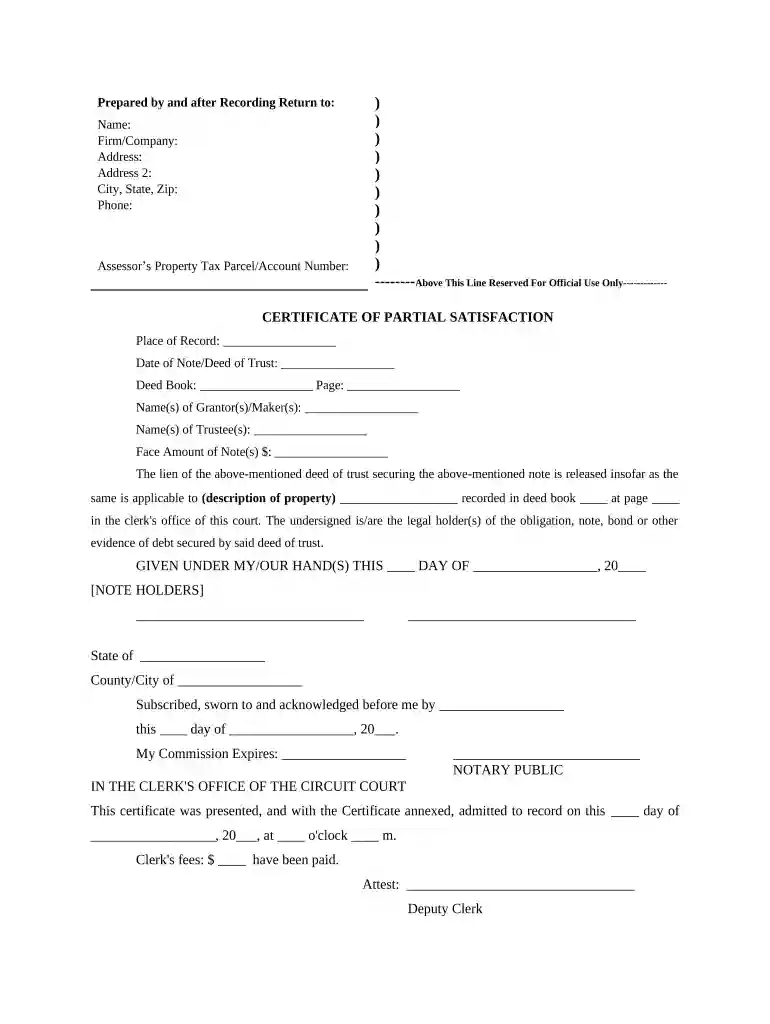
Type text, add images, blackout confidential details, add comments, highlights and more.

Draw your signature, type it, upload its image, or use your mobile device as a signature pad.

Send it via email, link, or fax. You can also download it, export it or print it out.

Start using our platform today to easily complete your property deed trust for free!
At DocHub, your data security is our priority. We follow HIPAA, SOC2, GDPR, and other standards, so you can work on your documents with confidence.




A deed of trust, on the other hand, involves three parties: the borrower (trustor), the lender (beneficiary), and a neutral third party known as the trustee.
A deed of trust involves three parties: a lender, a borrower, and a trustee. The lender gives the borrower money. In exchange, the borrower gives the lenderRead more
This research guide contains information and resources related to deeds of trust in Texas. Deeds of trusts are a deed conveying title to real property to aRead more


